Delete an unpaid invoice
Login to Paycove
1. Check that there are no pending ACH payments!! Click Settings
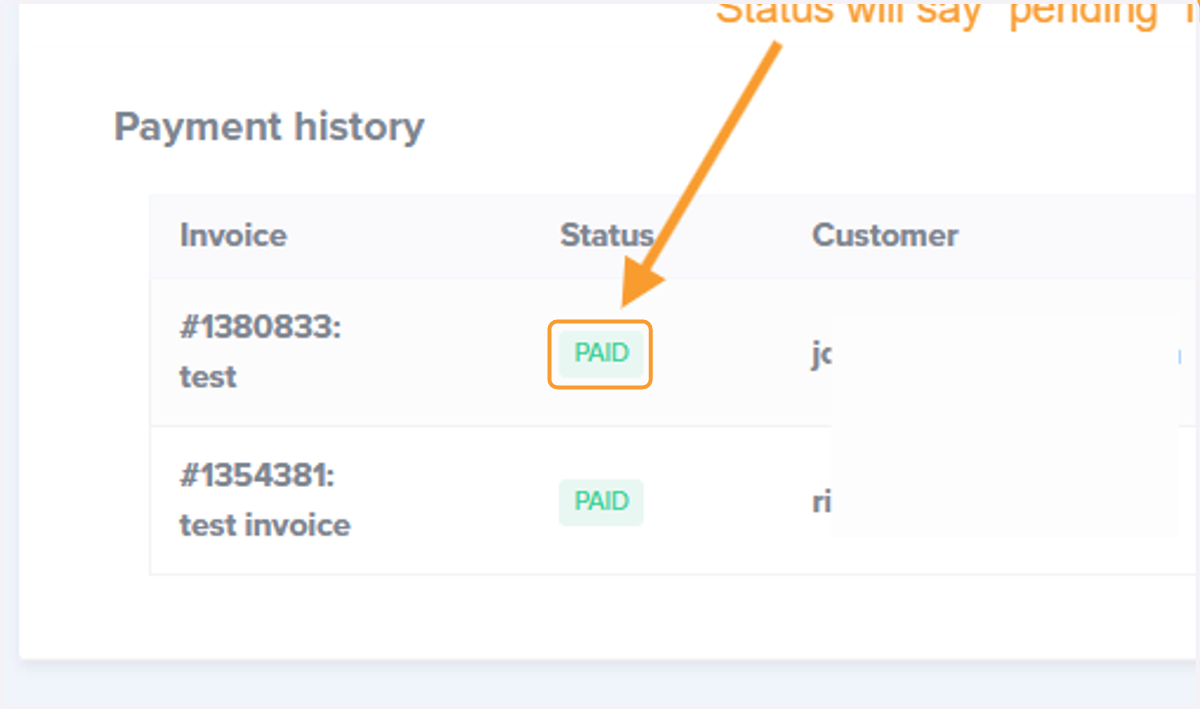
If an ACH invoice is deleted, it will not update DACdb or ImembersDB when it settles, so you want to make sure none of the unpaid invoices are pending ACH payments
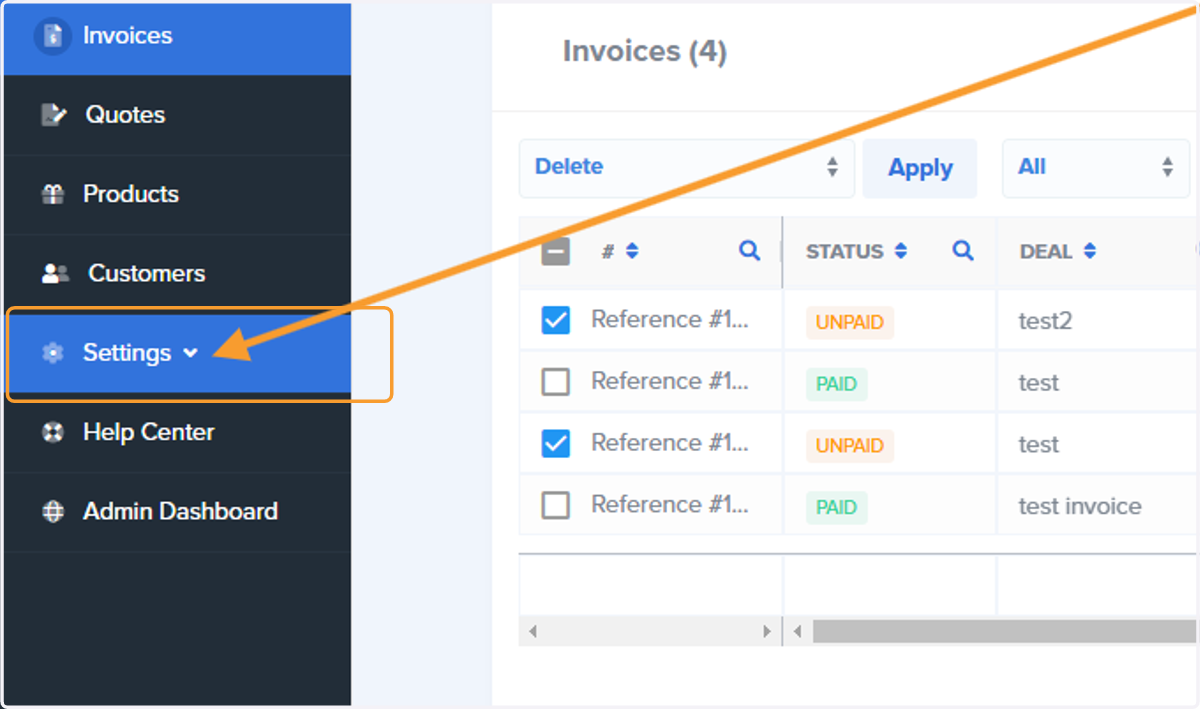
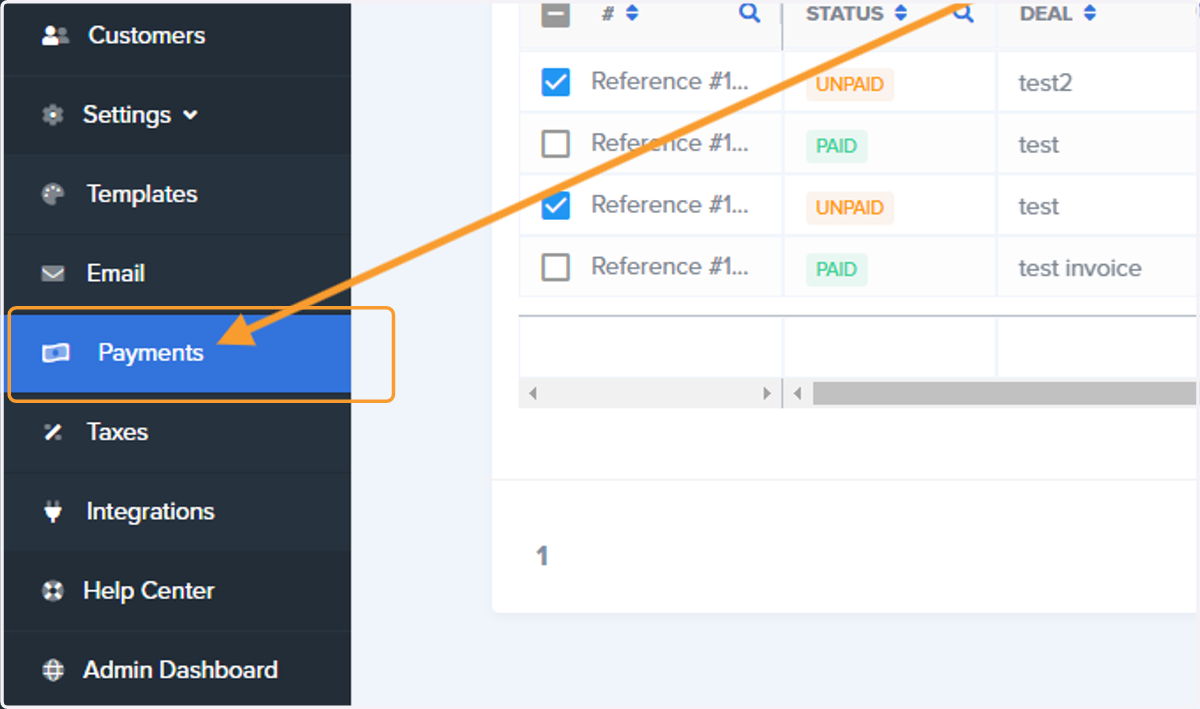
2. Click on Payments
3. Scroll down to look for any Status that reads "unpaid" in blue
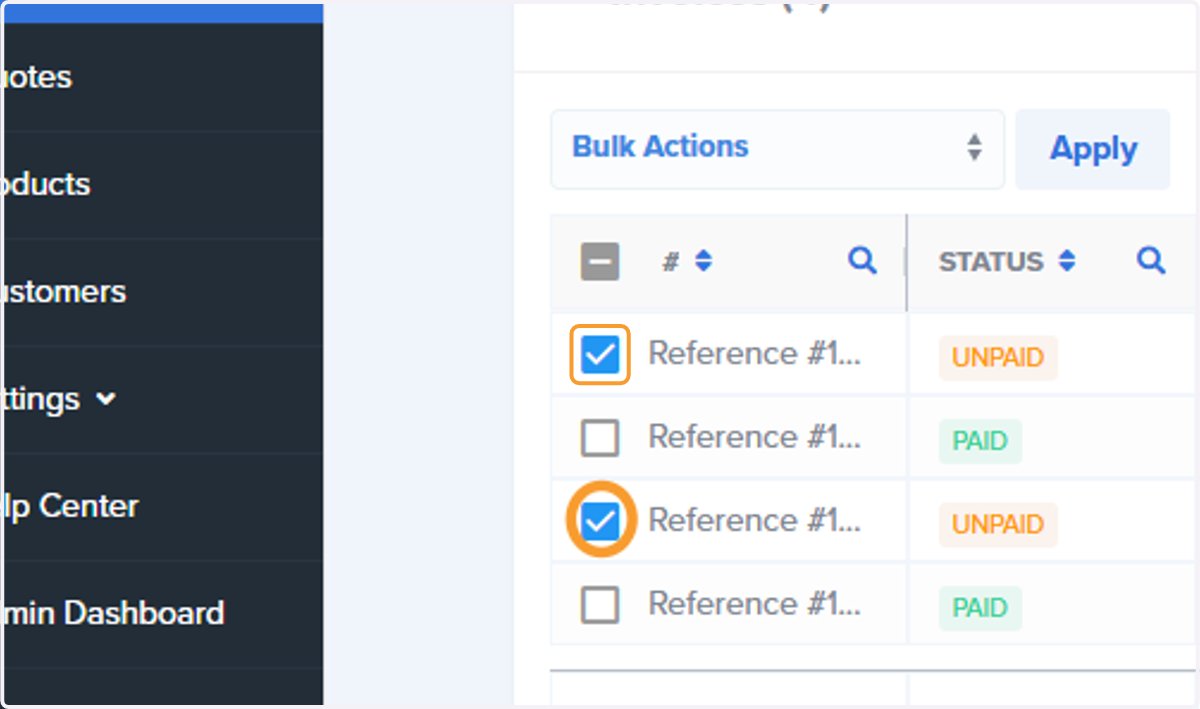
4. Check any invoices you wish to delete
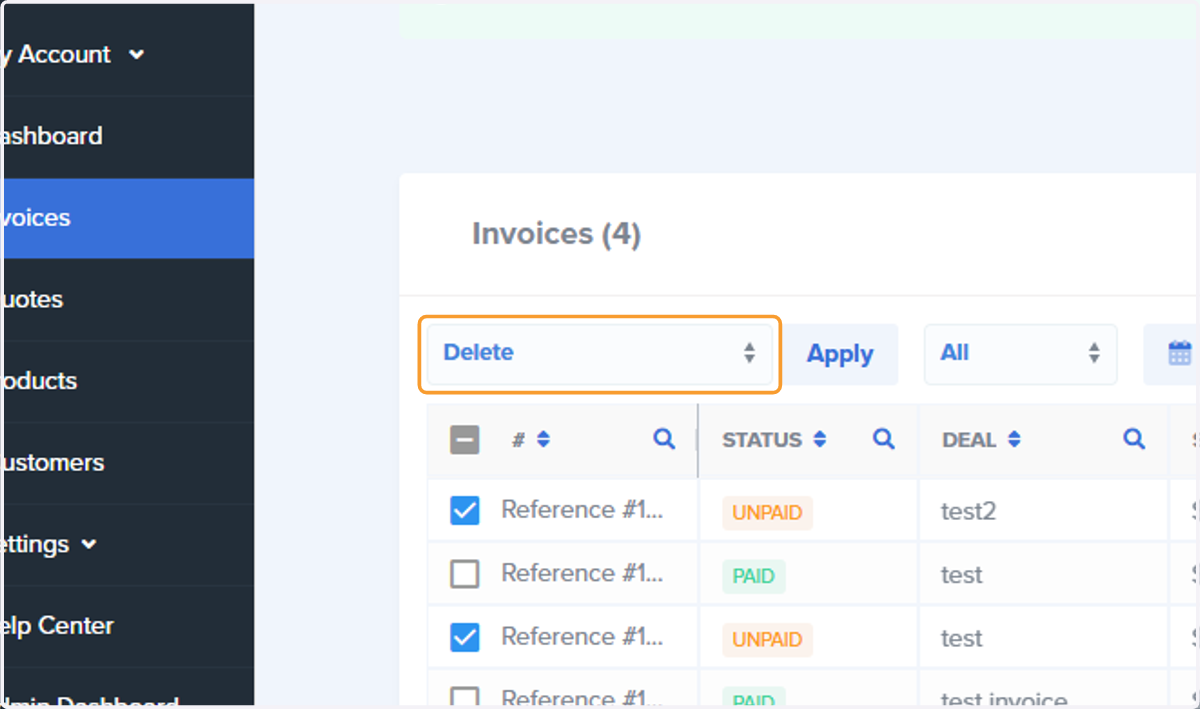
5. Bulk Actions - Select Delete from the dropdown
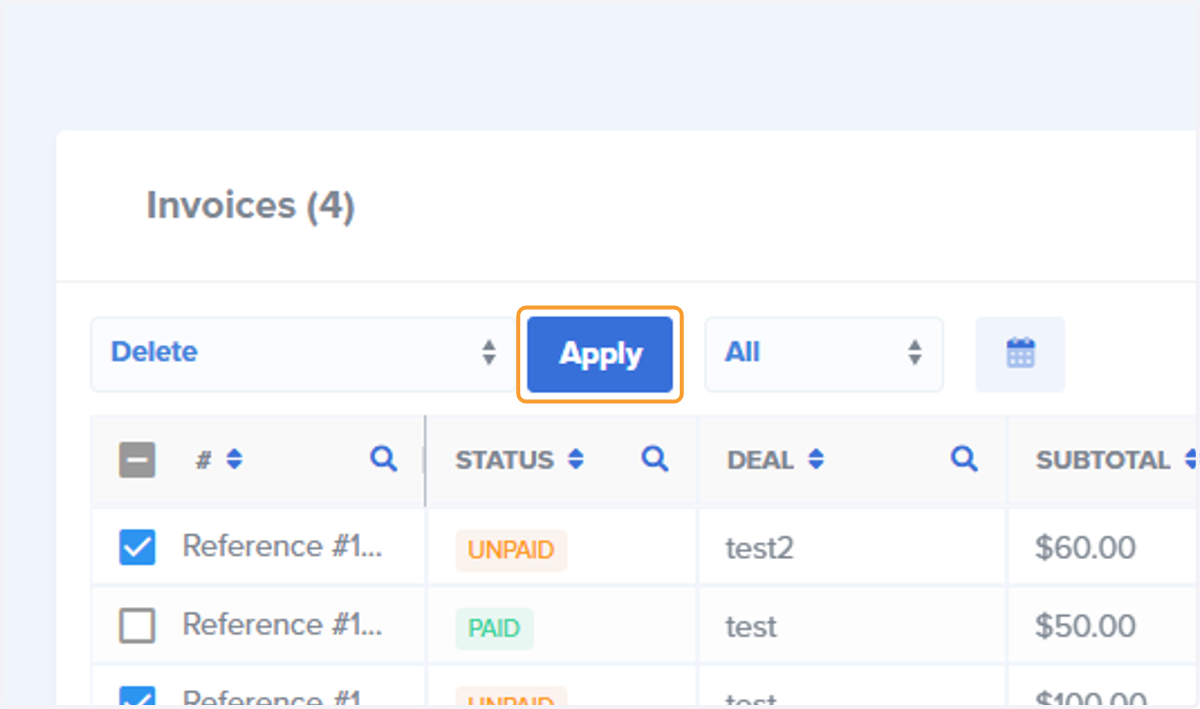
6. Click on Apply
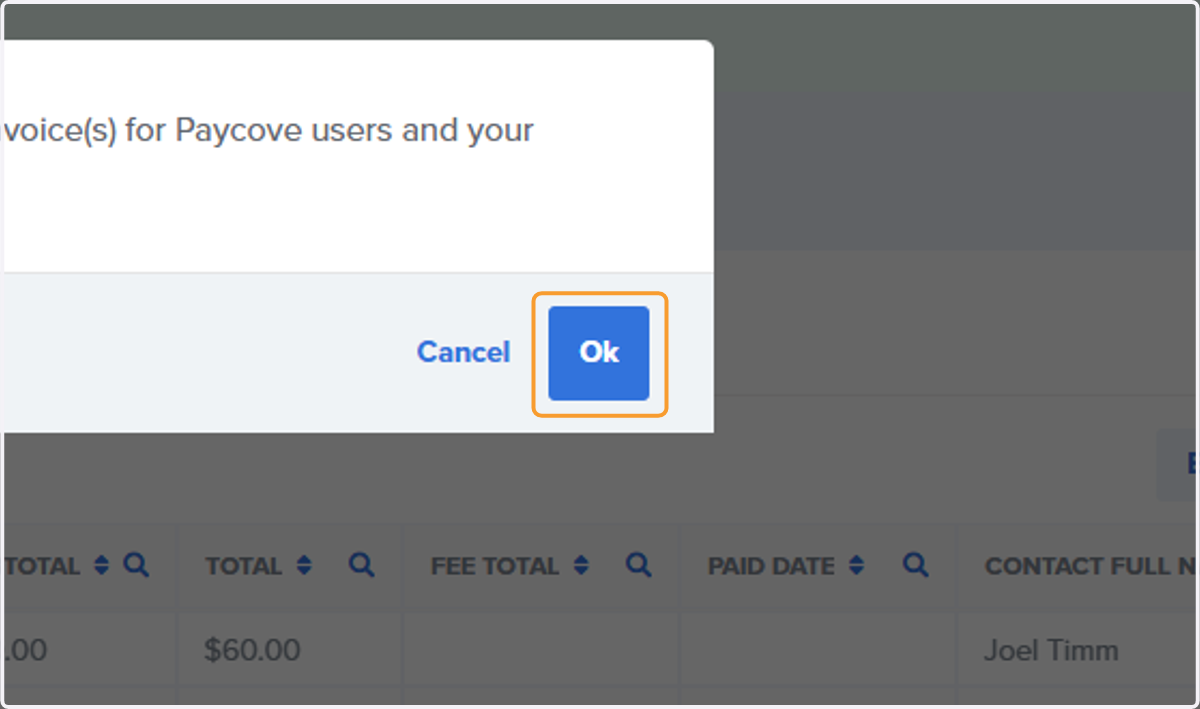
7. Click on Ok to Permanently Delete