ConnectWise Asio
Asio Dashboard
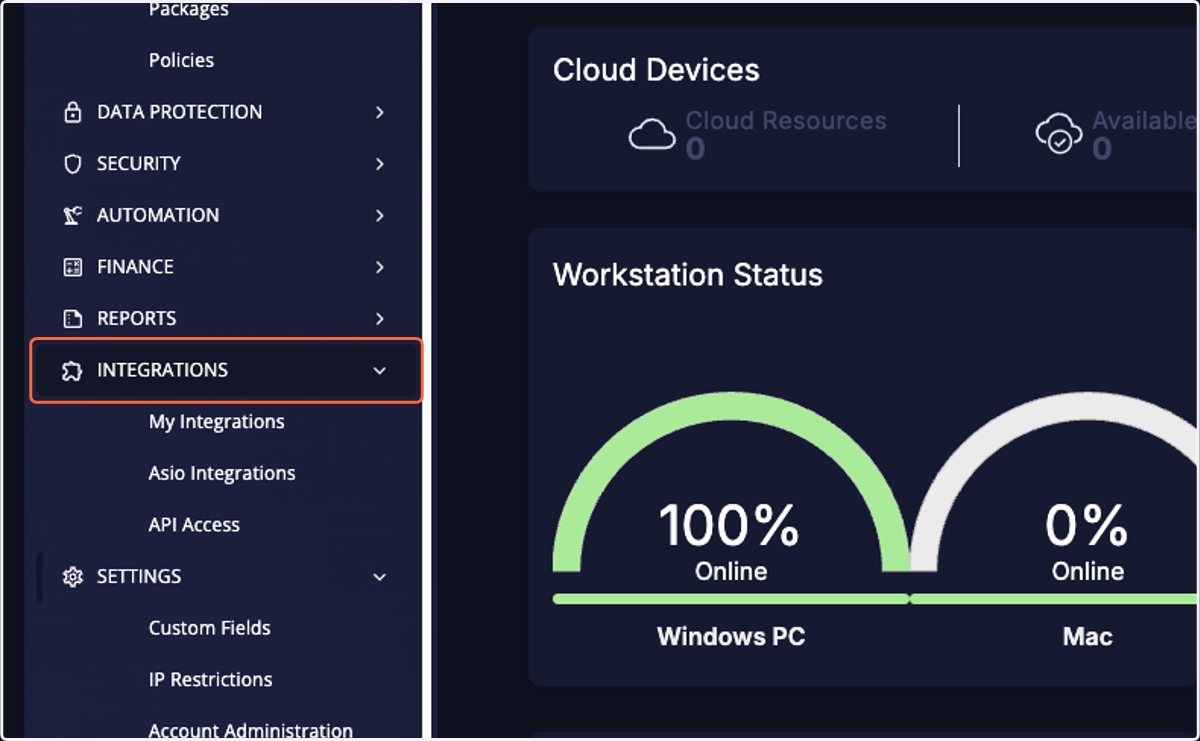
1. Click on INTEGRATIONS
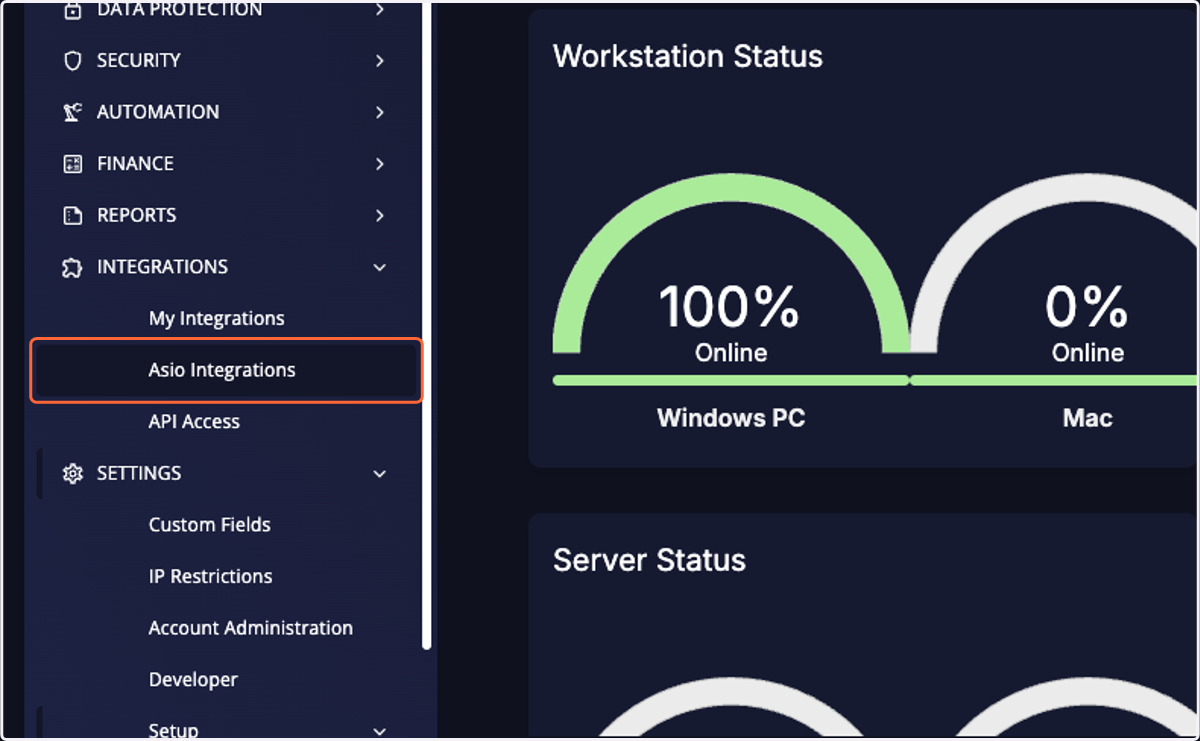
2. Click on Asio Integrations
3. Find "Cork Protection Inc" and click the 3-dot dropdown
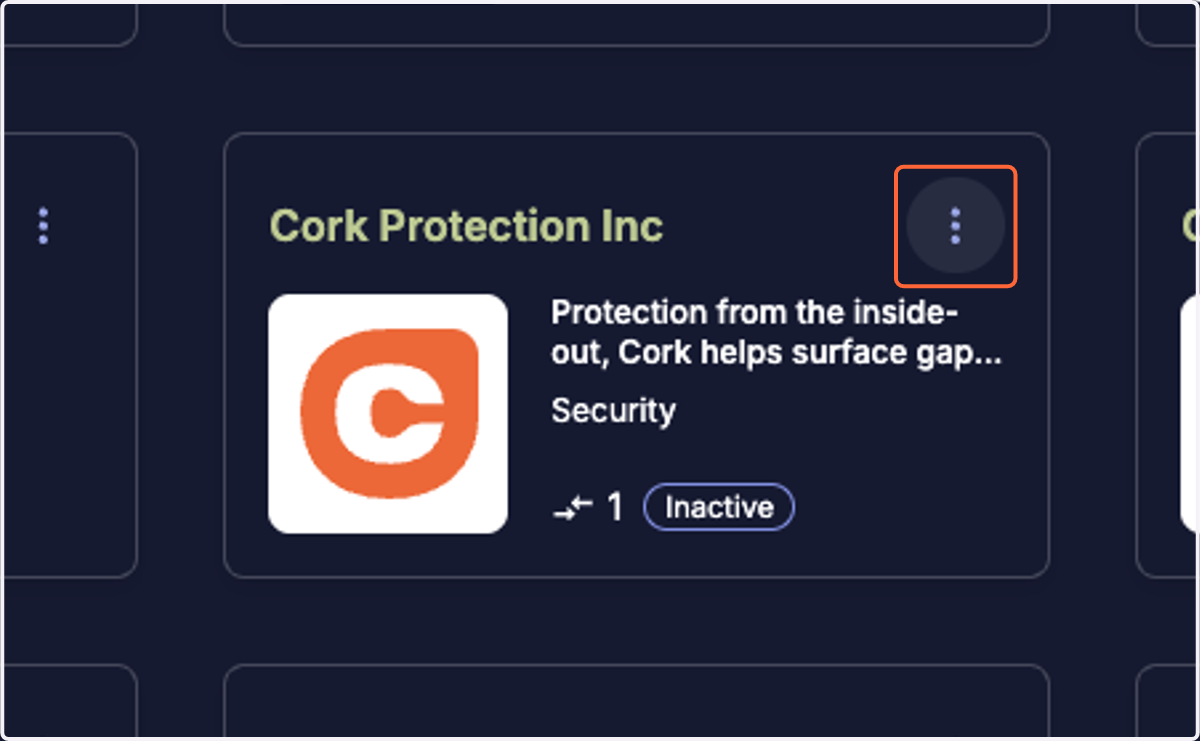
4. Click on Integrate
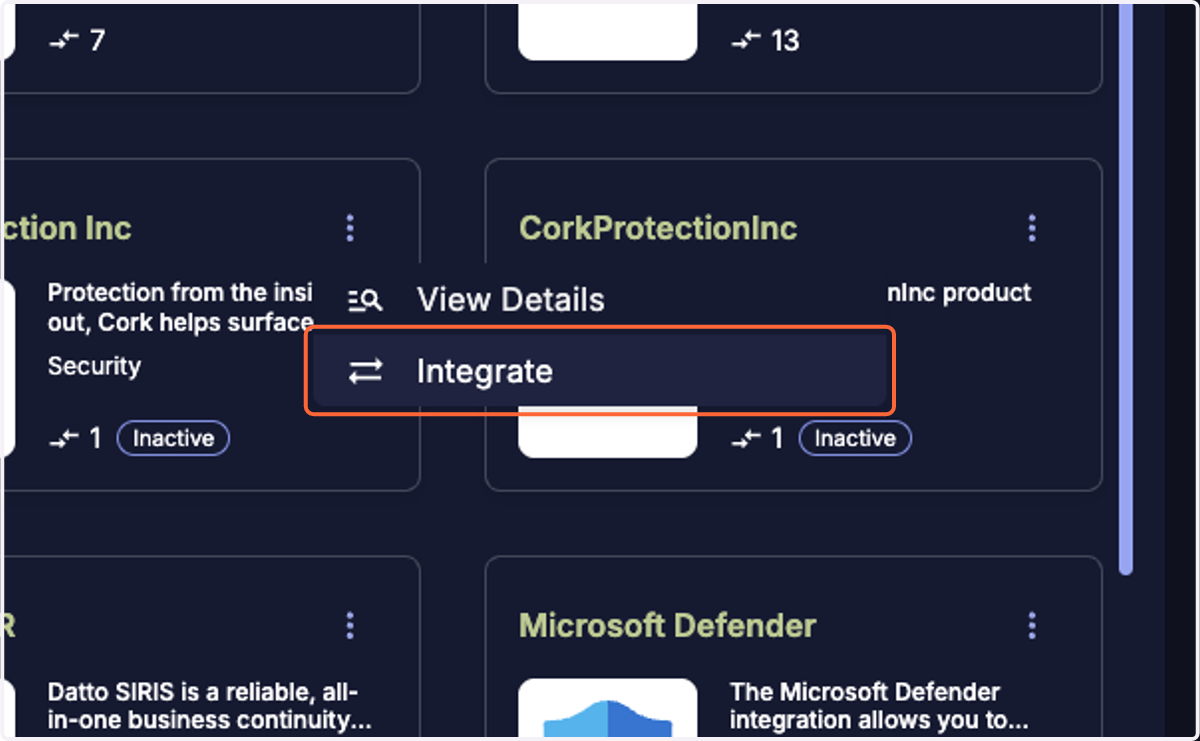
5. Click on Generate
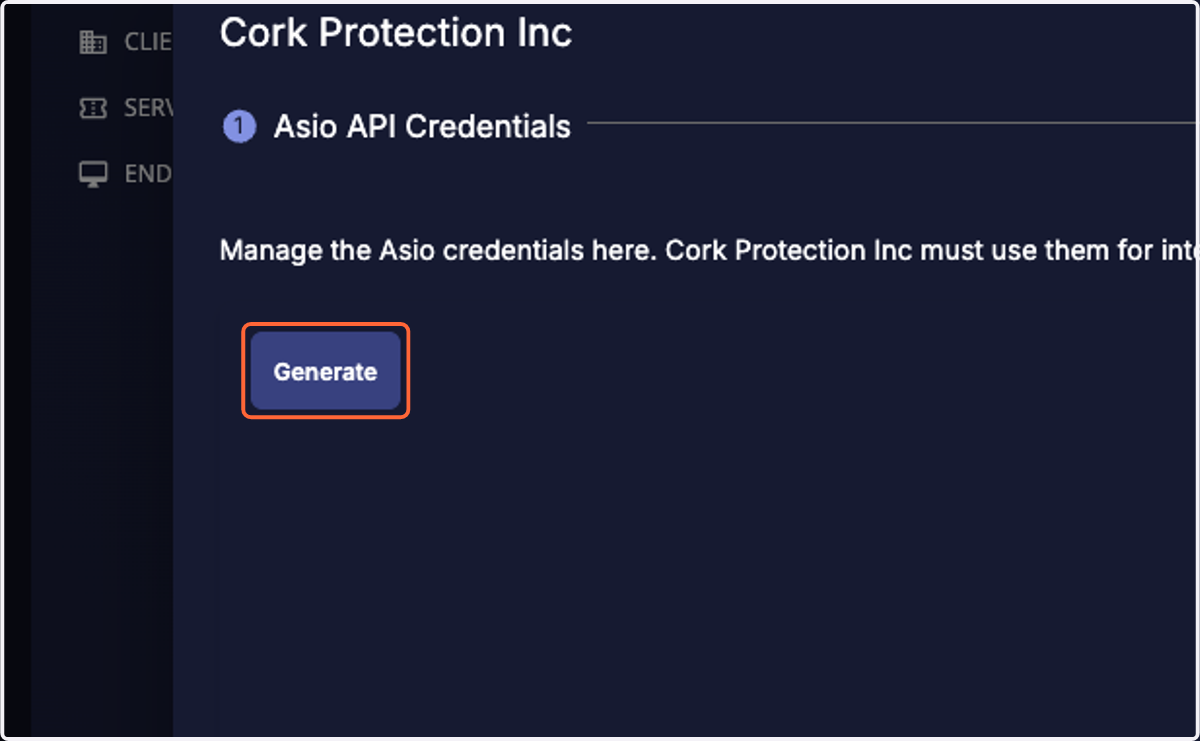
6. Copy the client ID
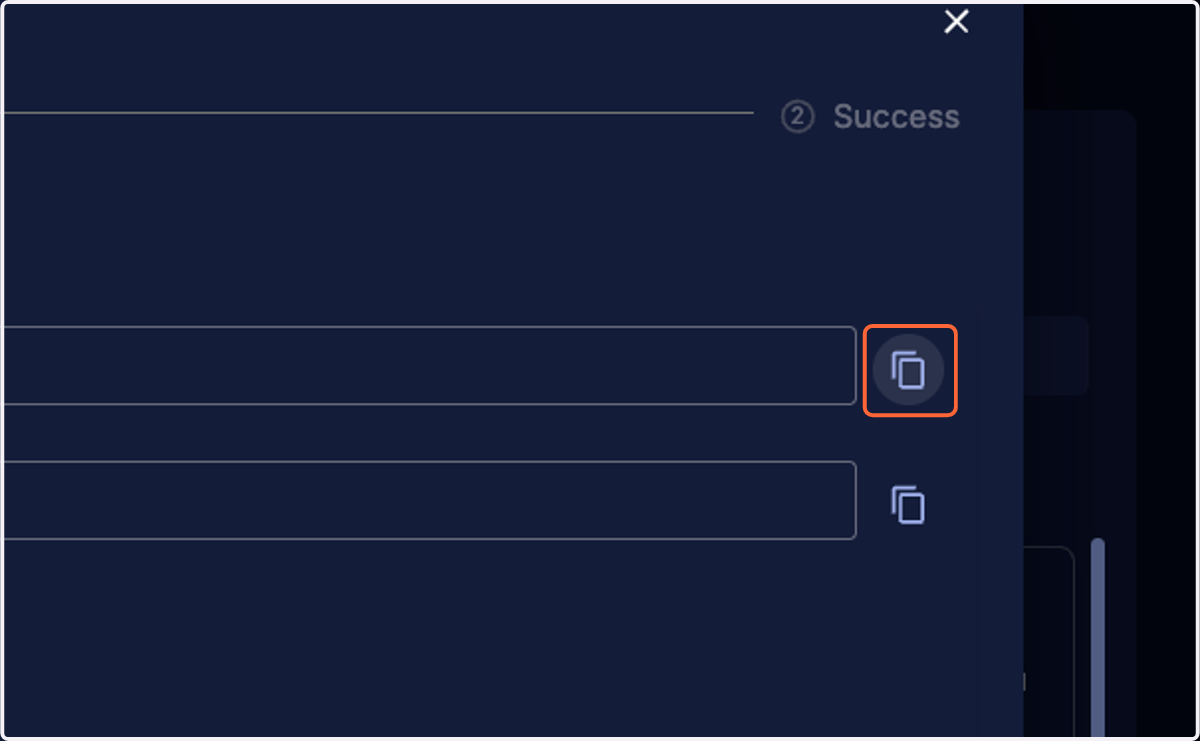
Cork - Integrations
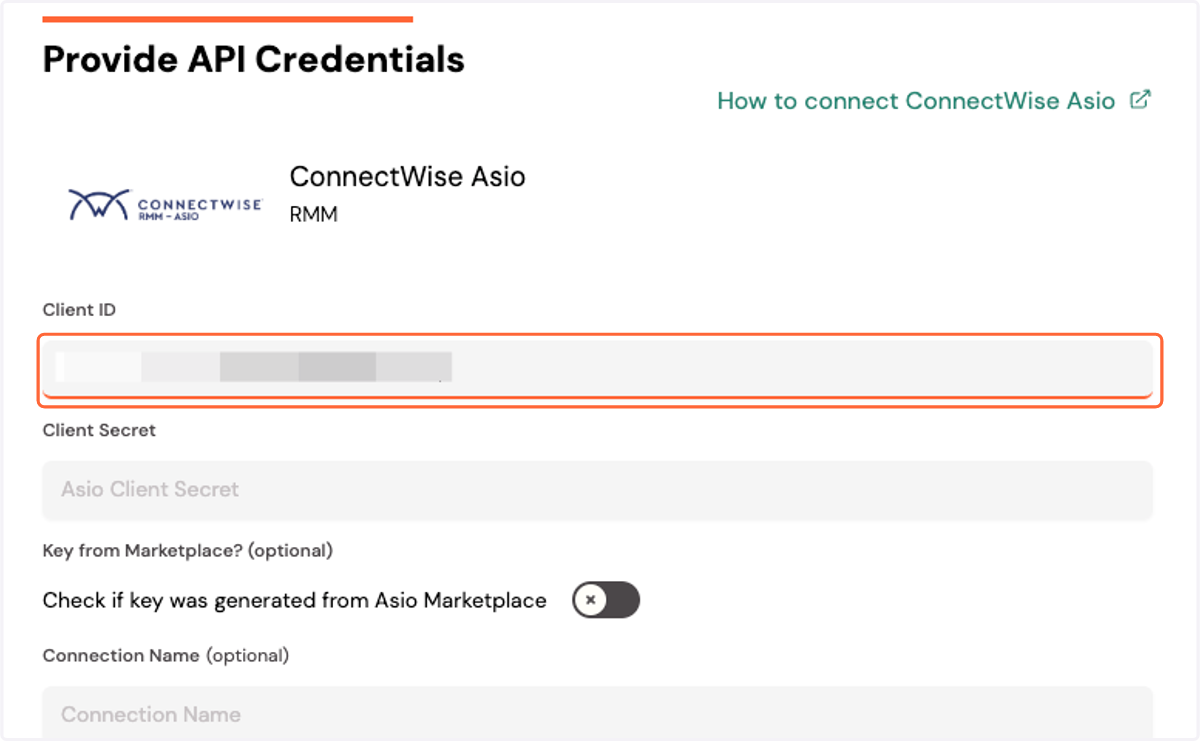
7. Click on Configure ConnectWise Asio integration
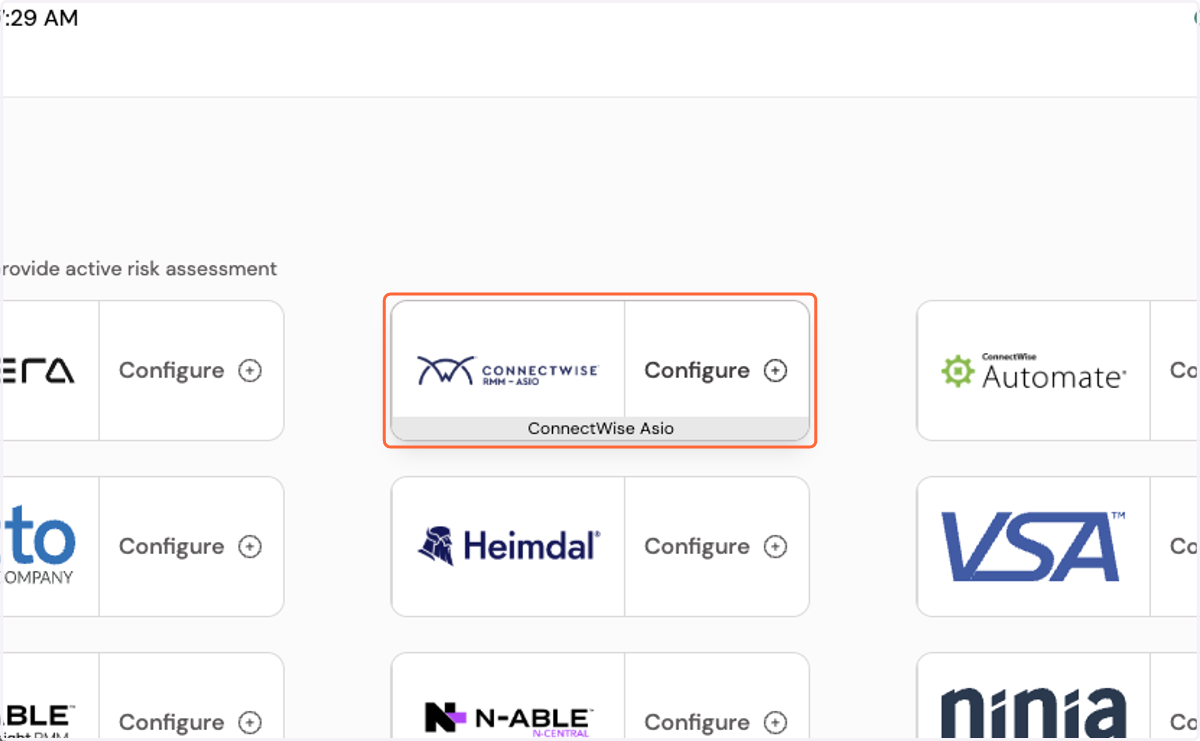
8. Paste your client ID
Asio Integrations
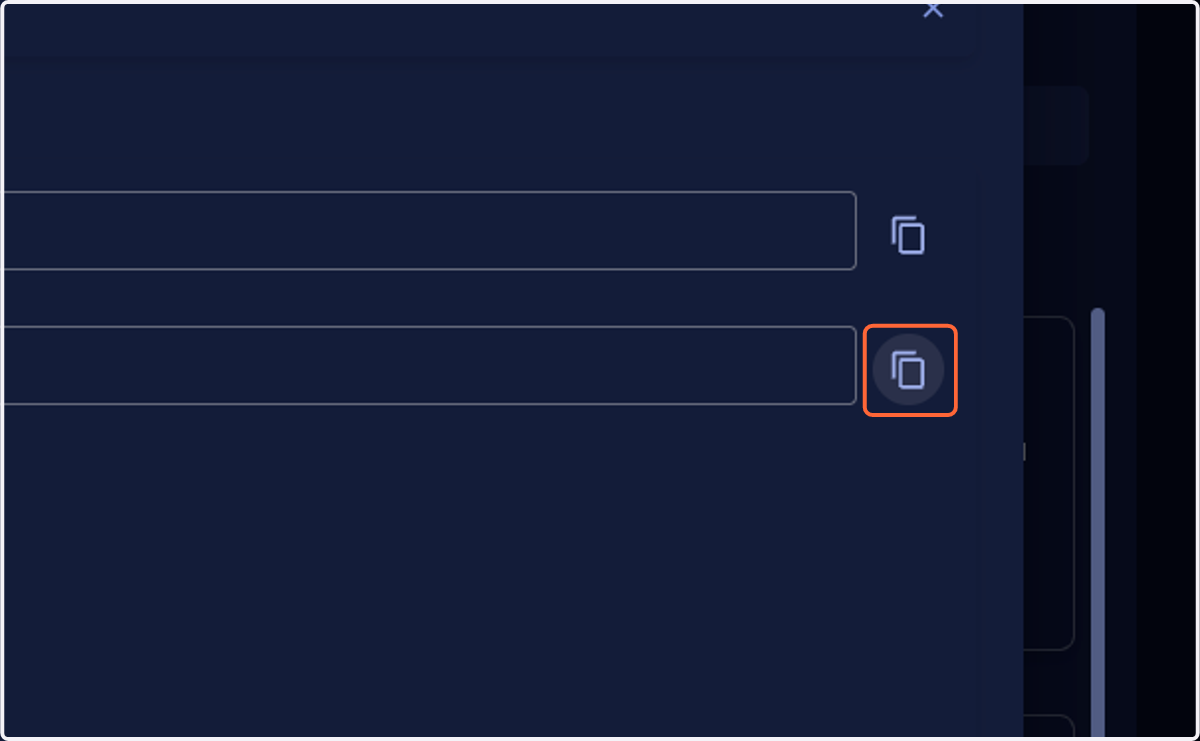
9. Copy the client secret
Cork - Integrations
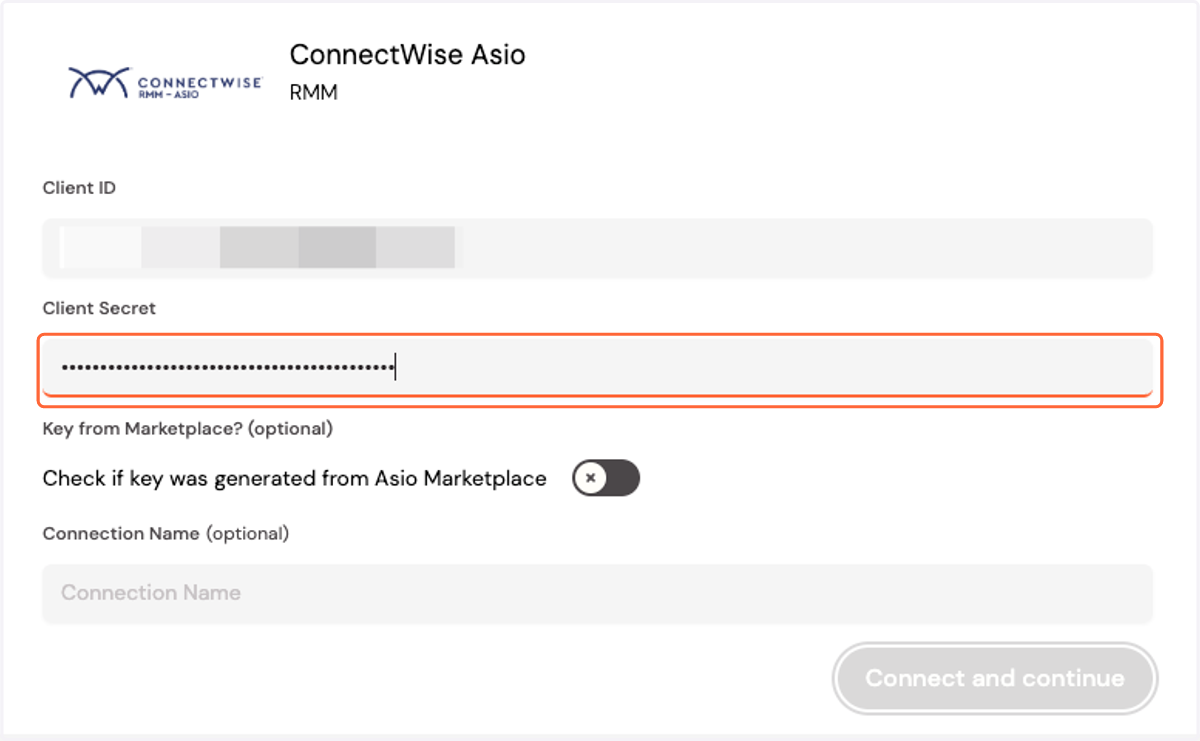
10. Paste the client secret
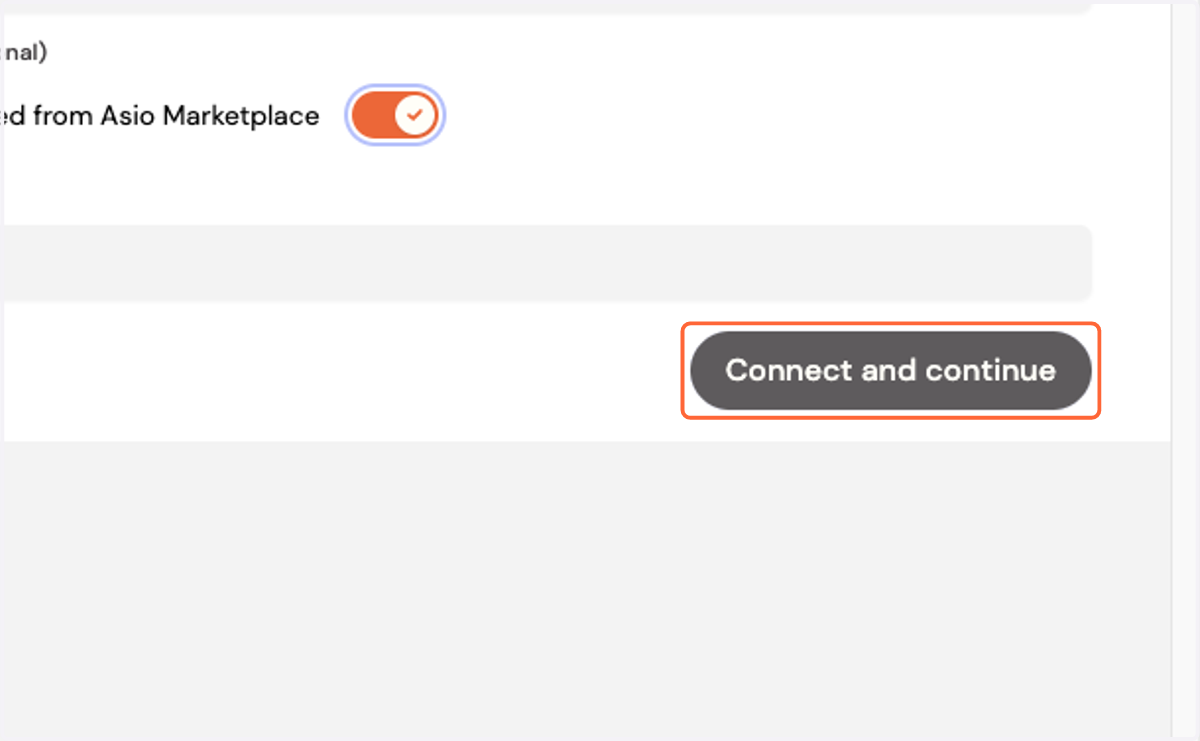
11. Select "Check if key was generated from Asio Marketplace"
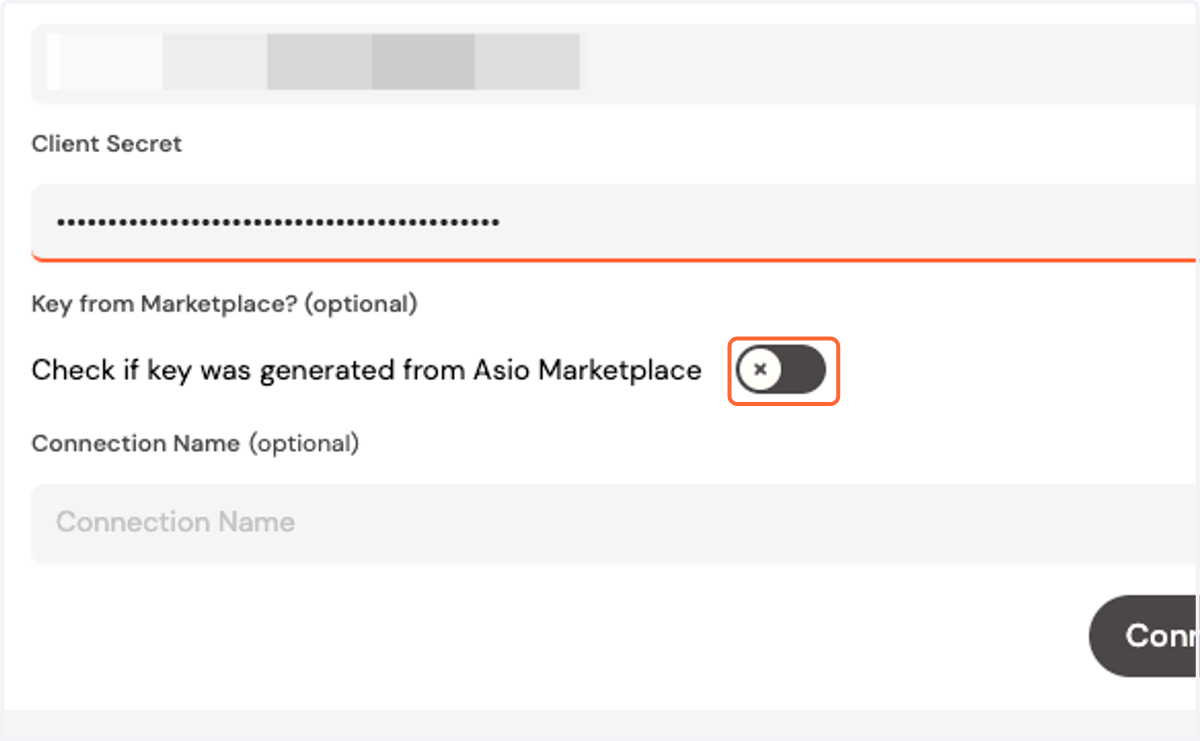
12. Click on Connect and continue