C. Add Application Requirements for Candidates in Interfolio
Interfolio
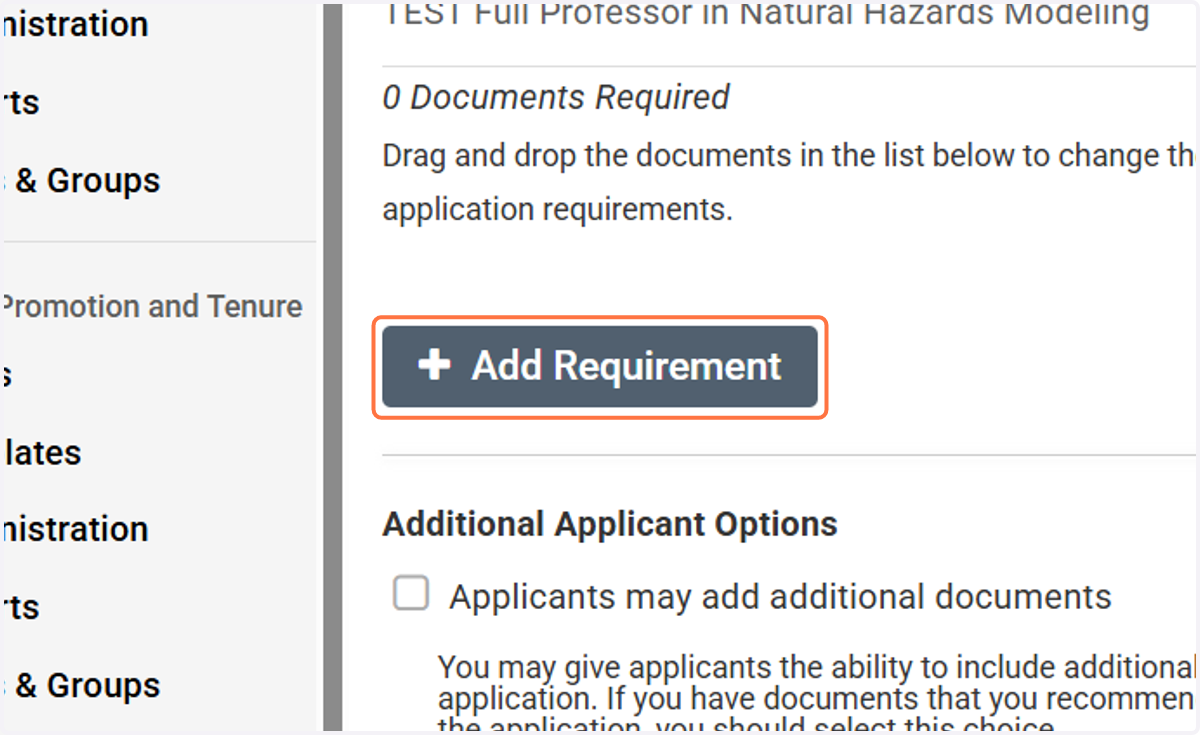
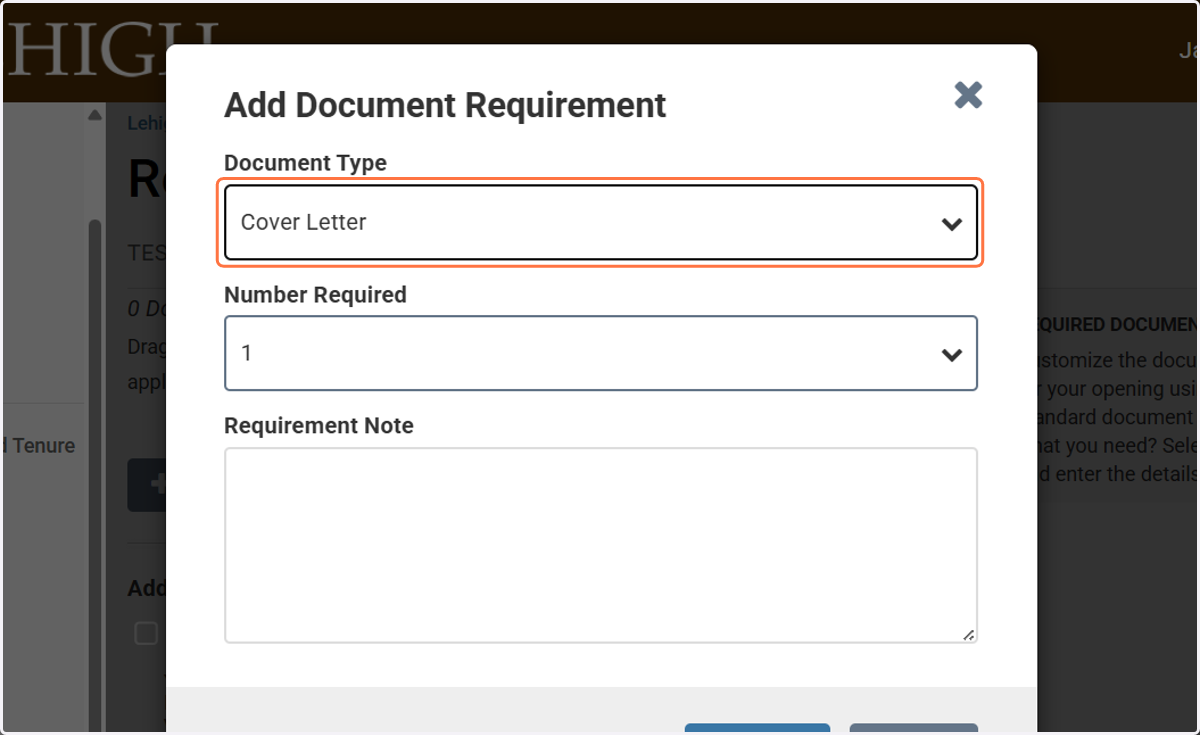
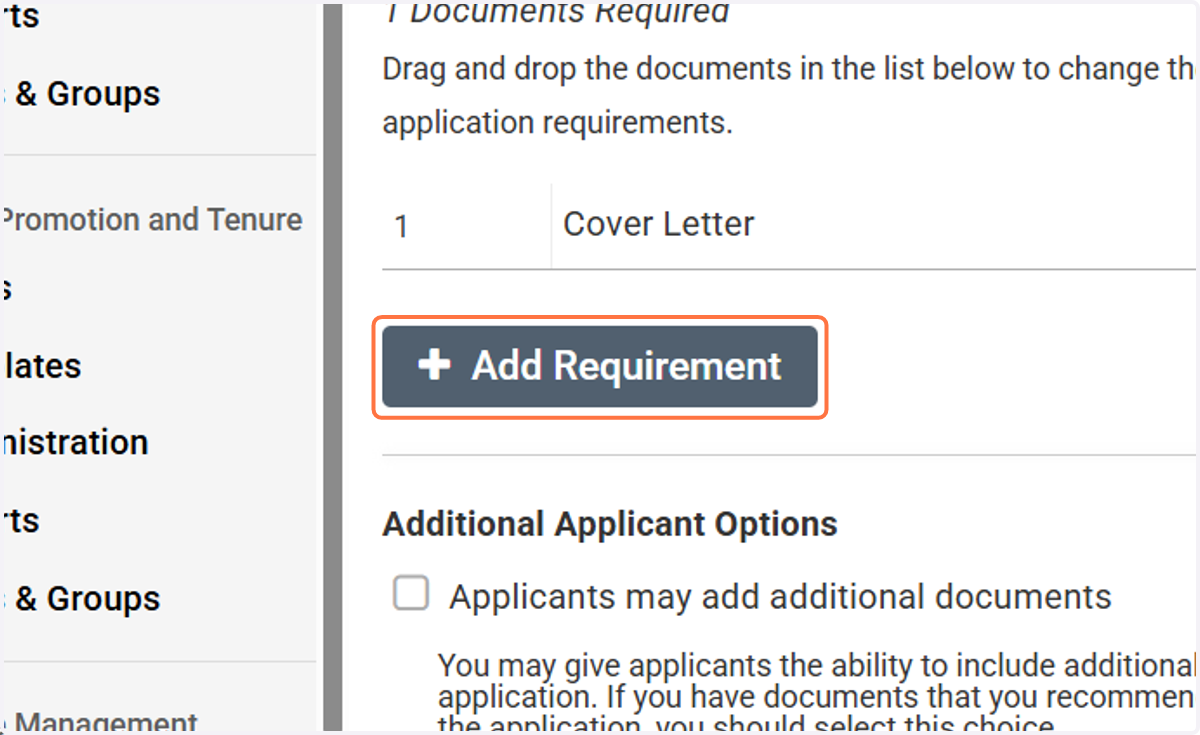
1. Use the "Add Requirement" button to select required document(s) listed in your advertisement (ex. Cover Letter, C.V., Teaching Statement, etc.)
Remember to click on the number of documents required for each selection.You also have the option to add additional detail in the "Requirement Note".
2. (example) I've selected one (1) Cover Letter as a requirement.
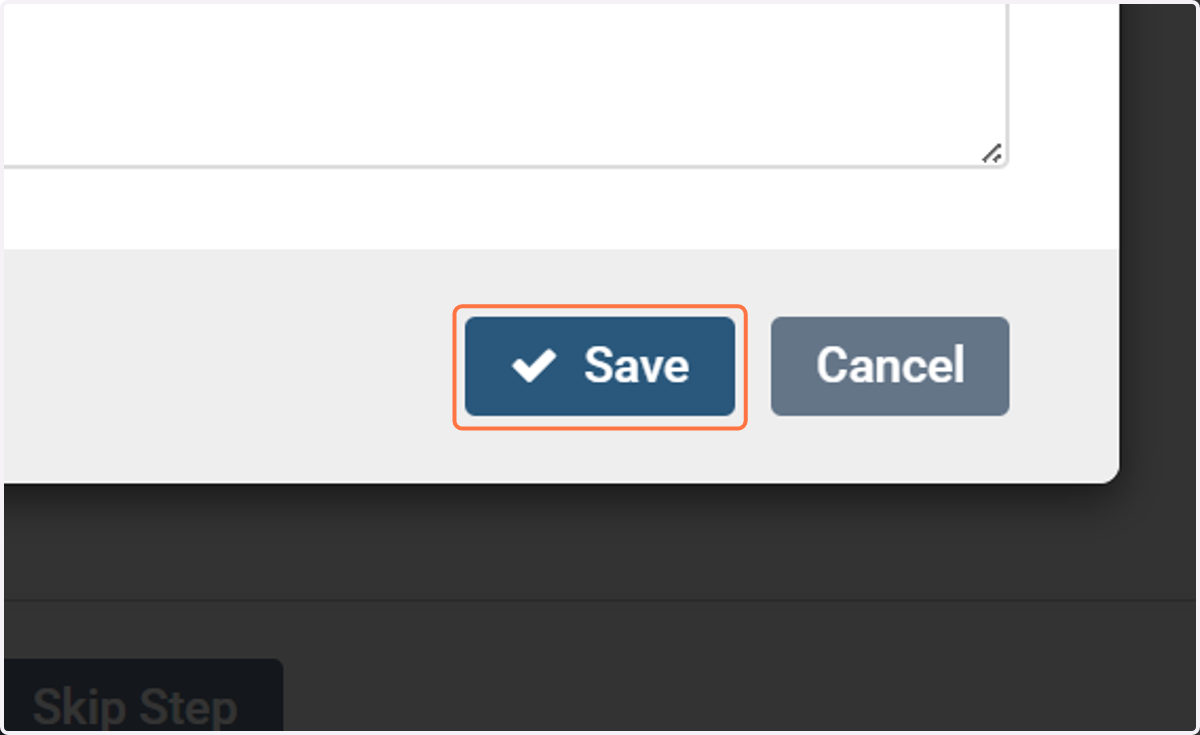
3. Click on Save
4. Click on "Add Requirement" to add another requirement.
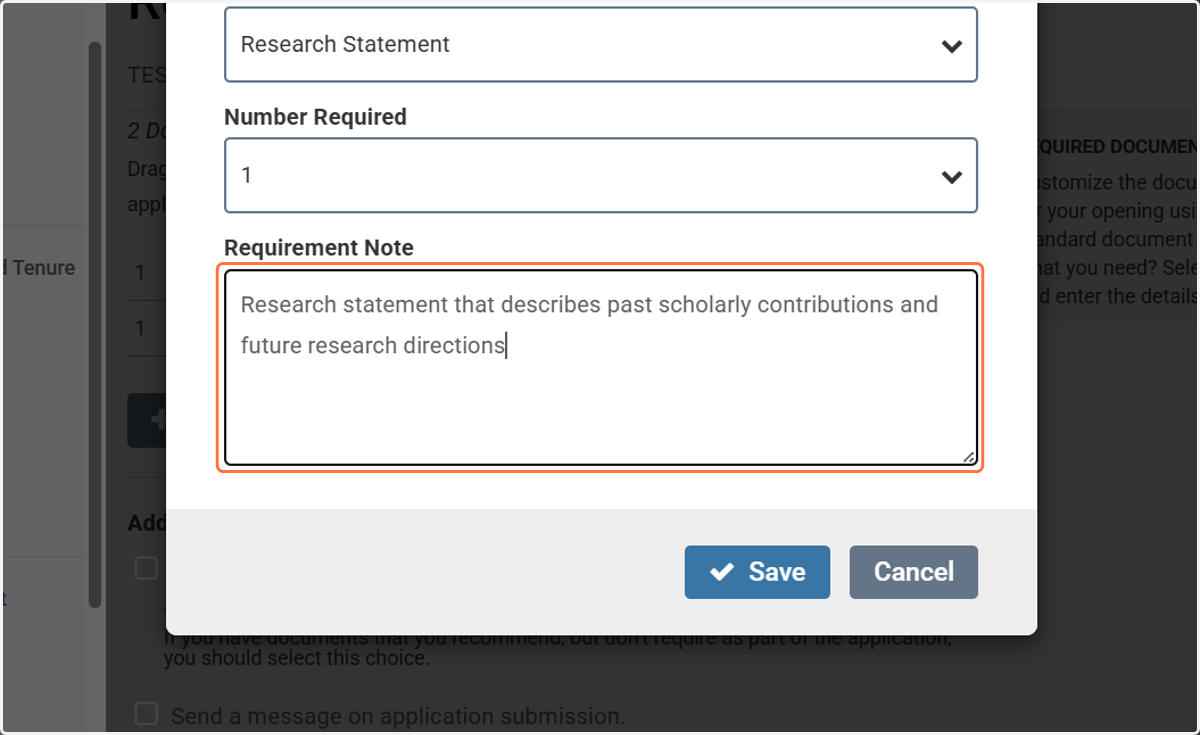
5. (example) I've selected one (1) "Research Statement" and added a requirement note that details an expectation about the document.
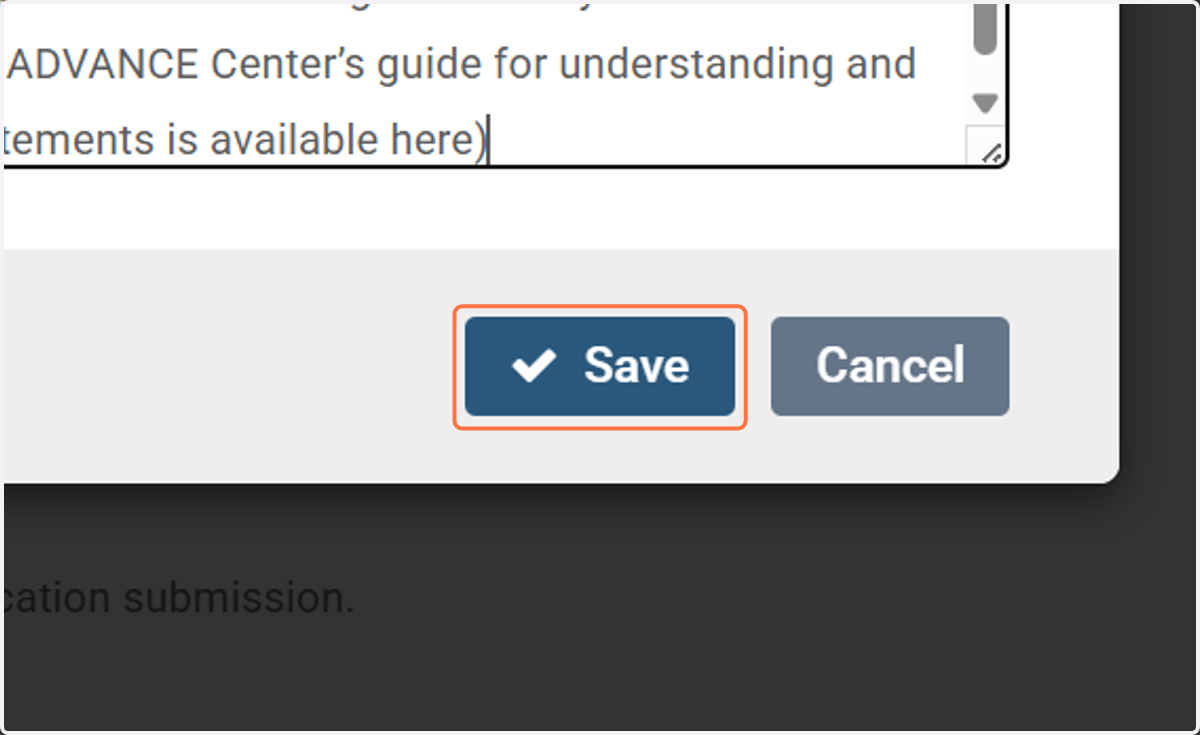
6. Remember to click "Save" after adding each requirement.
7. Adding "Confidential Letters of Recommendation or Evaluation"
Choose "Confidential Letter of Recommendation or Evaluation" in order for the system to request letters immediately. These letters will not be seen by the applicant.
IMPORTANT NOTE: If you do not wish to request letters of recommendation in the early stages of the search, indicate in the description of the advertisement that you may request letters of recommendation from qualifying candidates at a later stage of the search. You will then have the option to request Confidential Letters of Recommendation for only a subset of applicants.
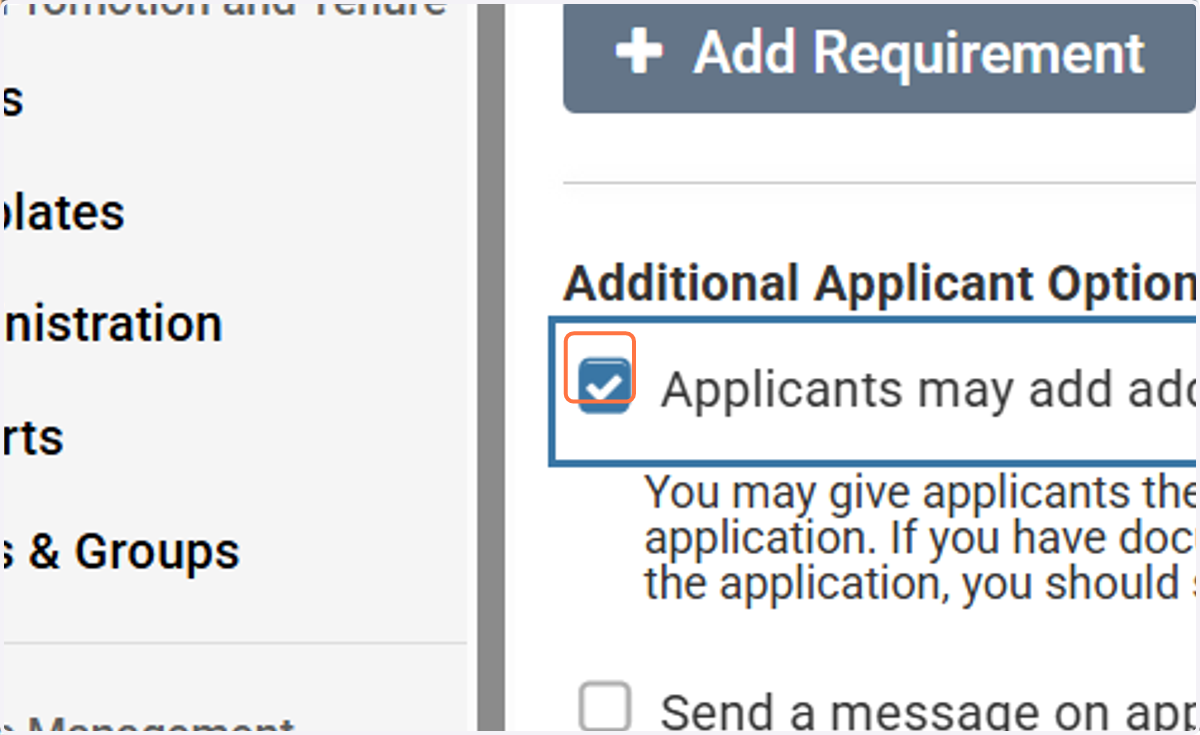
8. If you wish to allow your candidates to upload additional documents, check "Applicants may add additional documents".
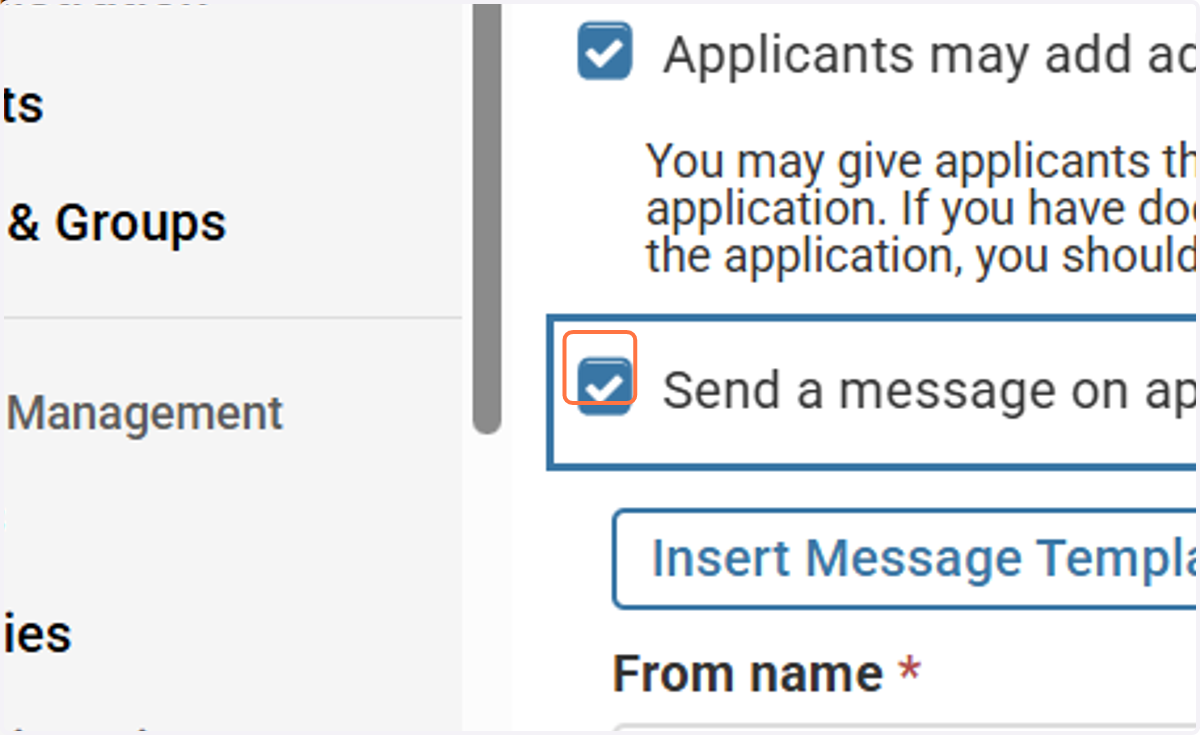
9. Check "Send a message on application submission" to insert a ready made message template. This message will send a message to the candidate verifying their application was received.
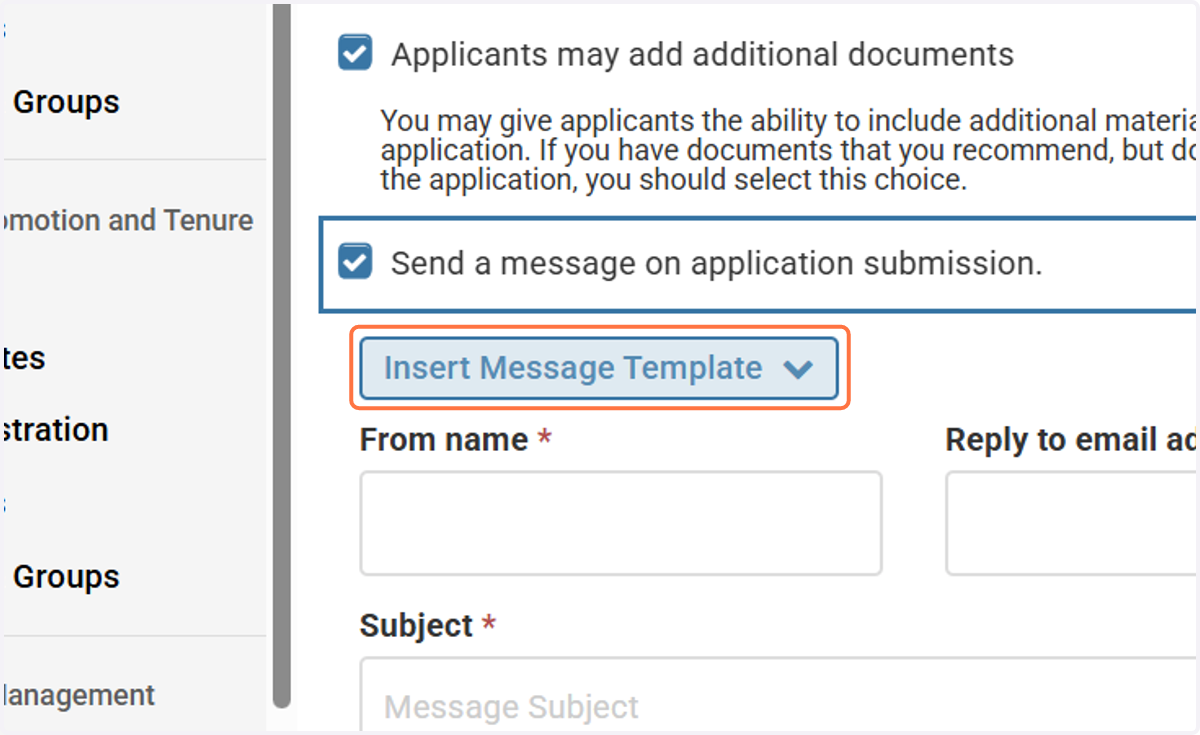
10. Click on "Insert Message Template
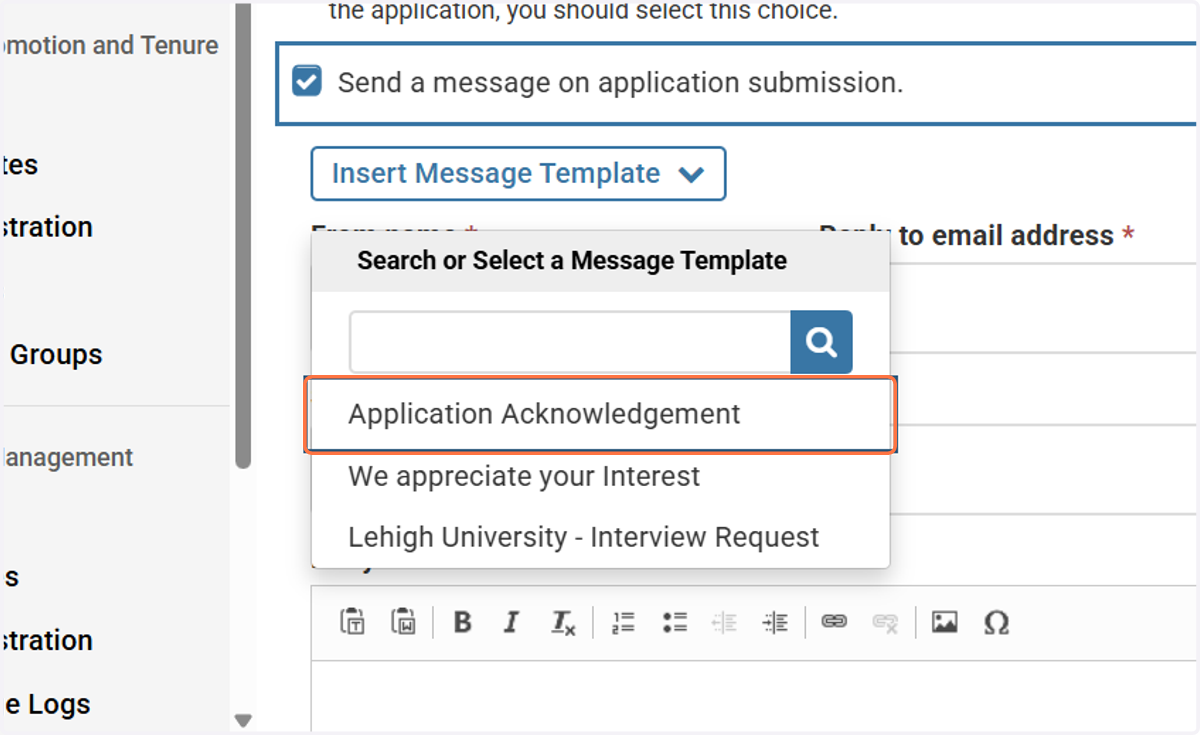
11. Click on "Application Acknowledgement"
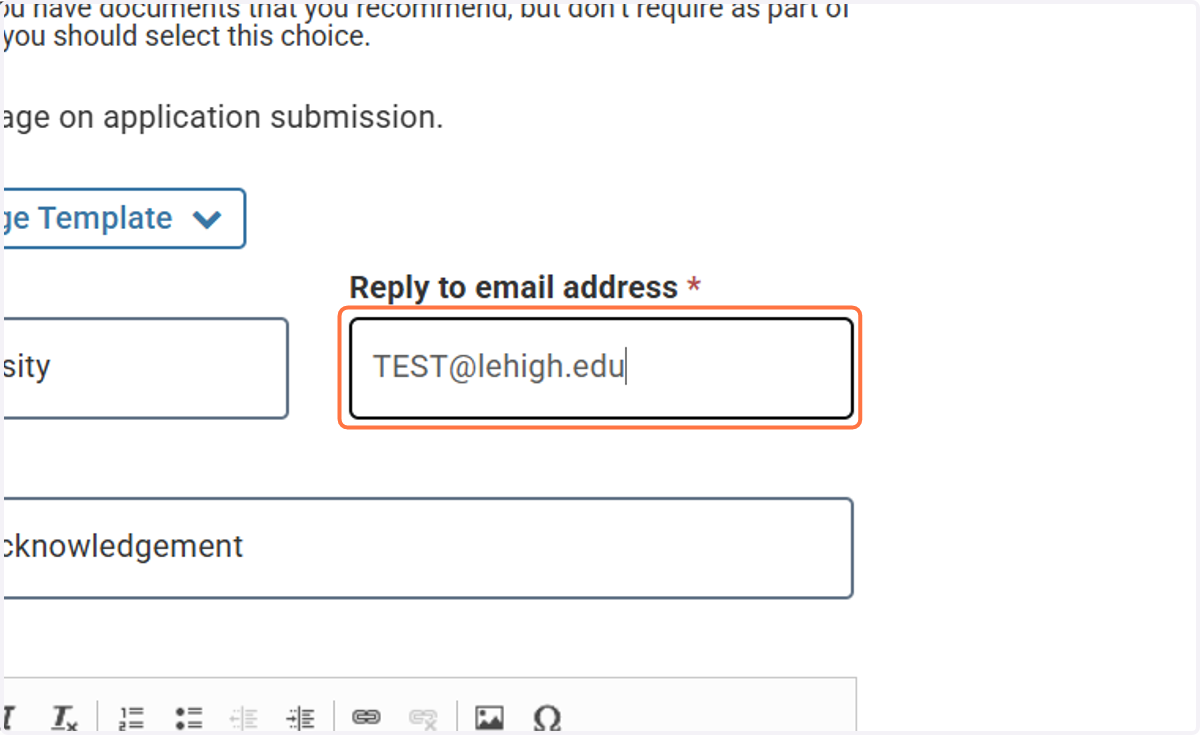
12. Type in an email address to which the candidate can reply with questions.
This email address is usually an in-account for the search, the Search Chair's email address, or the coordinator's email address who is supporting the search.
13. Click on Preview to view the message.
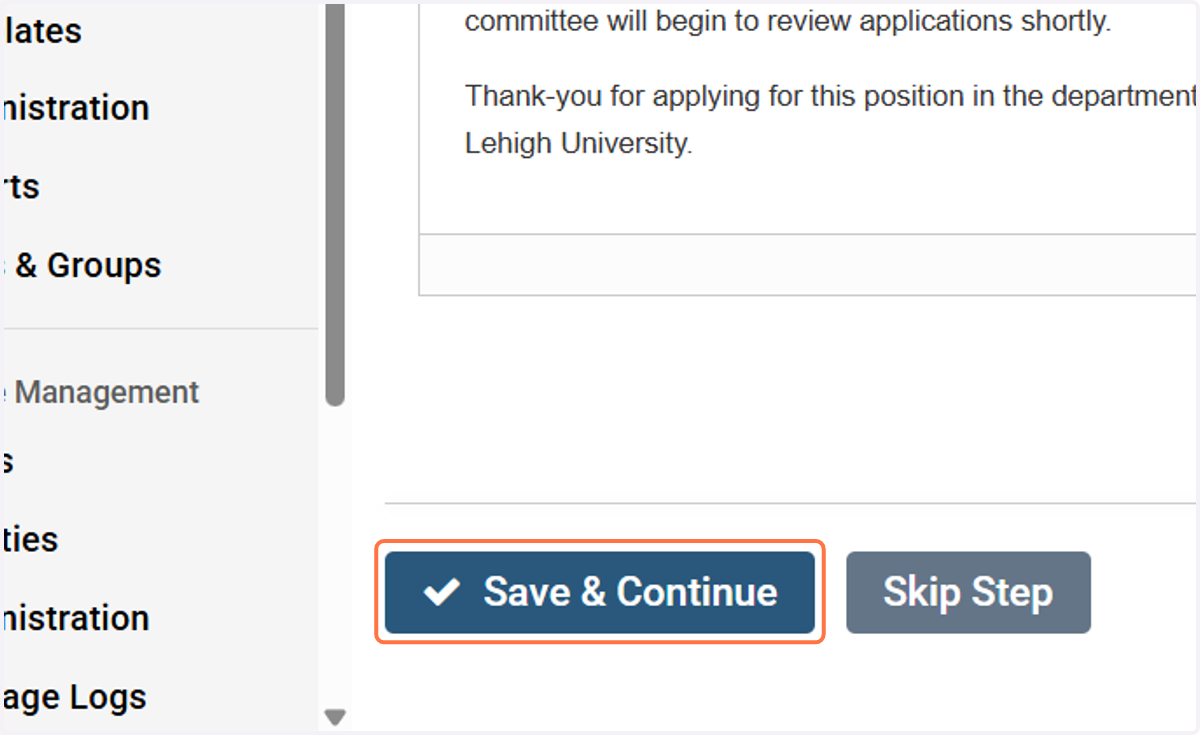
14. Feel free to change the message as needed. Click on Save & Continue