How to Import Employee Contracts in Odoo-iLines HR

Odoo

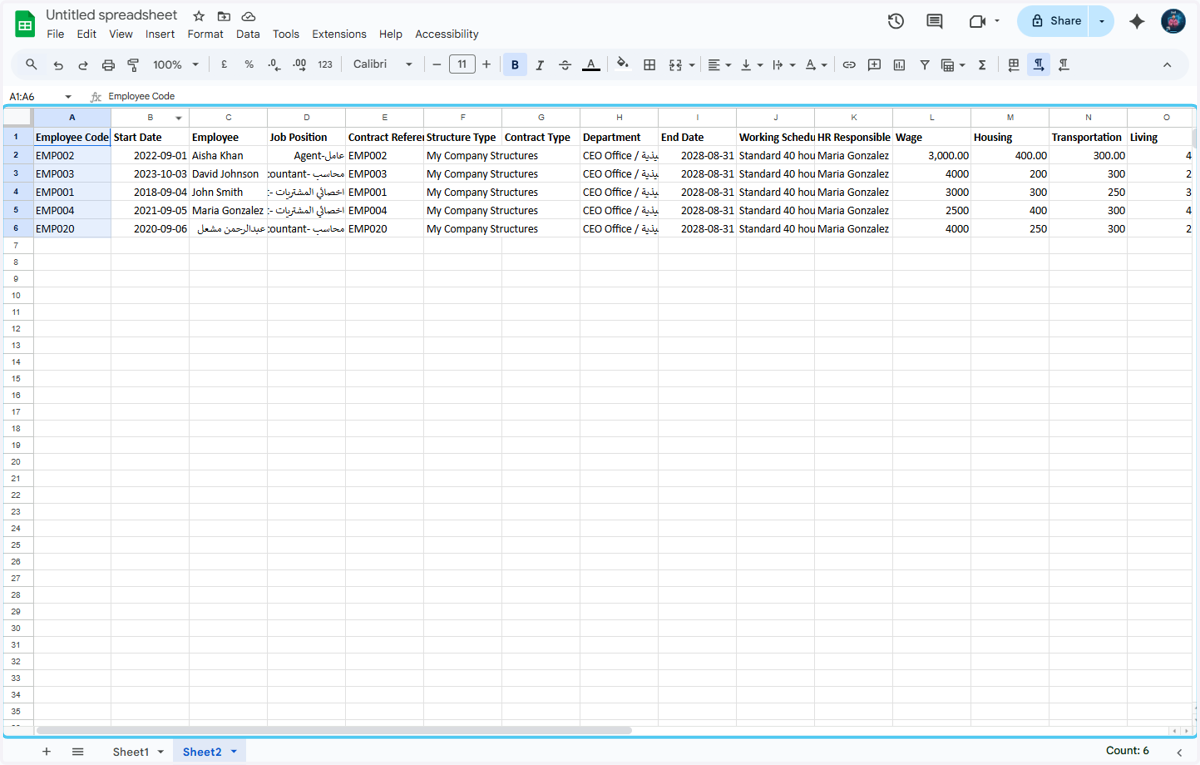
  1. 1. First You need to Prepare the excel sheet for the employee contract with all of the options that are mentioned in the headings
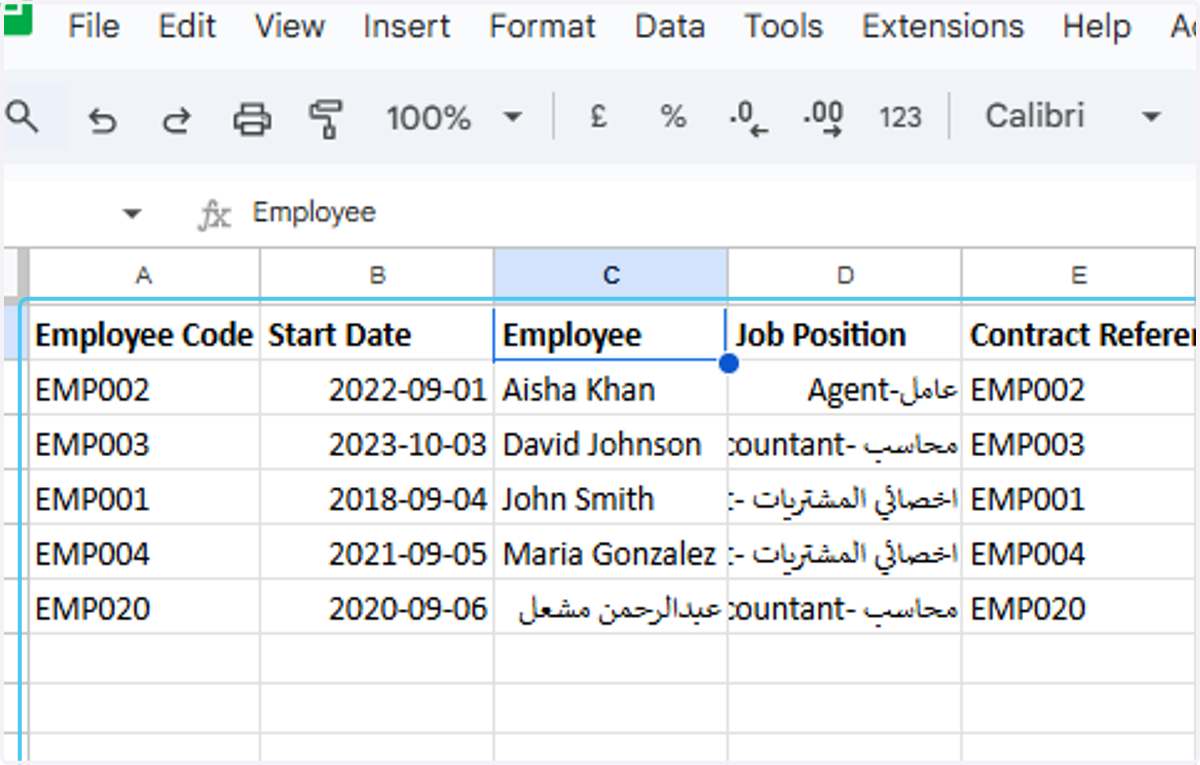
    First You need to Prepare the excel sheet for the employee contract with all of the options that are mentioned in the headings
  2. 2. Enter the employee's codes.

    Enter the employee's codes.
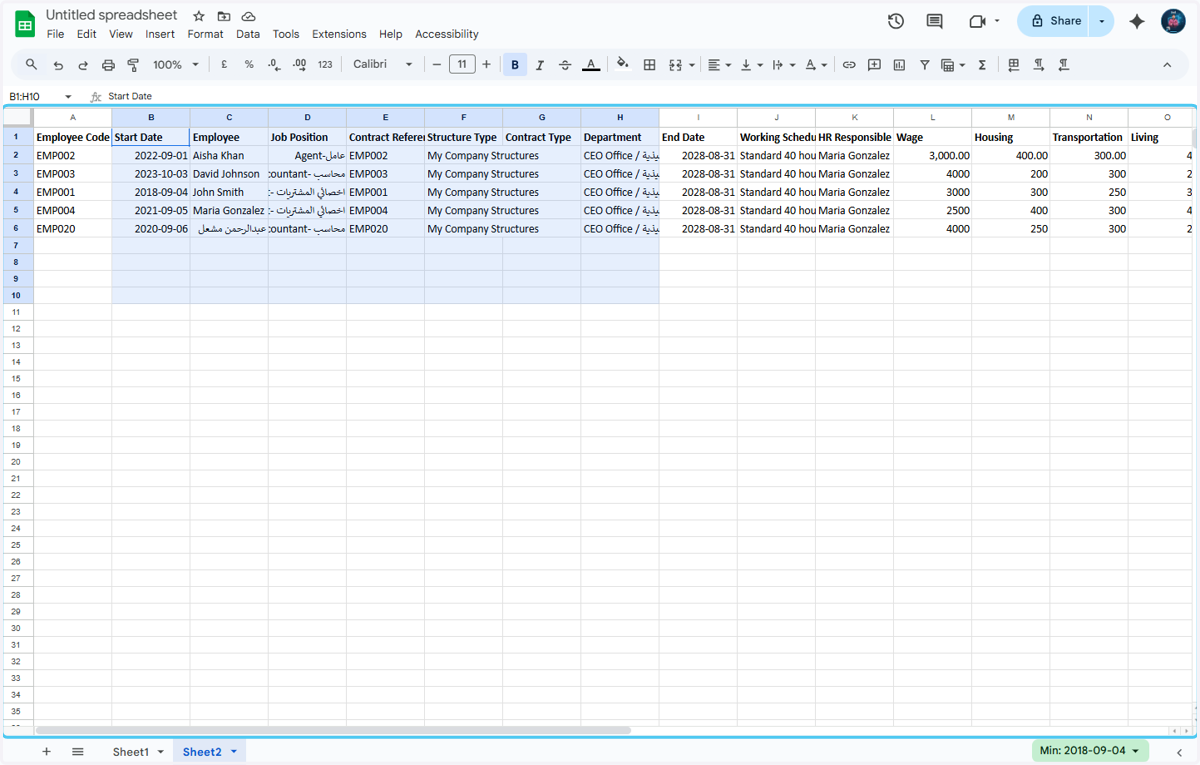
  3. 3. Enter the Start Date of contract.
    Enter the Start Date of contract.
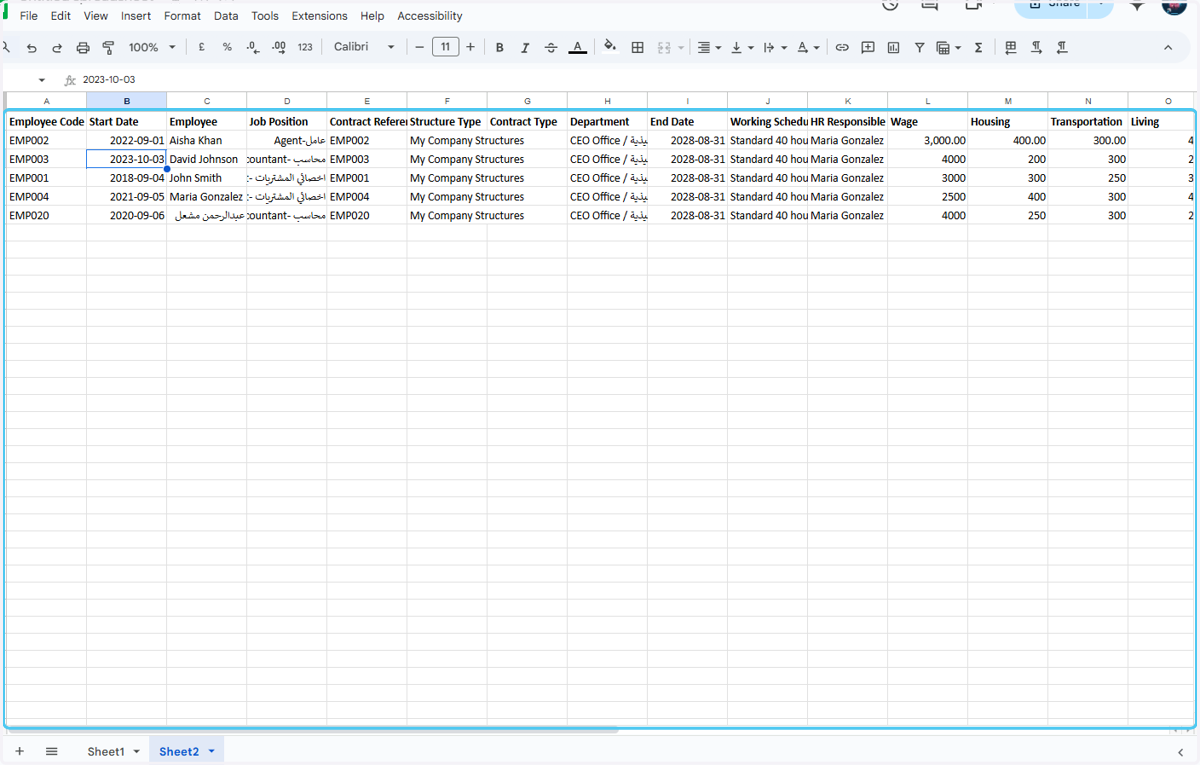
  4. 4. Enter the highlighted details.

    Enter the highlighted details.
  5. 5. After that enter the Employee Wages and the other Banifits and deduction details
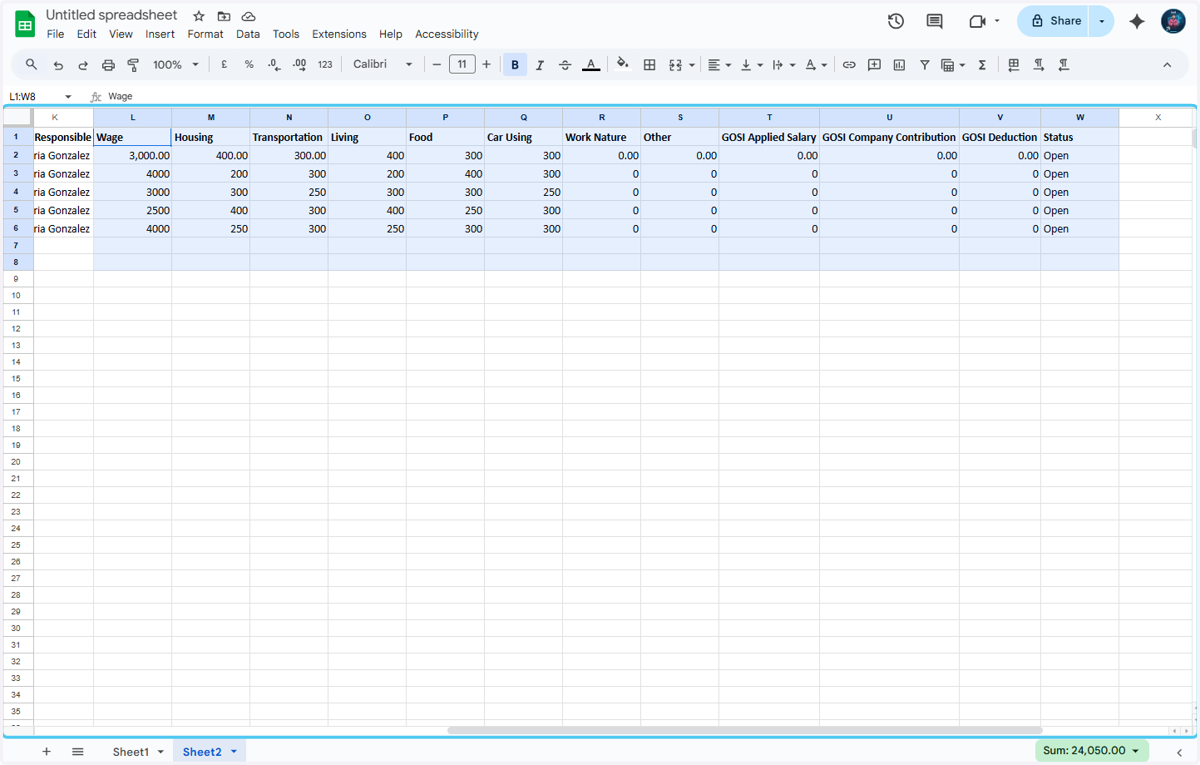
    After that enter the Employee Wages and the other Banifits and deduction details

Odoo

  1. 6. After updating the Excel sheet Click on iLines HR
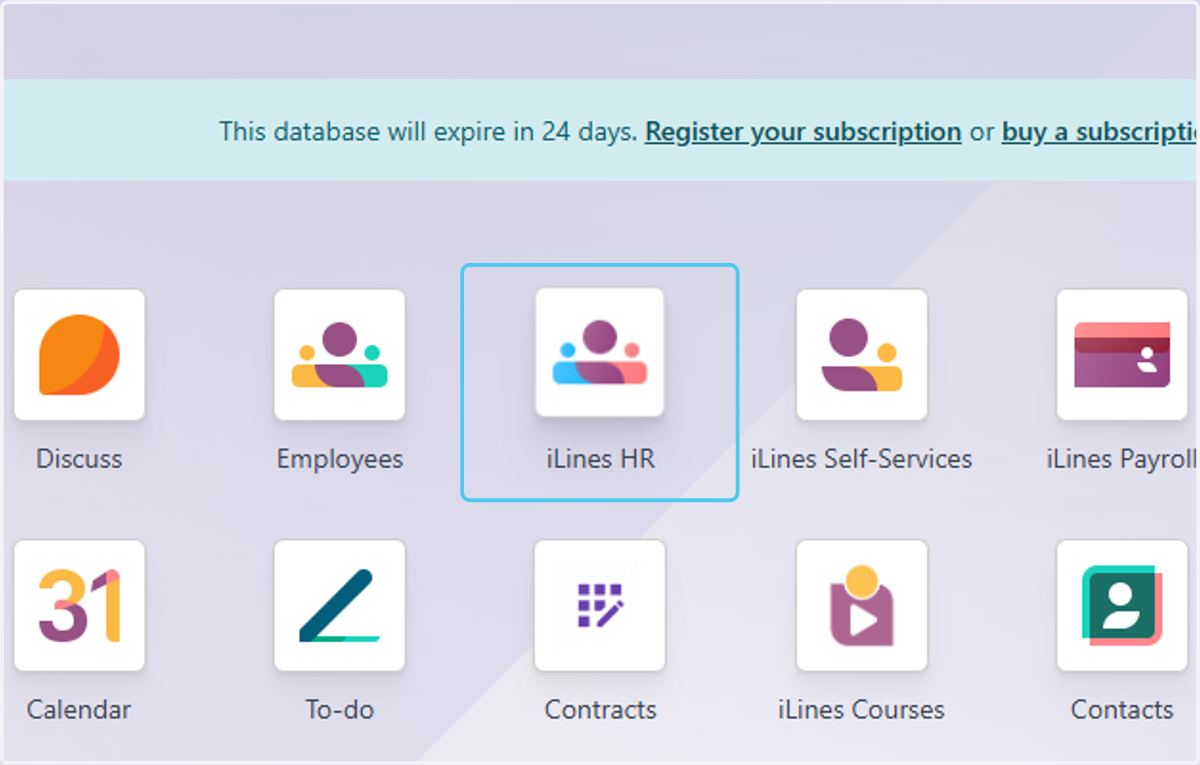
    After updating the Excel sheet Click on iLines HR
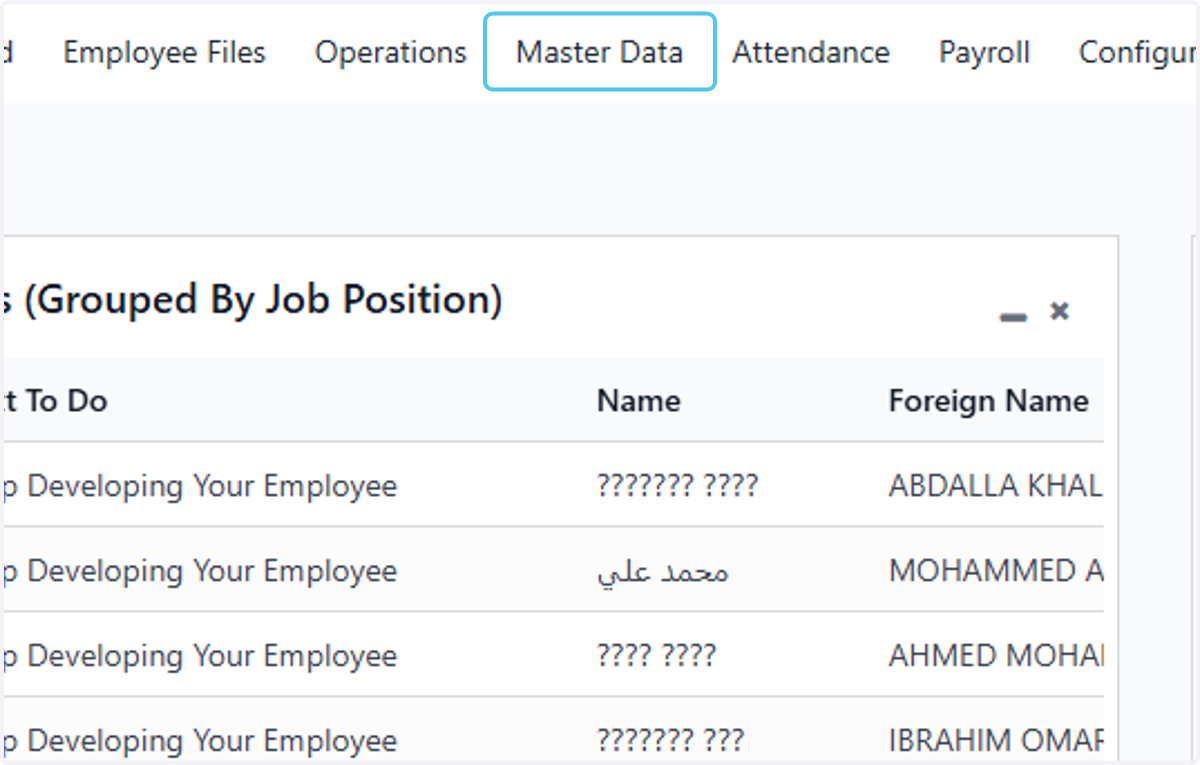
  2. 7. Click on Master Data

    Click on Master Data
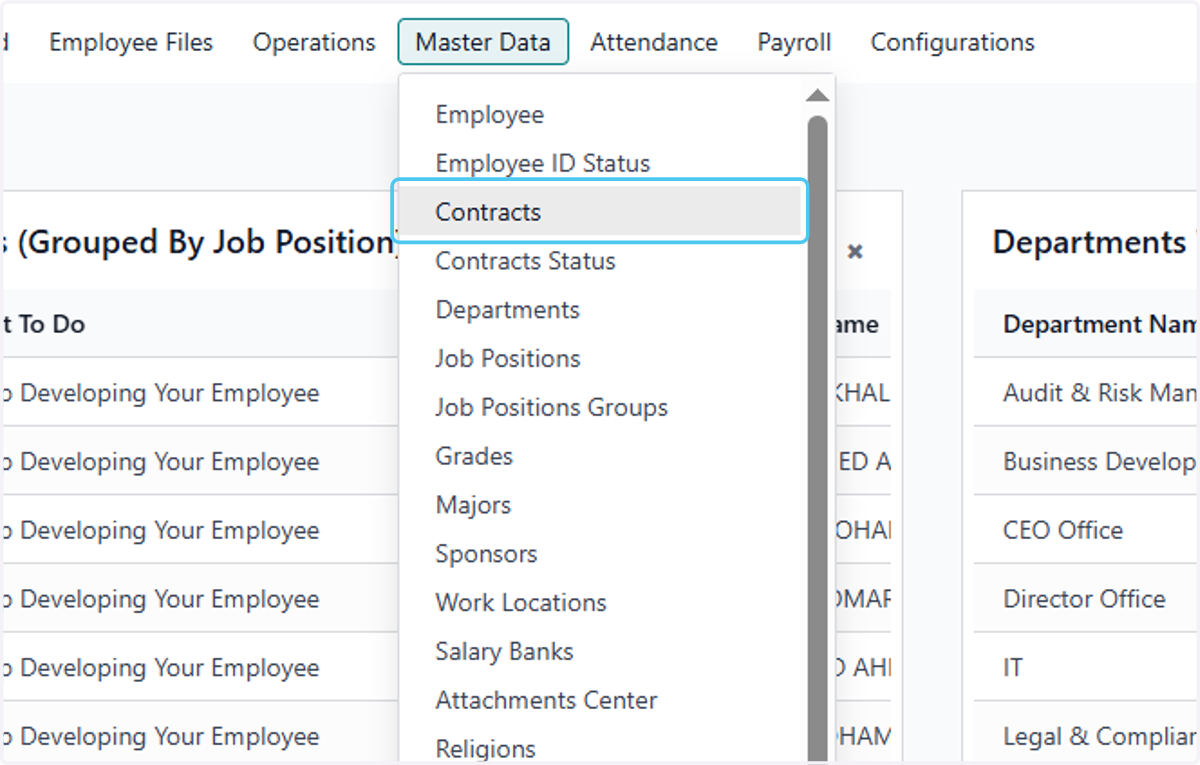
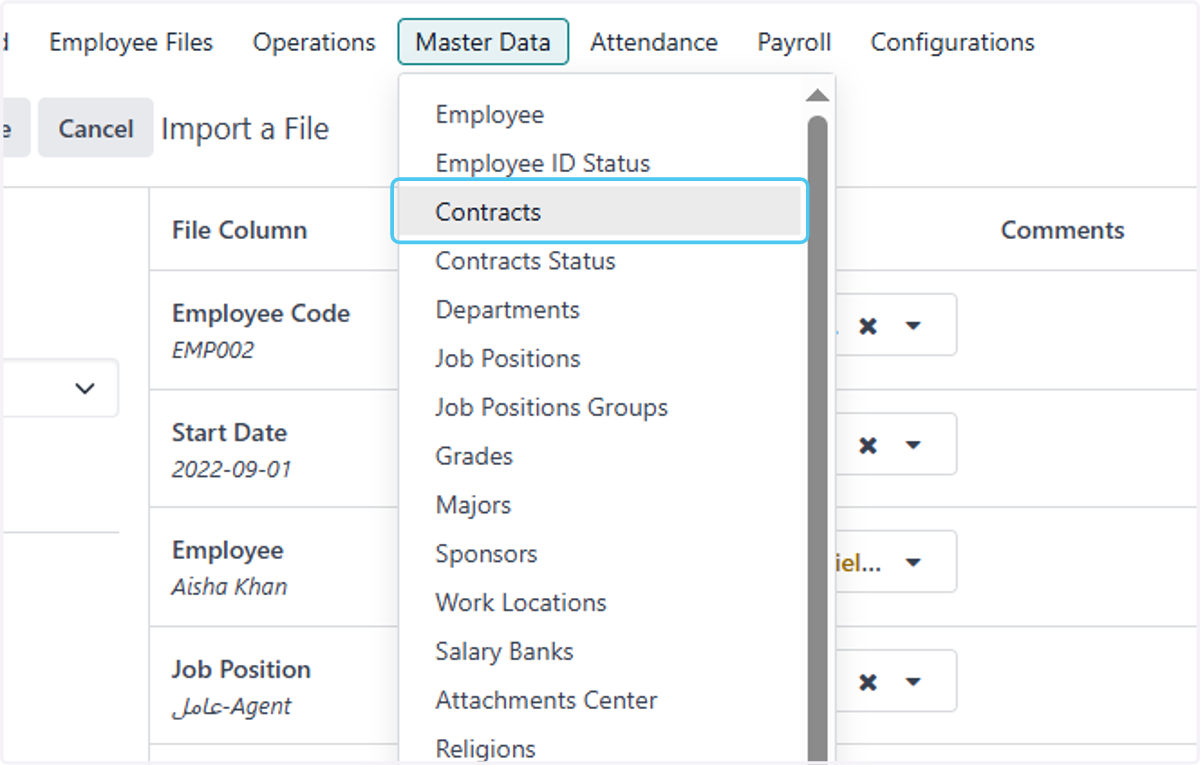
  3. 8. Click on Contracts

    Click on Contracts
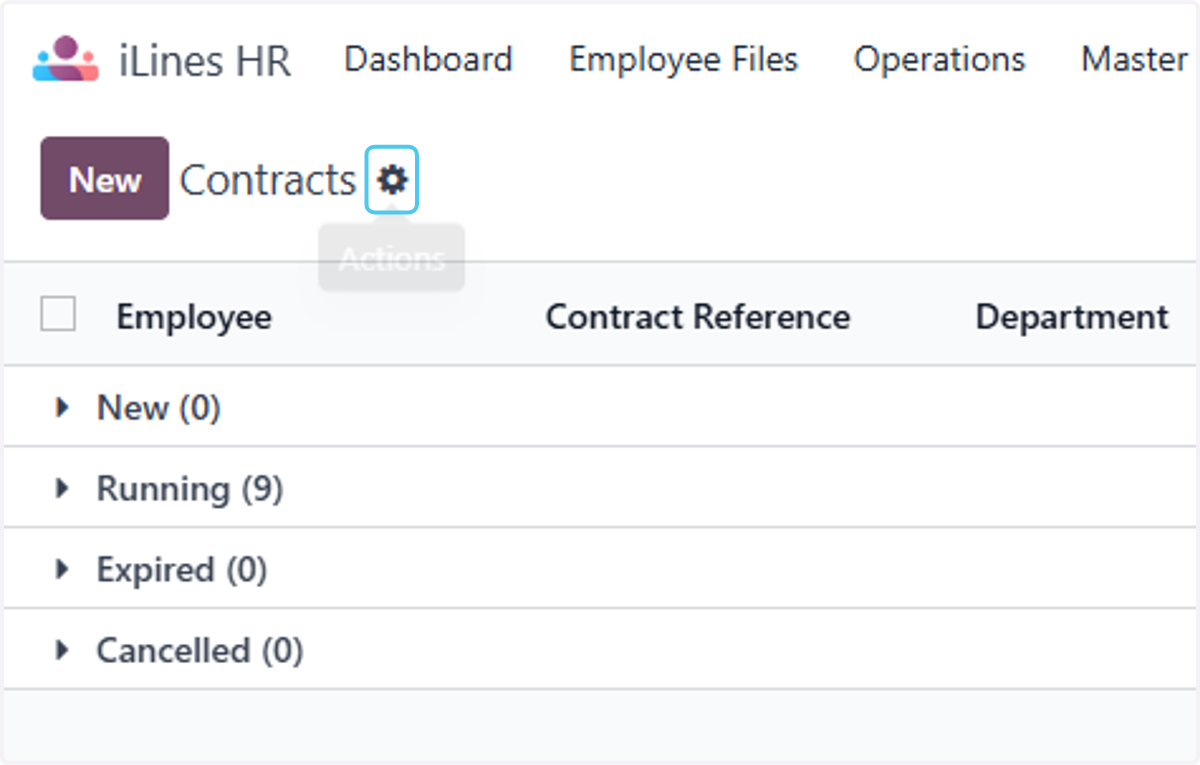
  4. 9. Click on highlight

    Click on highlight
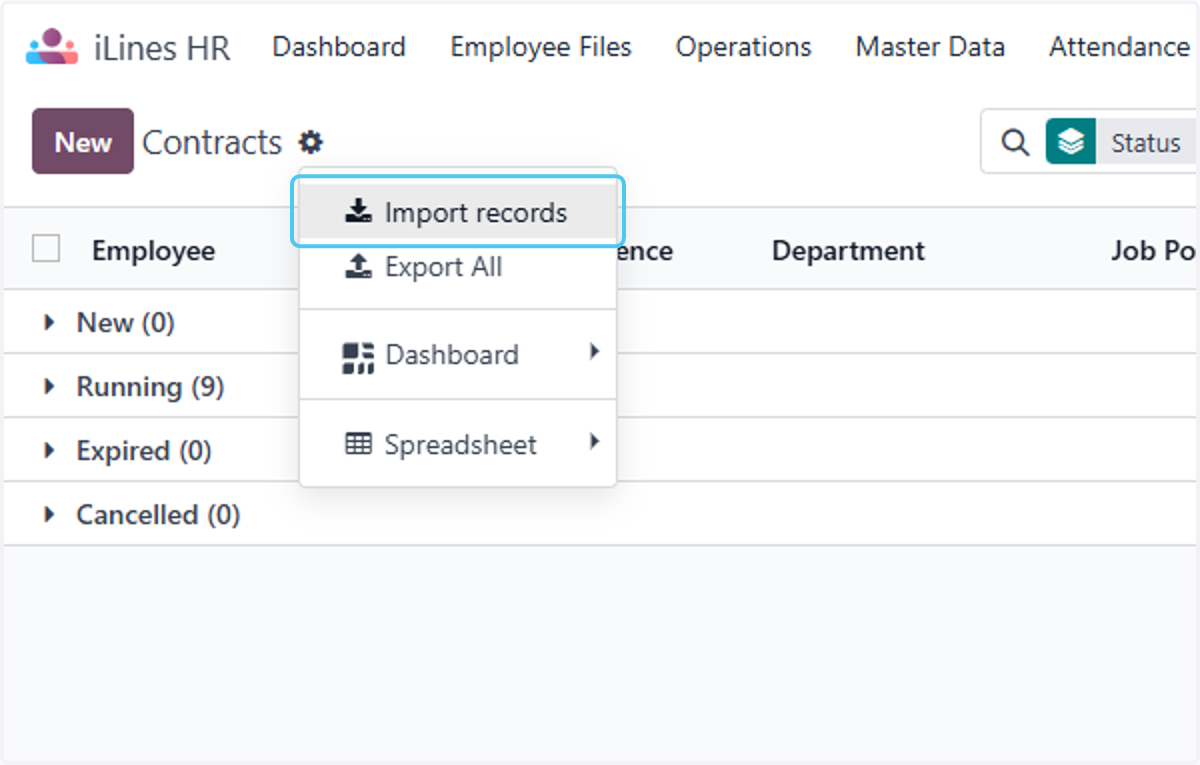
  5. 10. Click on Import records

    Click on Import records
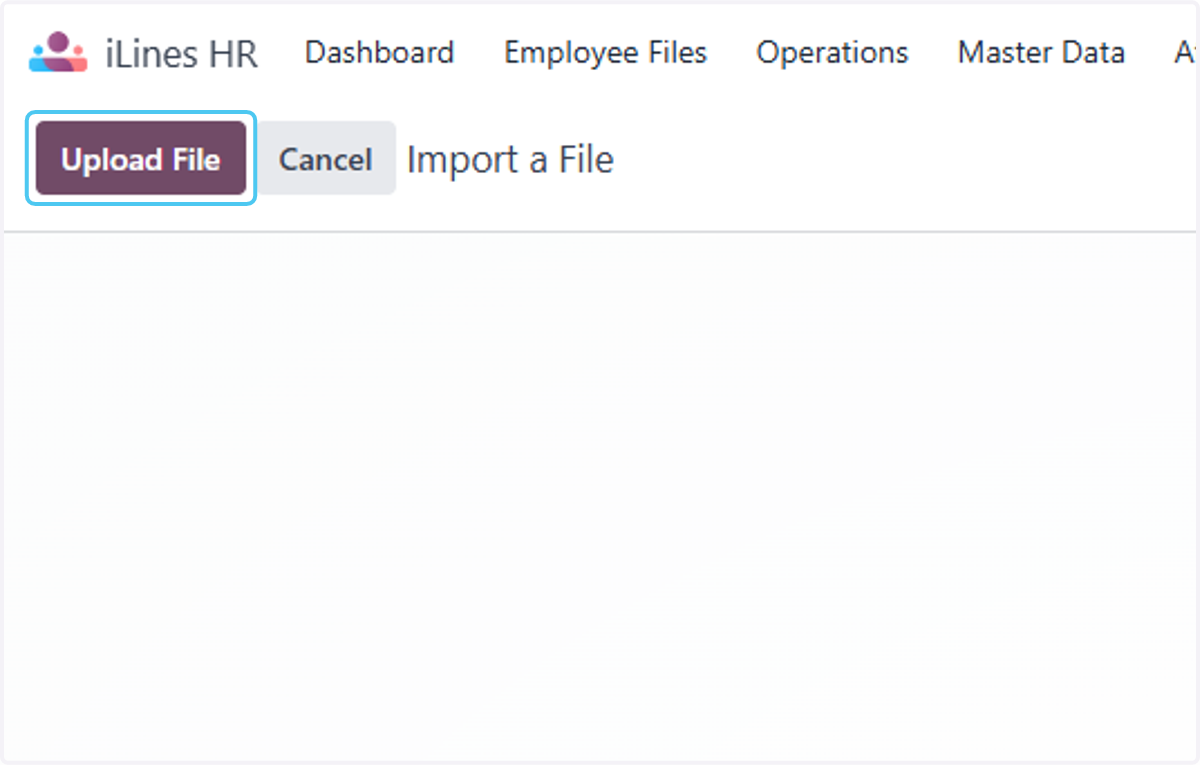
  6. 11. Click on Upload File

    Click on Upload File
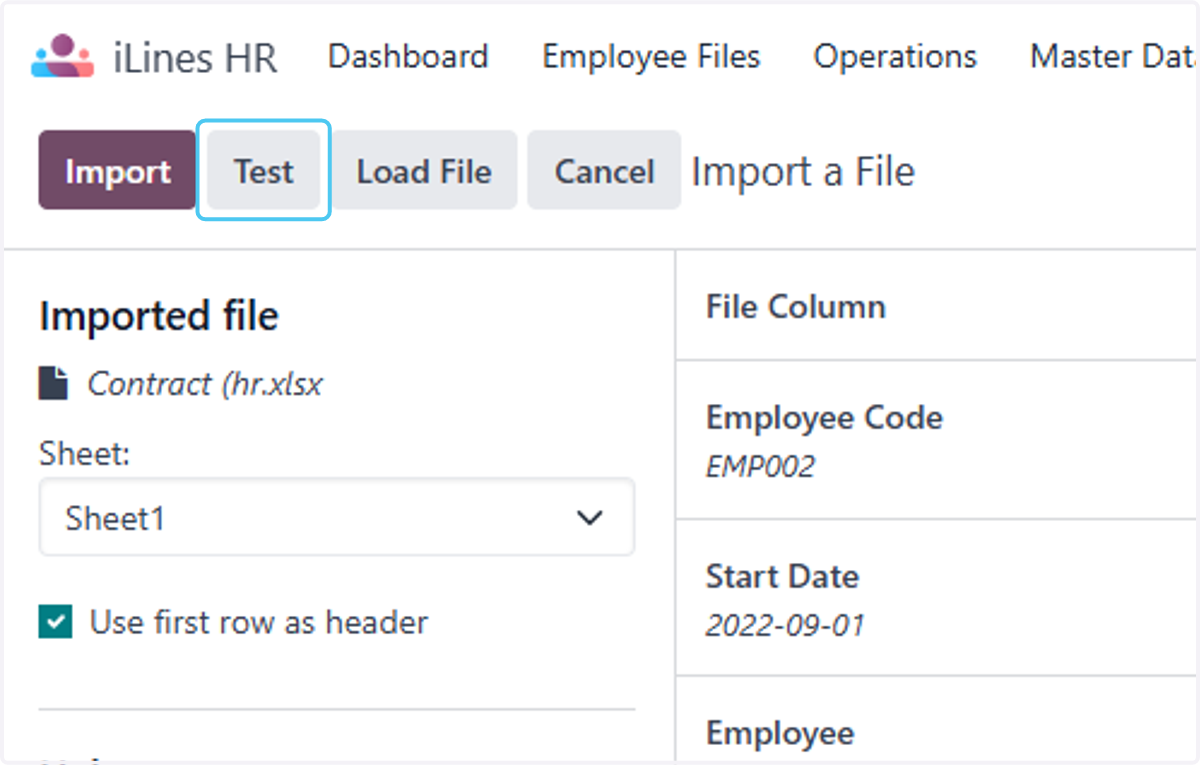
  7. 12. Click on Test

    Click on Test
  8. 13. Click on Import when everythings seems valid
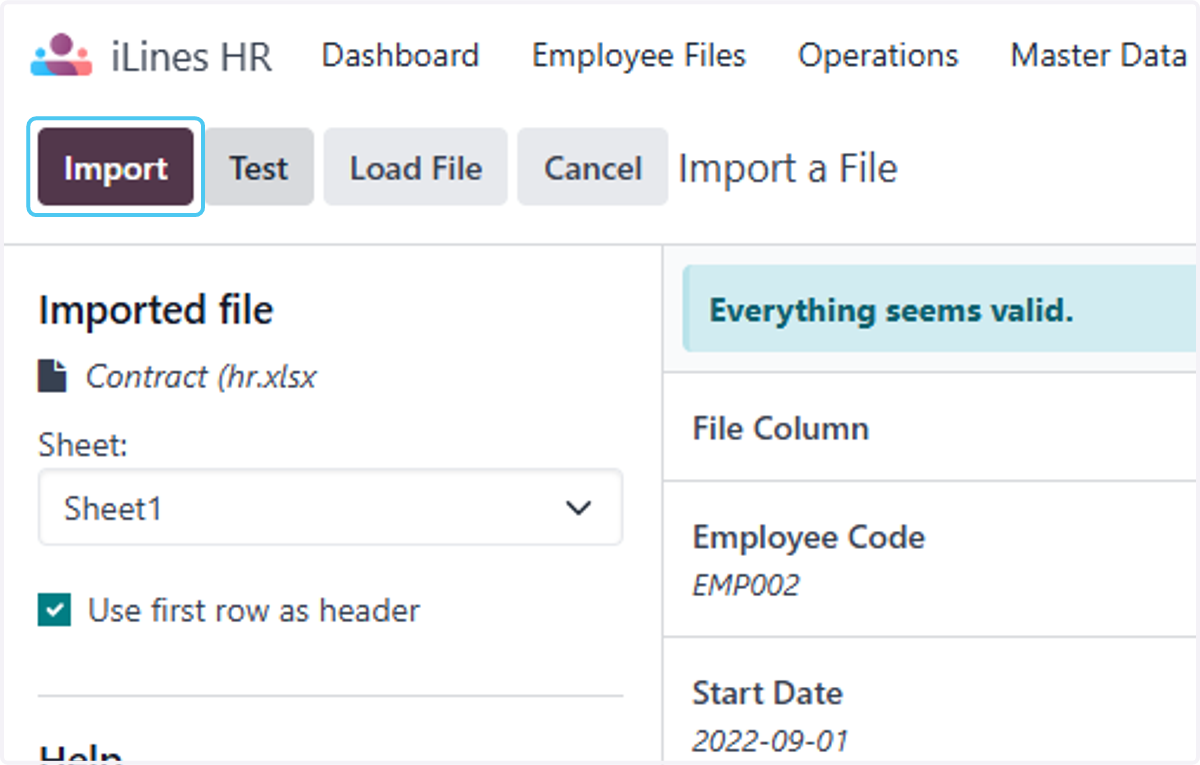
    Click on Import when everythings seems valid
  9. 14. After importing the records Click on Master Data
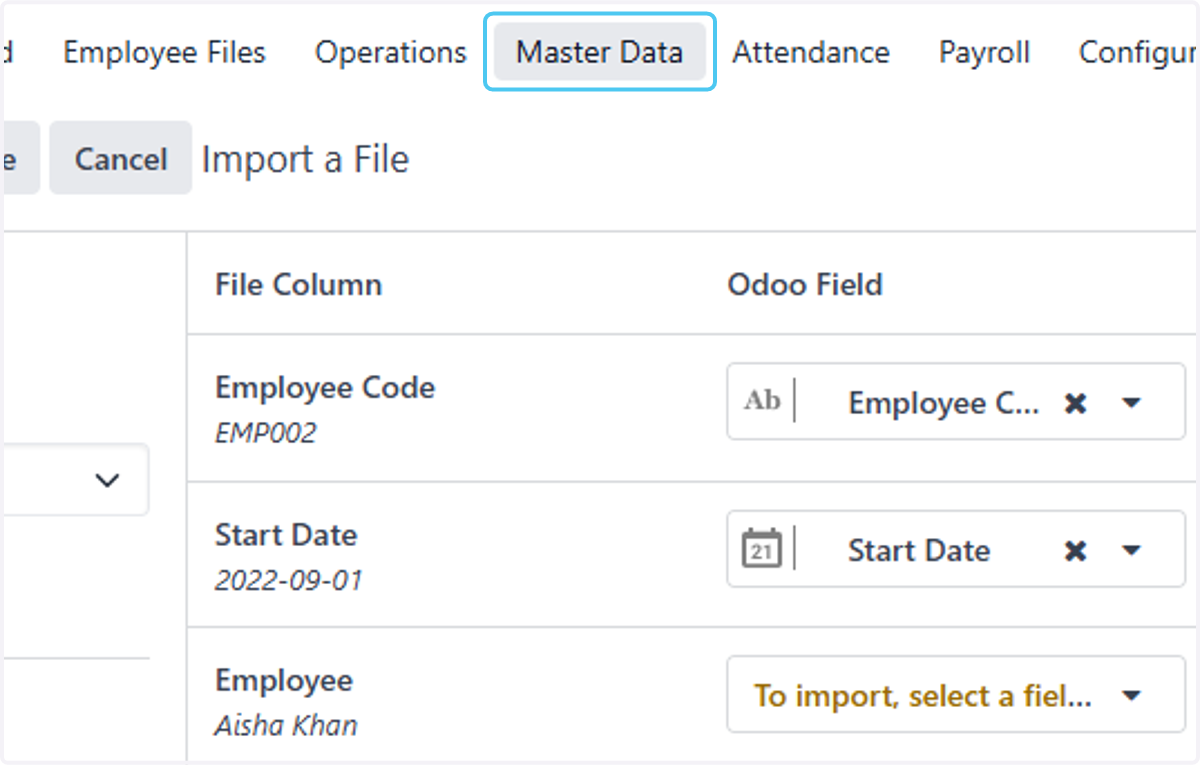
    After importing the records Click on Master Data
  10. 15. Click on Contracts

    Click on Contracts
  11. 16. Click on David Johnson that is recently been imported
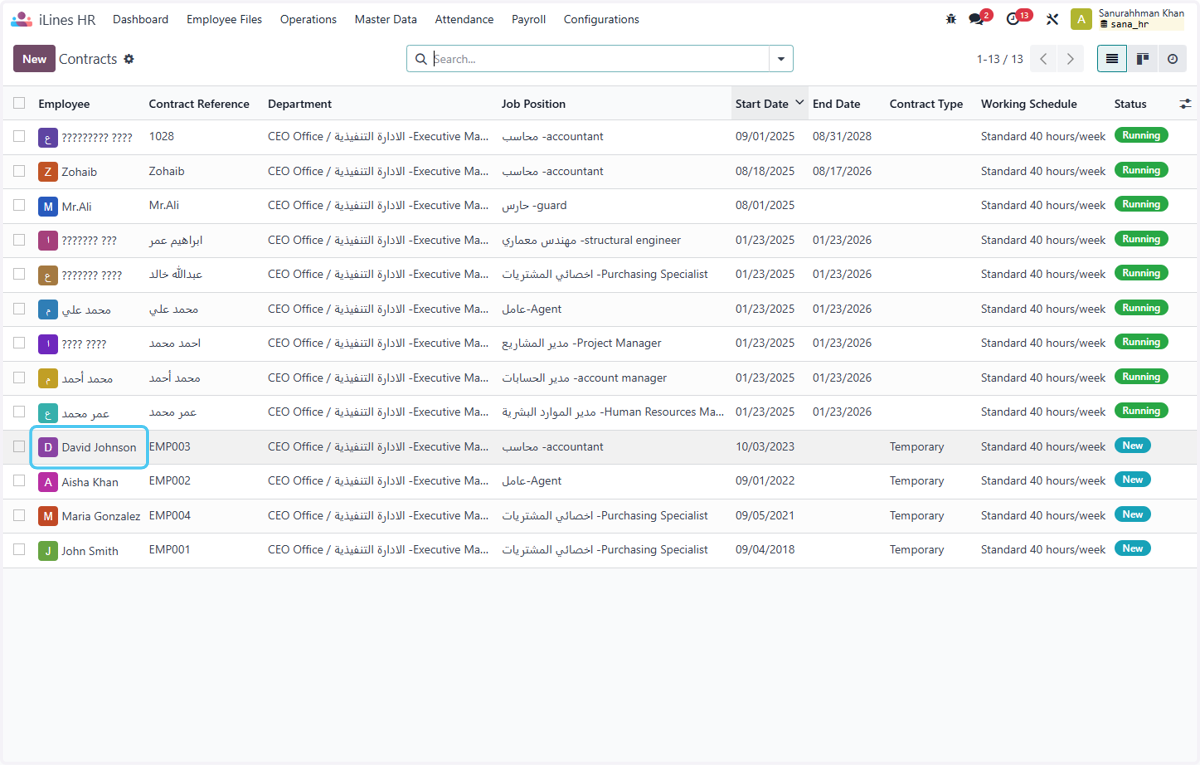
    Click on David Johnson that is recently been imported
  12. 17. Now finally you can see all of the details were scucessfully imported.
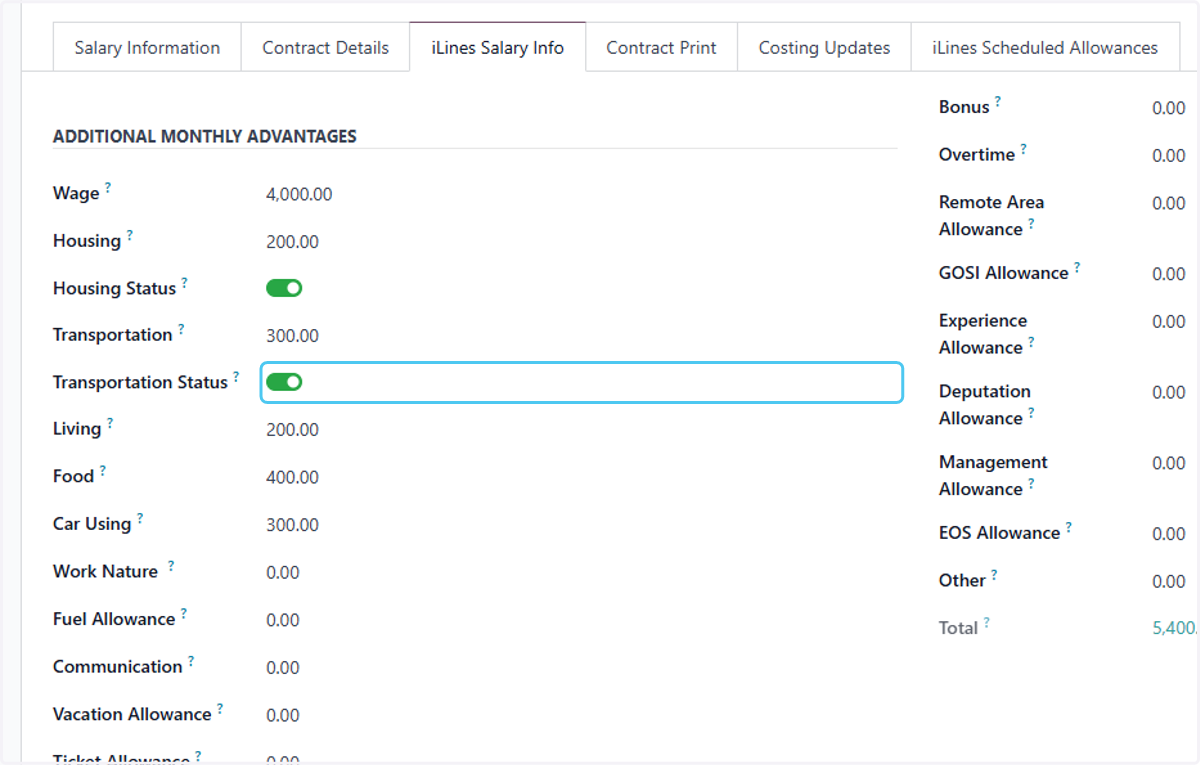
    Now finally you can see all of the details were scucessfully imported.