Integrating Avid AI with Salesforce
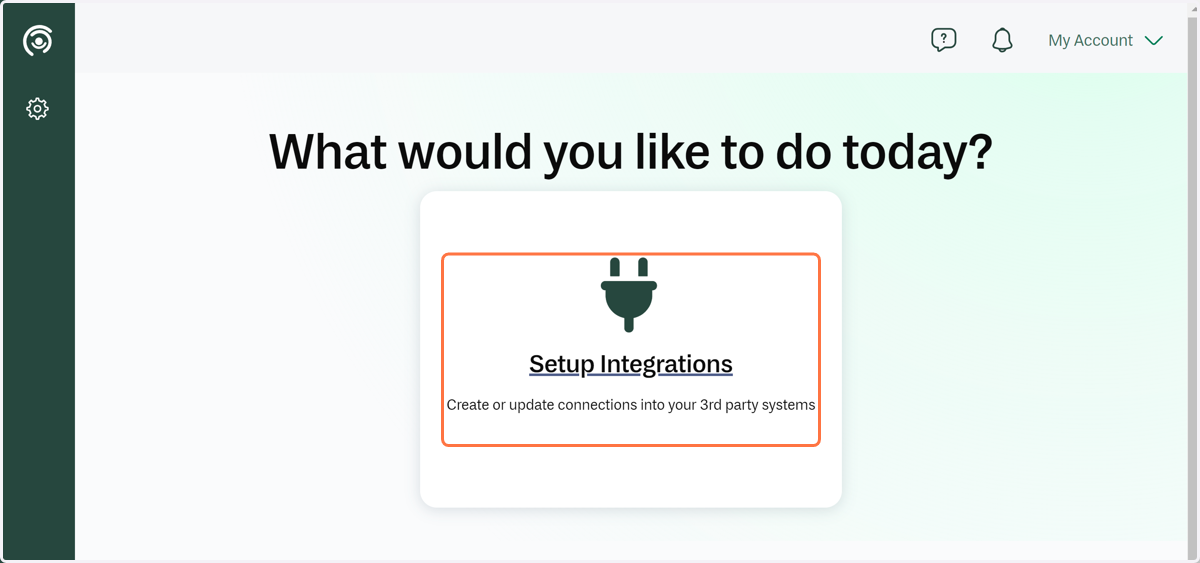
1. Your landing page...
When you first land on your dashboard, you will be prompted to set up your first integration.
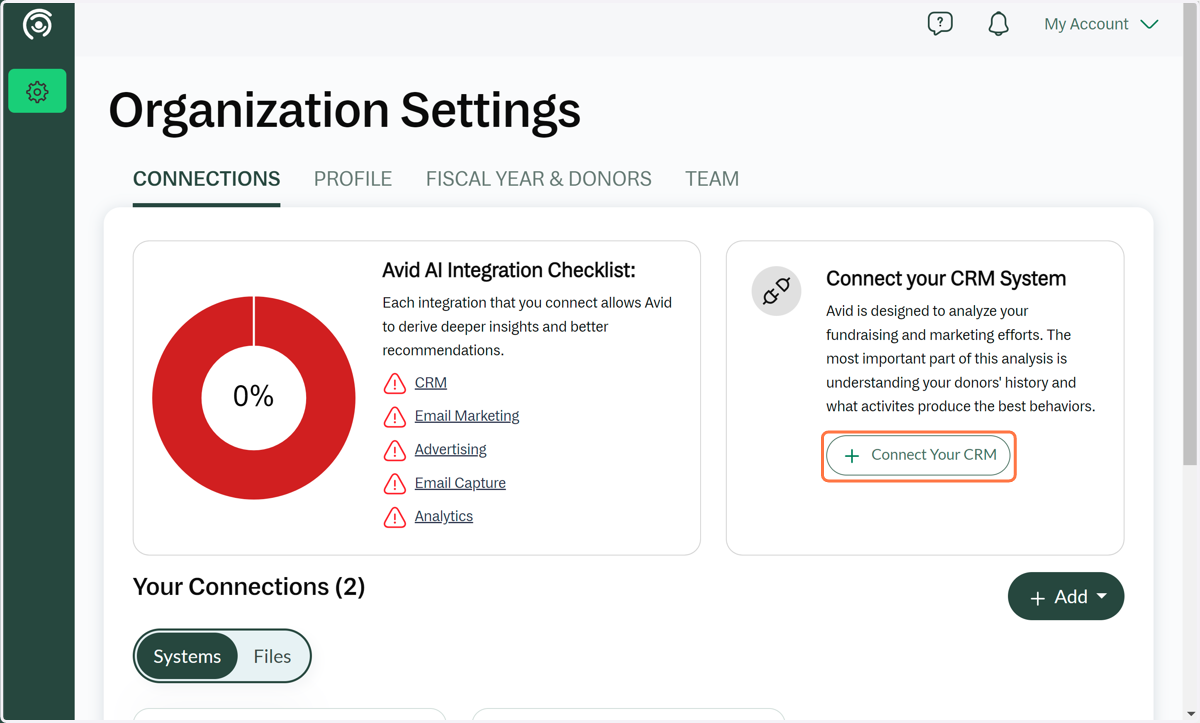
2. Click on Connect Your CRM
Connecting your CRM allows you to keep your data in sync and correctly mapped through a secure API. Creating an integration is the recommended way to connect your data.
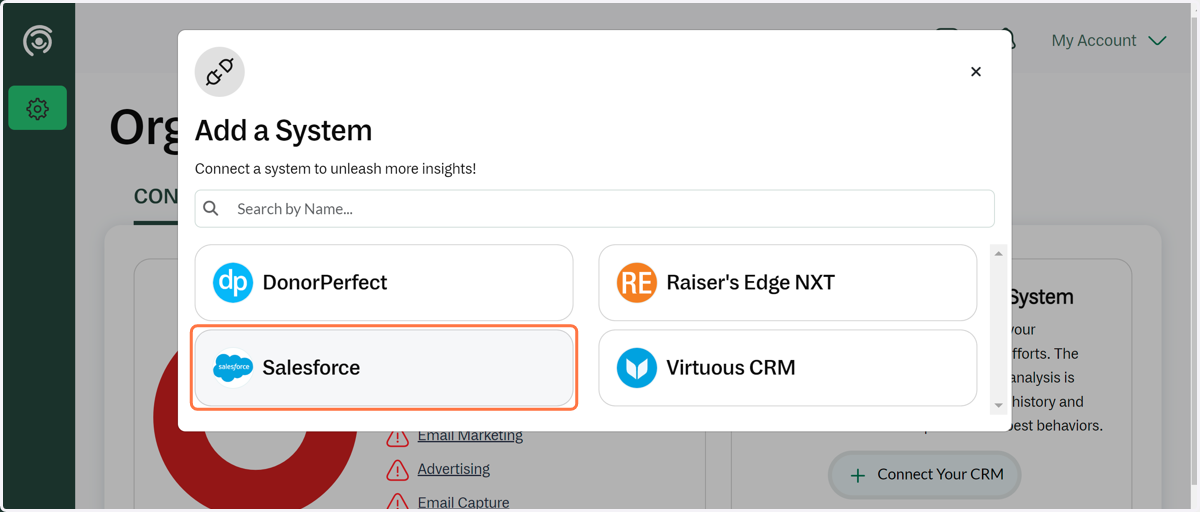
3. Click on Add a System… and then the Salesforce tile
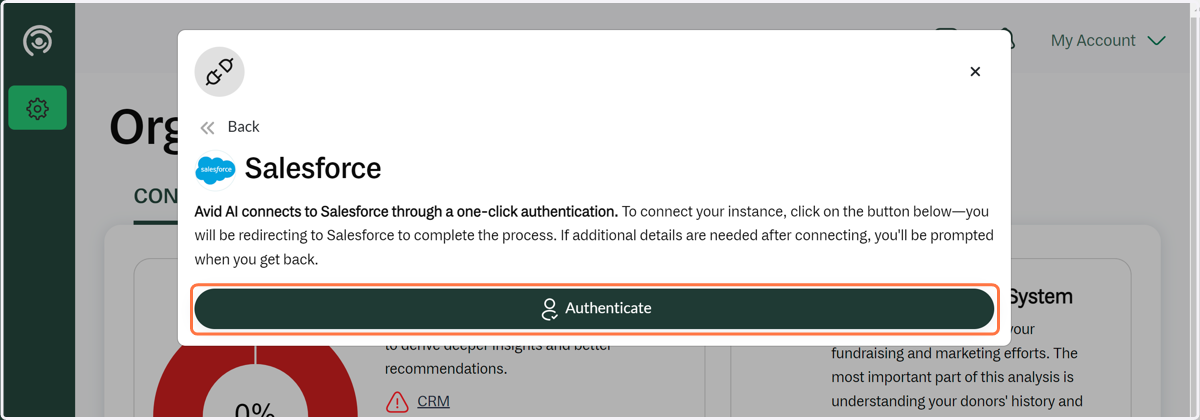
4. Click on Authenticate
5. If you do not have the correct authorization to log into Salesforce feel free to go to the Settings page and invite a team member who does (if you haven't invited them already).
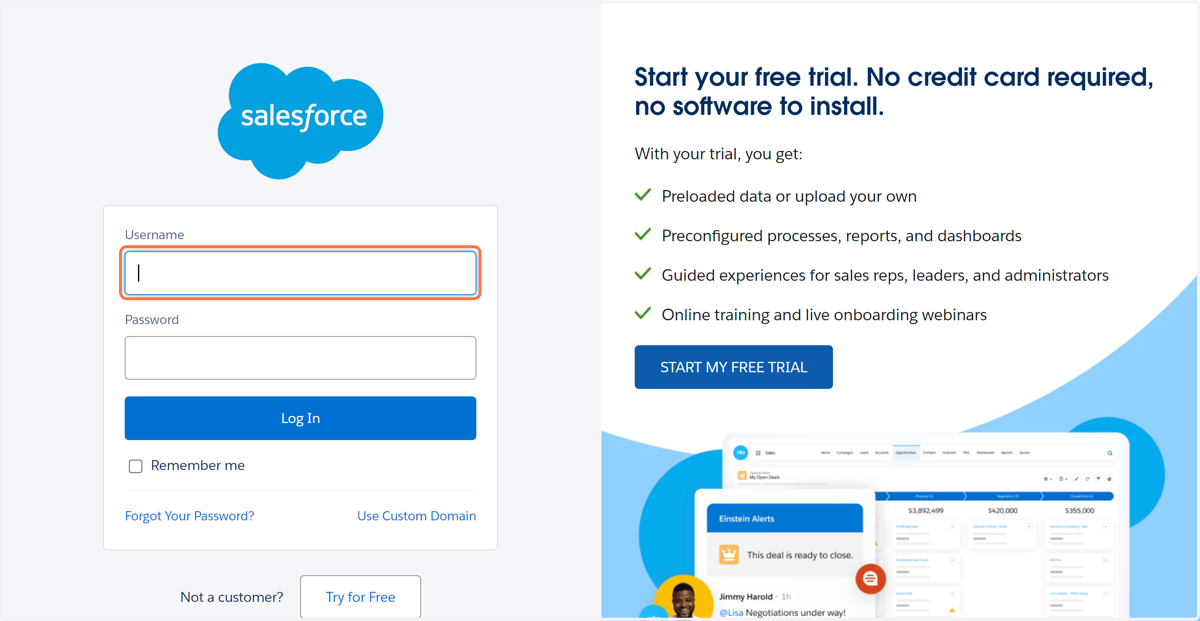
6. Salesforce Login Screen
When you click on Authenticate, you will be taken directly to your Salesforce login page. If you are already logged in and have administrative access, you will skip the login below and be asked to approve the connection. Once approved, the connection will begin through the Salesforce API.