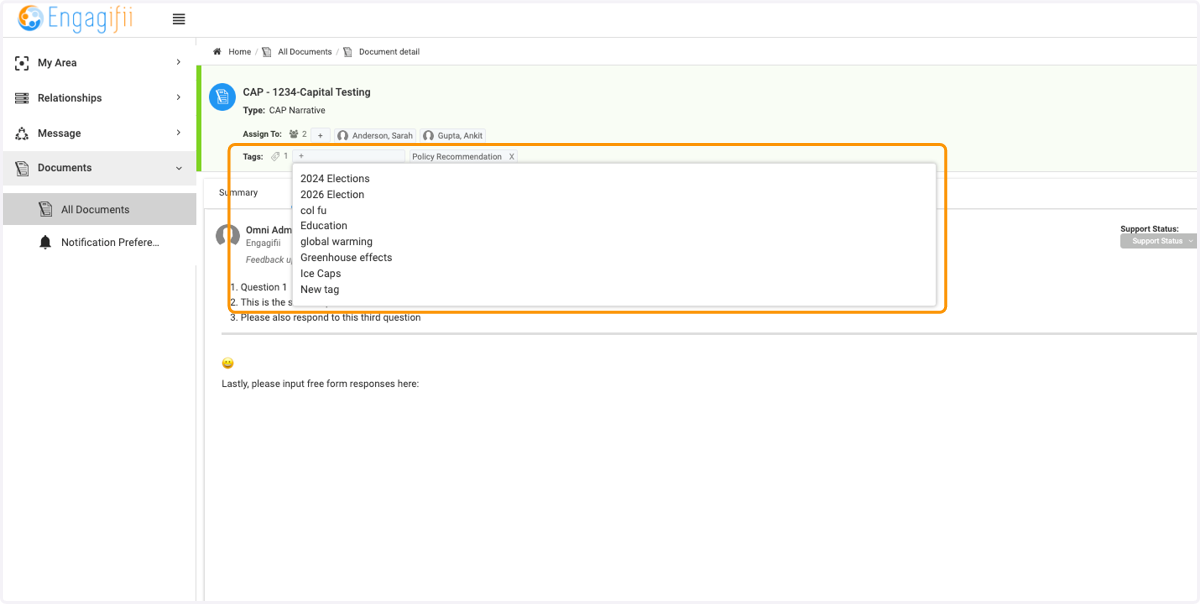
Assigning Documents to team members (Program Director)
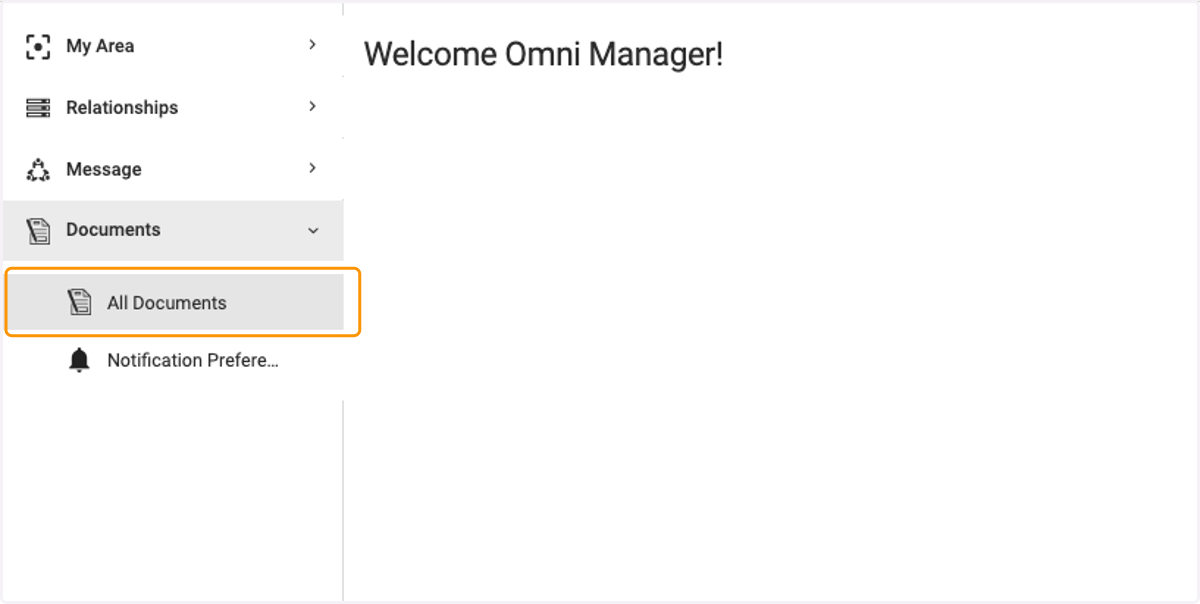
1. Click on Documents / All Documents
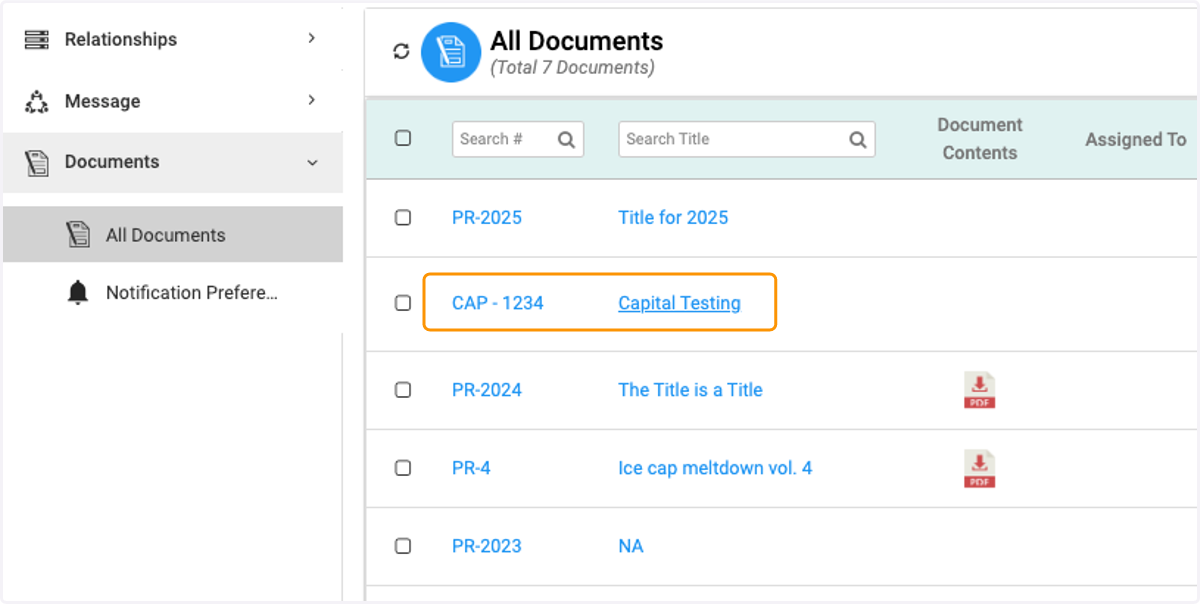
2. Click on the Document you want to assign
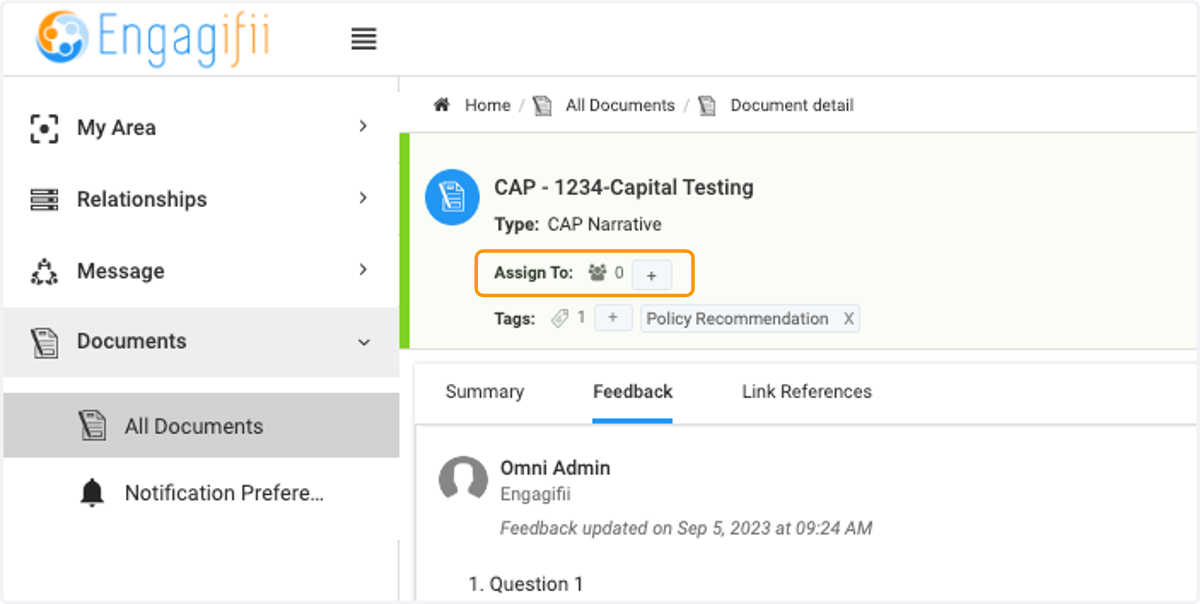
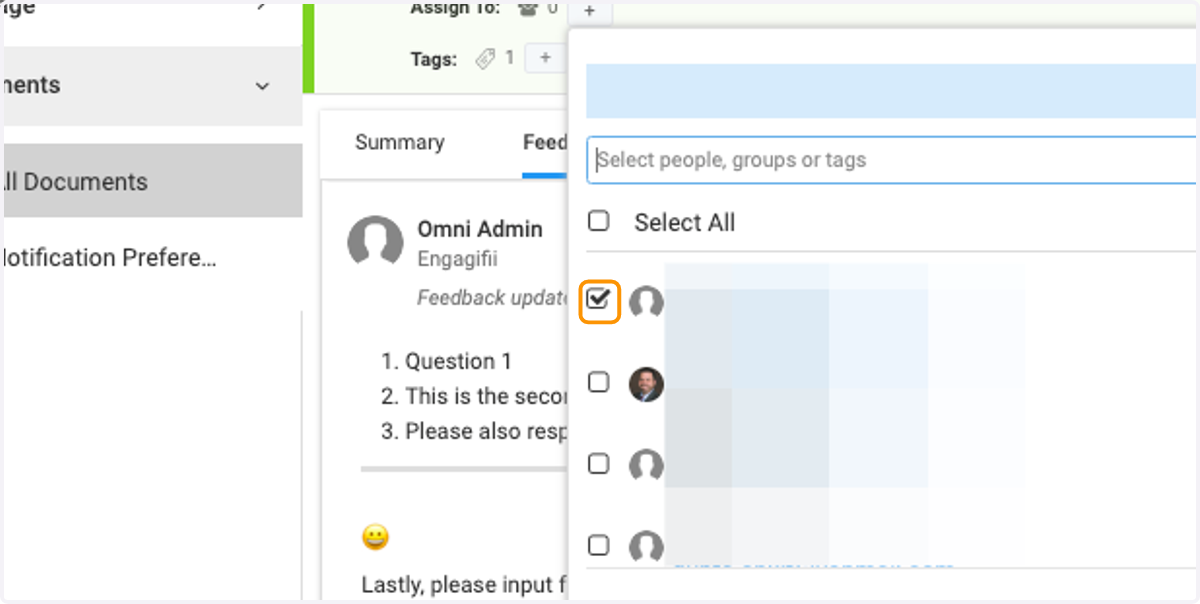
3. Click on + to Assign to team members
4. Select team members from menu
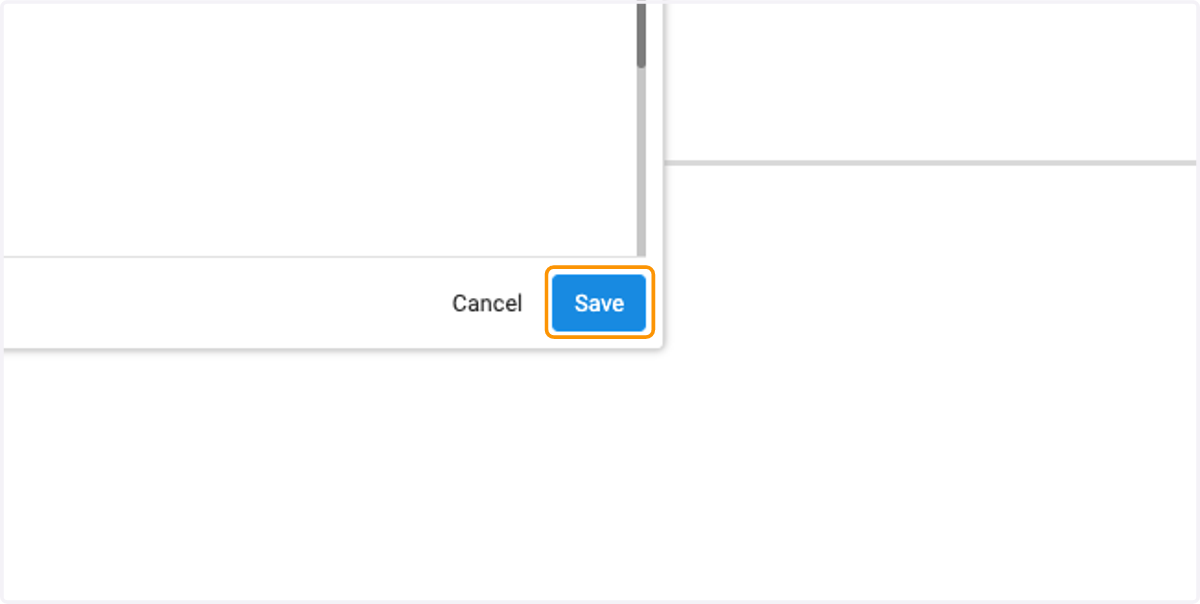
5. Click on Save
6. Click on Tags if you want to add more tags
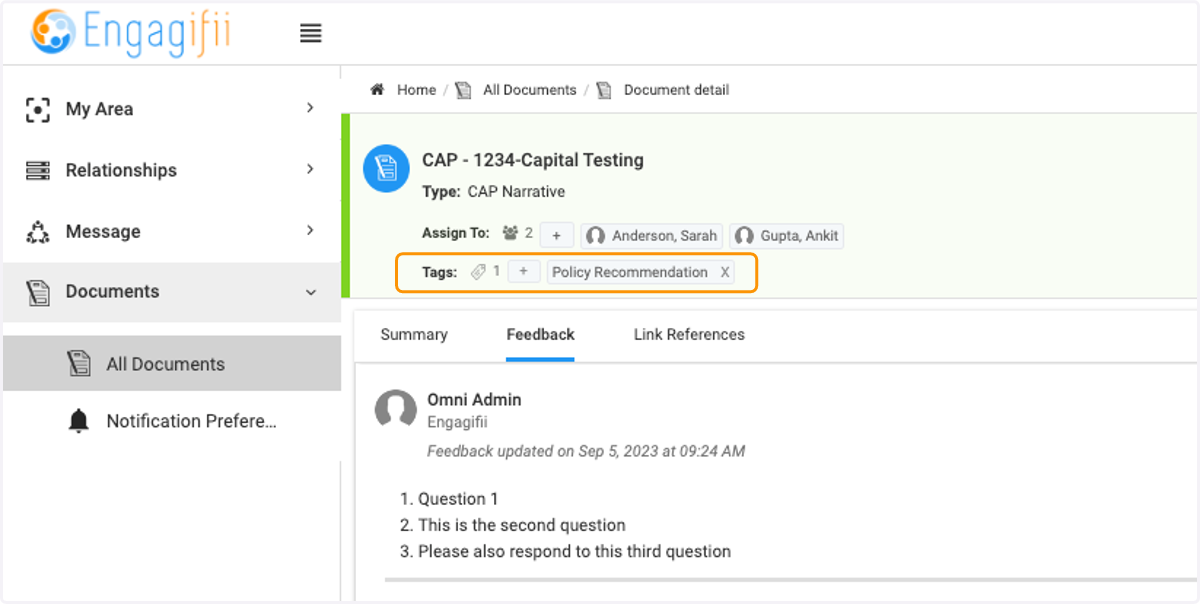
7. Select a tag from the list or create a new one