Adding an Application (other than Common App)
Follow these steps to add a college to your application manager. These steps are for any colleges that you apply to through any application system outside of Common App (College's own website, Common Black College Application, Coalition Application, etc.).
Schoolinks
1. Go to Schoolinks and Log in

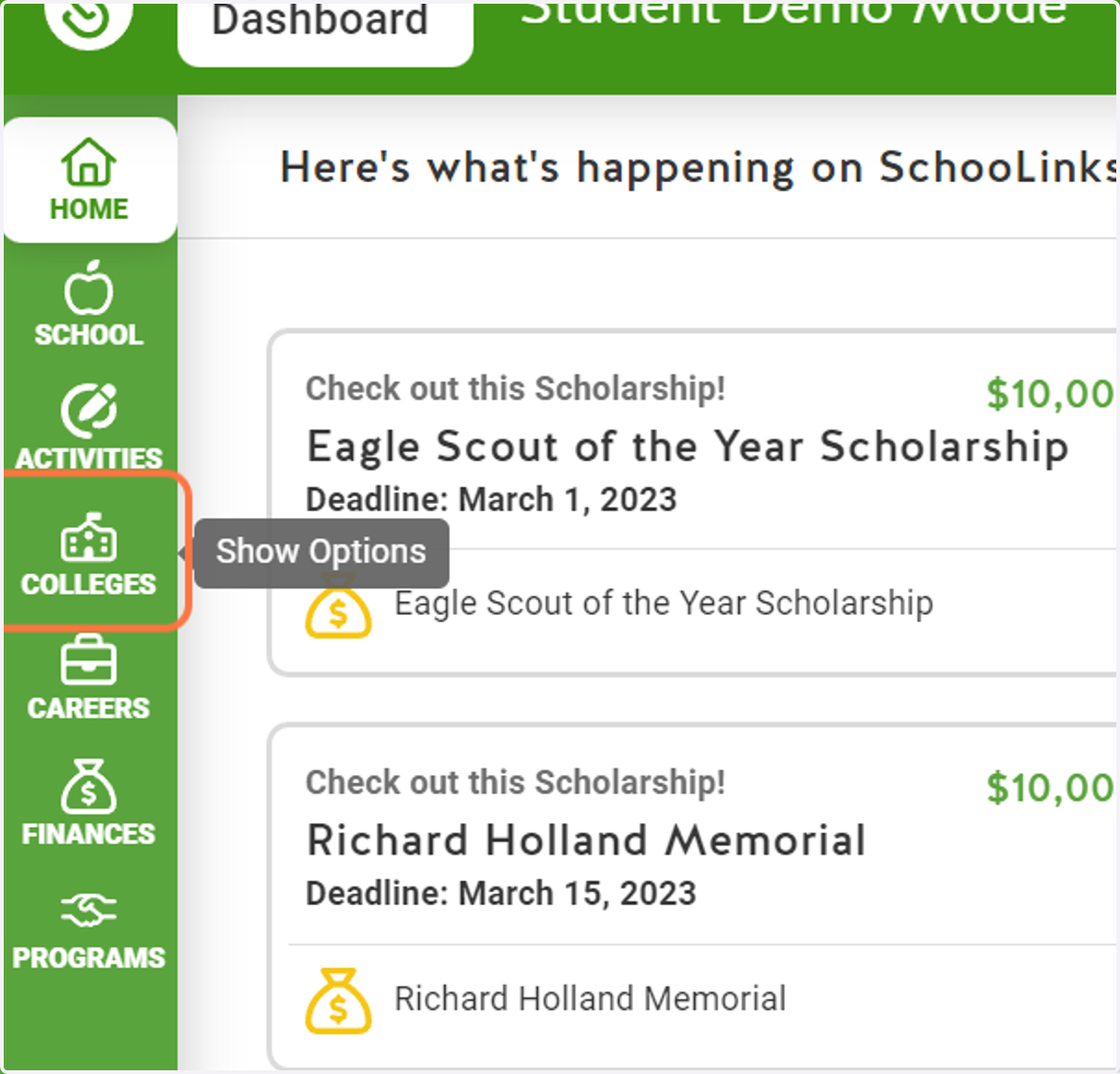
2. Click on Colleges
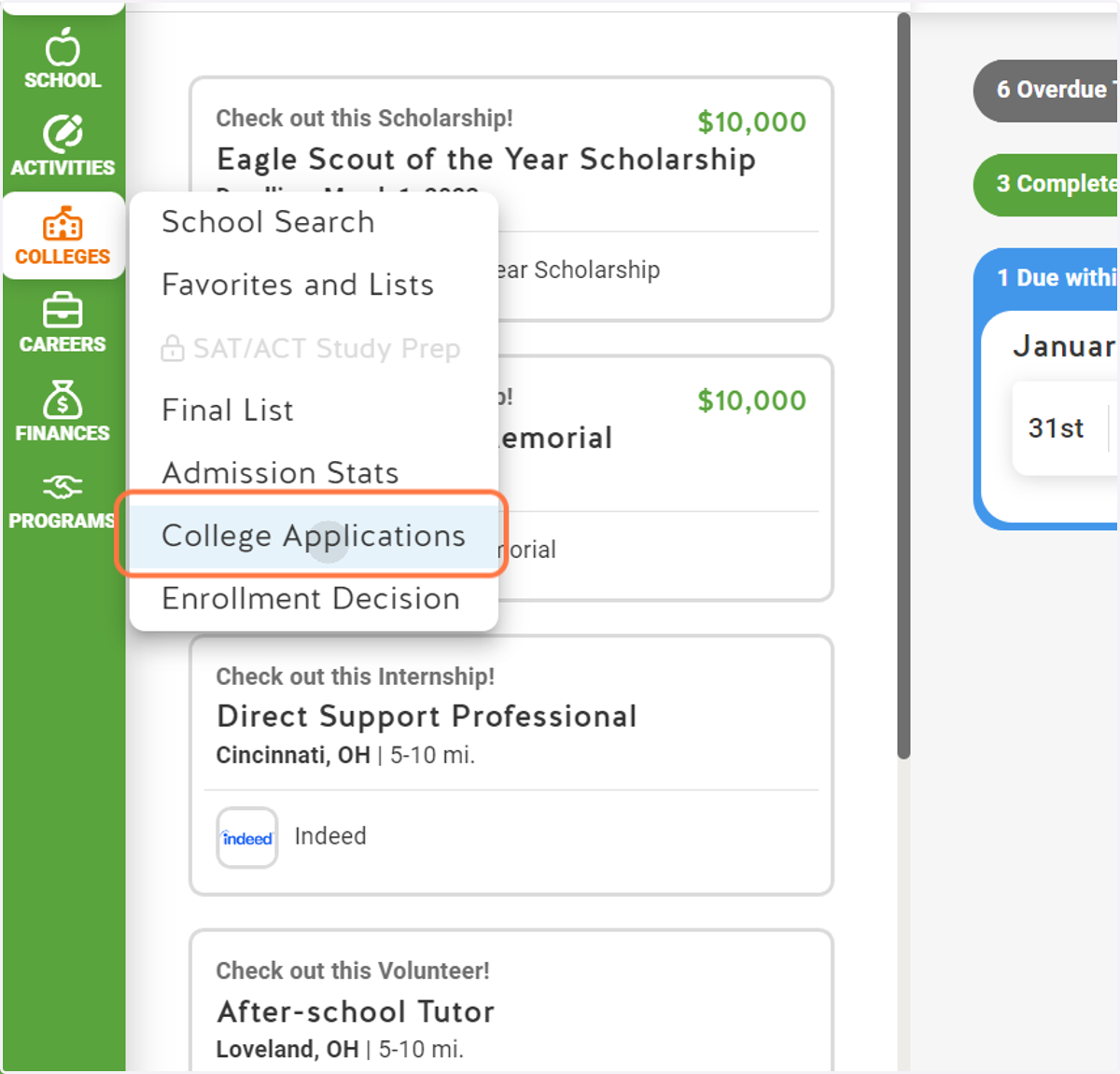
3. Click on College Applications
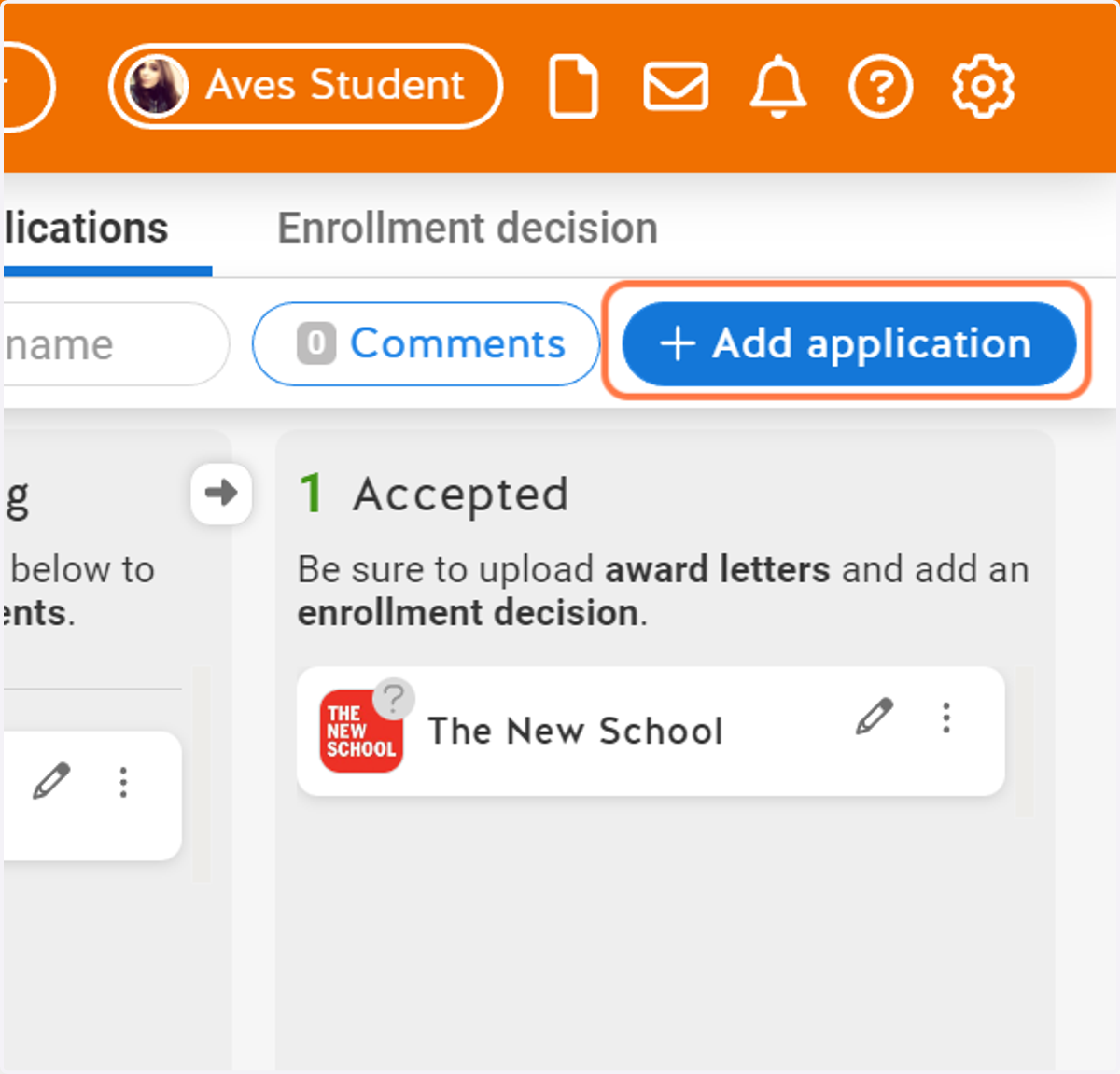
4. Click on Add application
5. Type in the name of the college you want to add
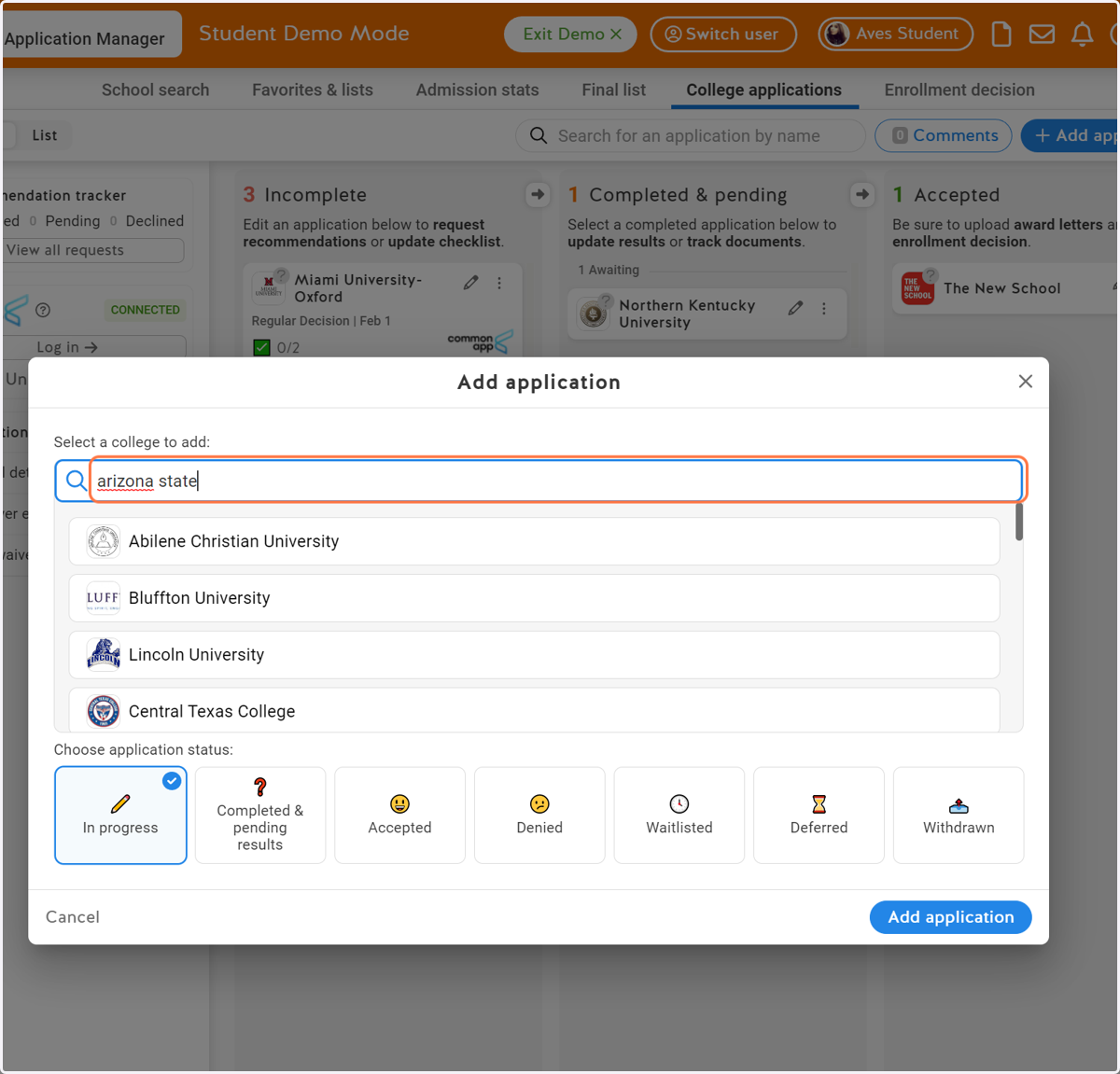
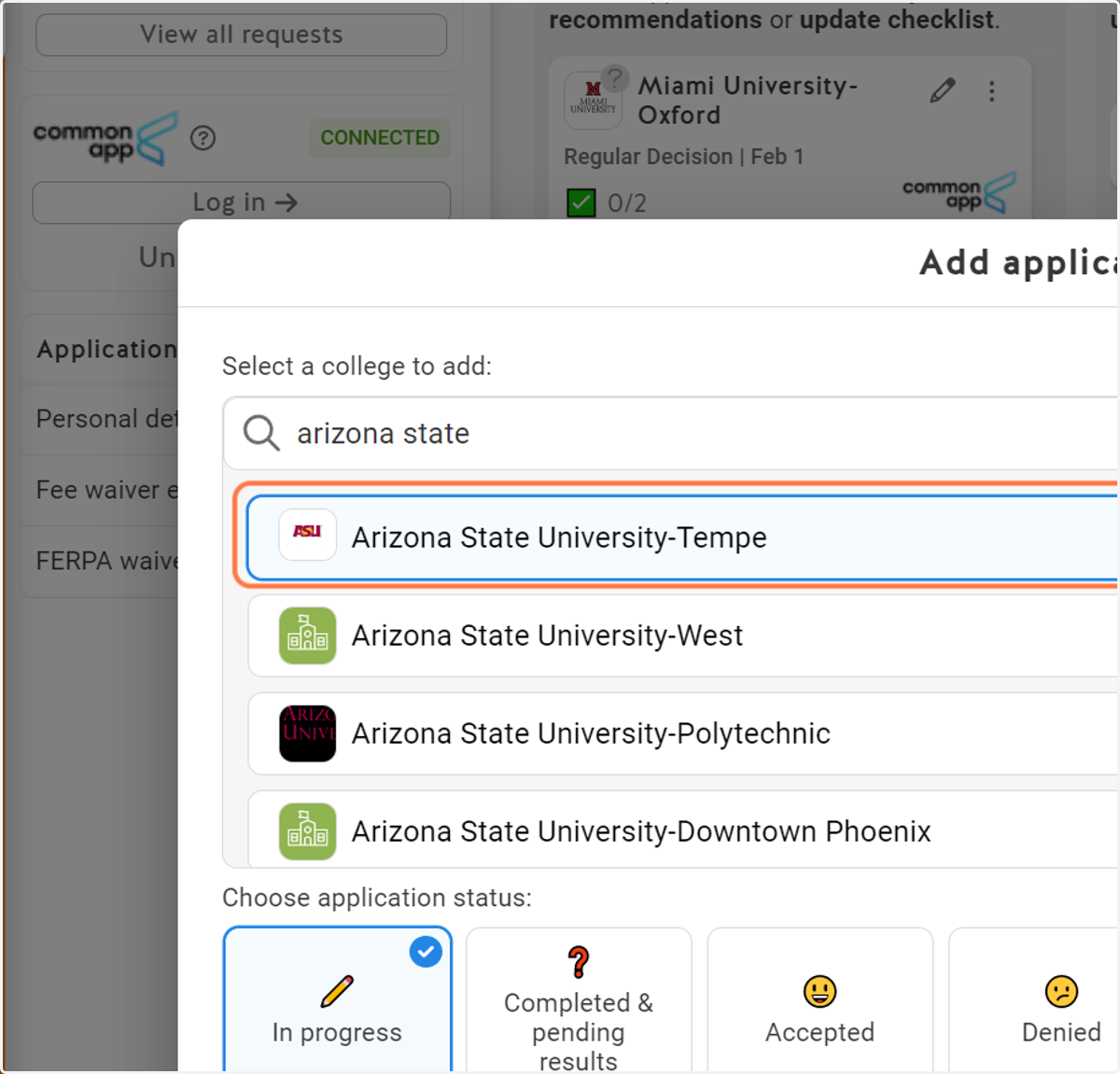
6. Select the correct school
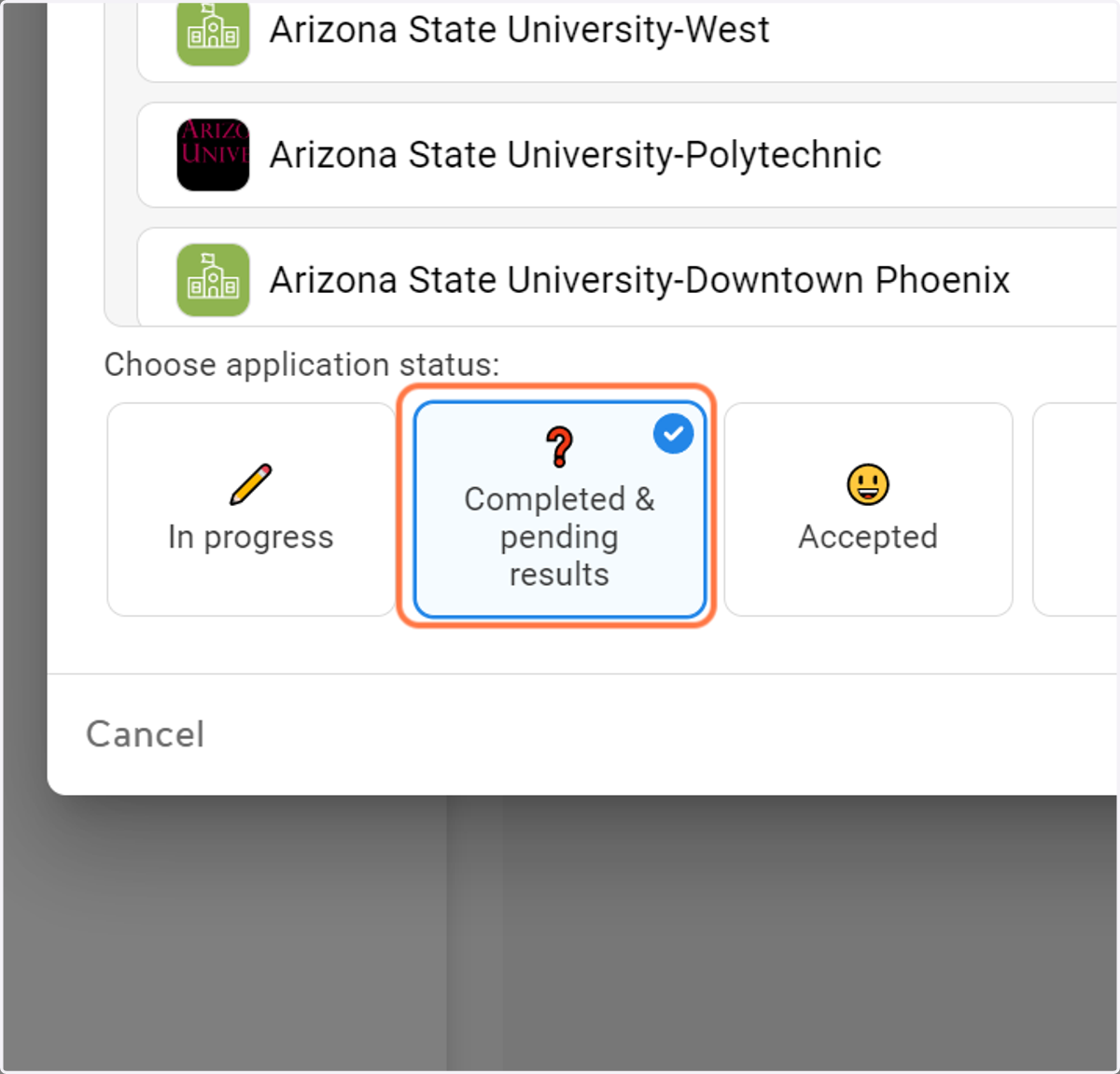
7. Select your application status
Are you in progress of applying or have you already completed the application?
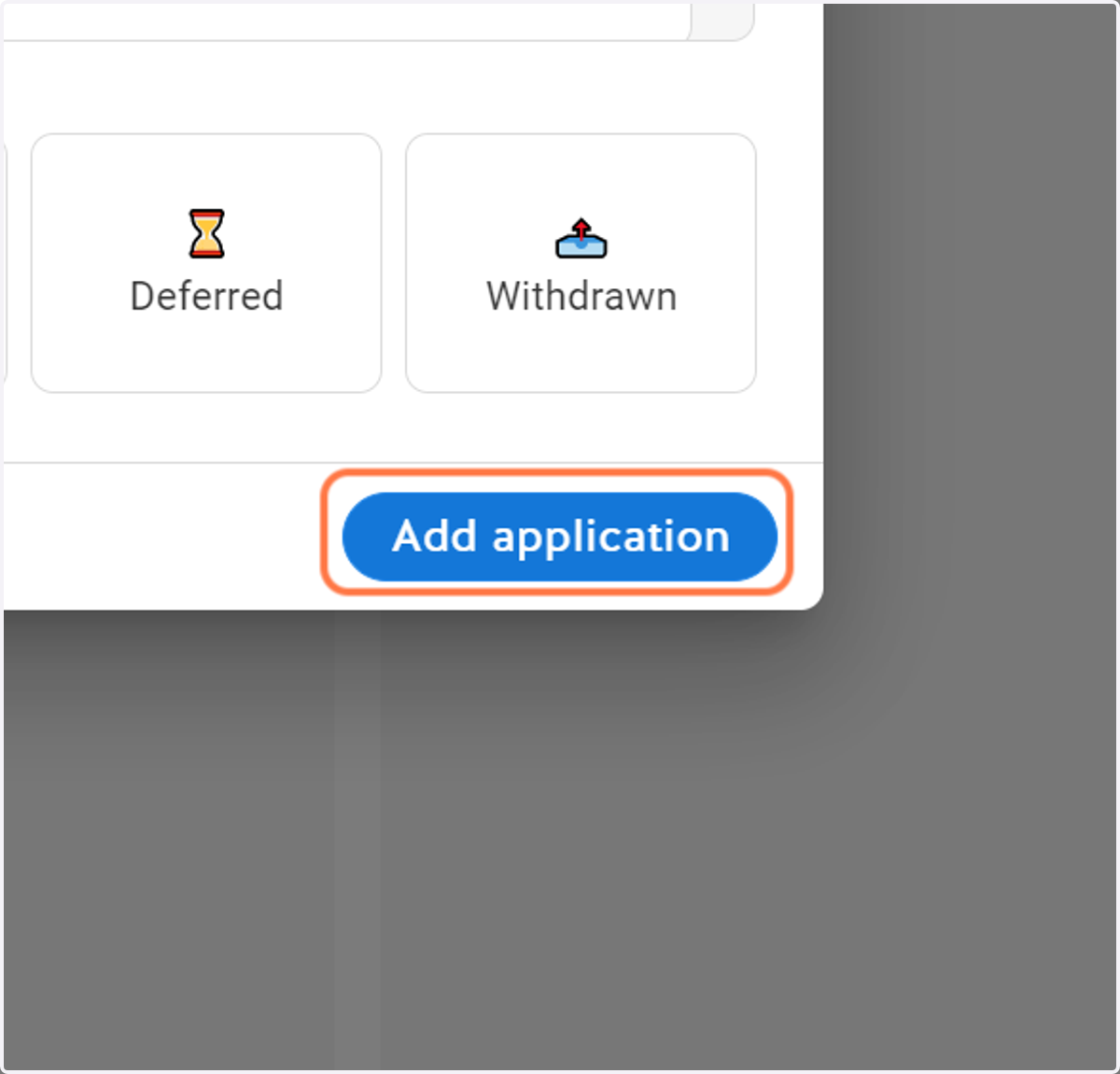
8. Click on Add application
9. Click on the Application Method
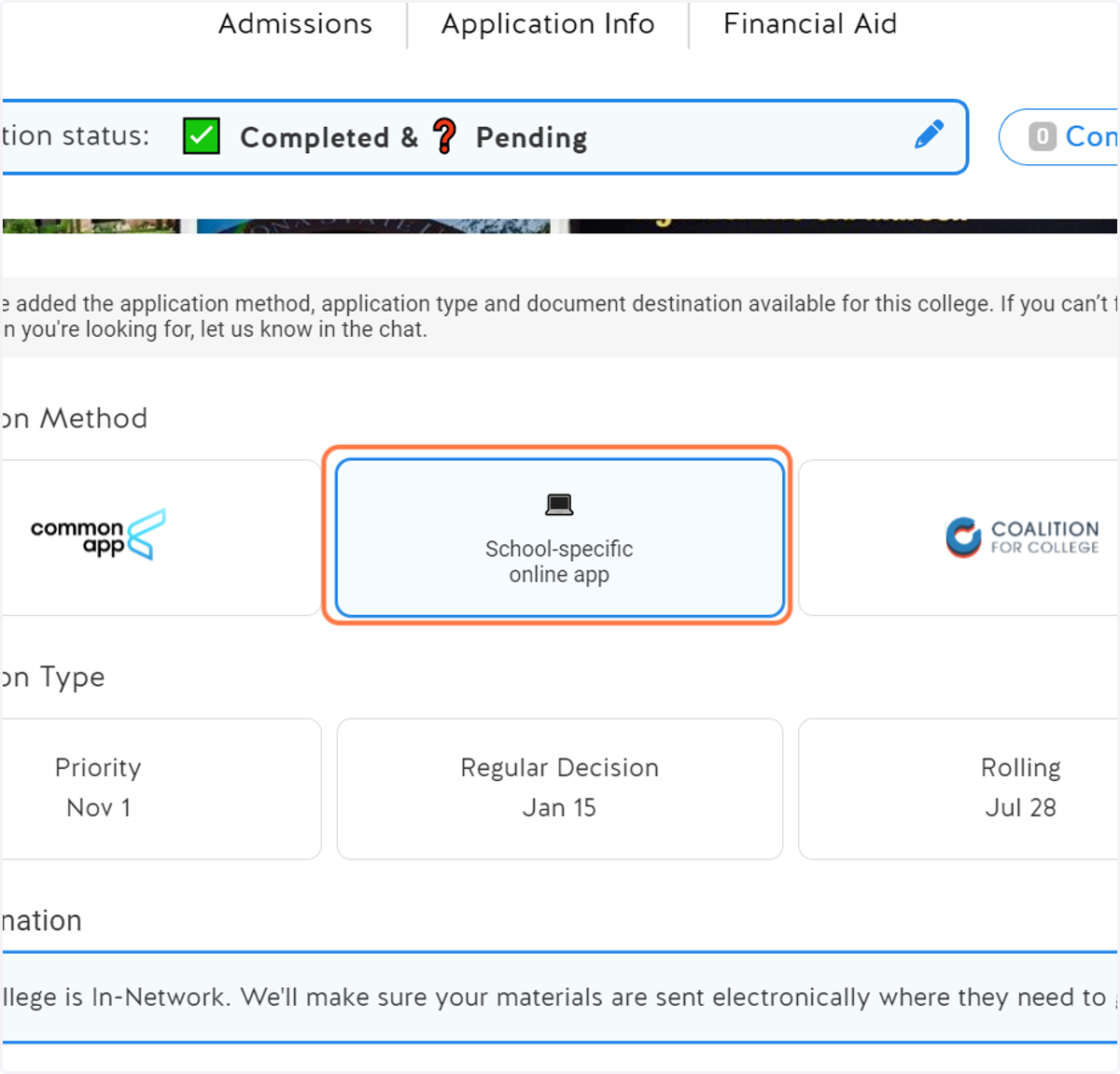
10. Click on the Application Type
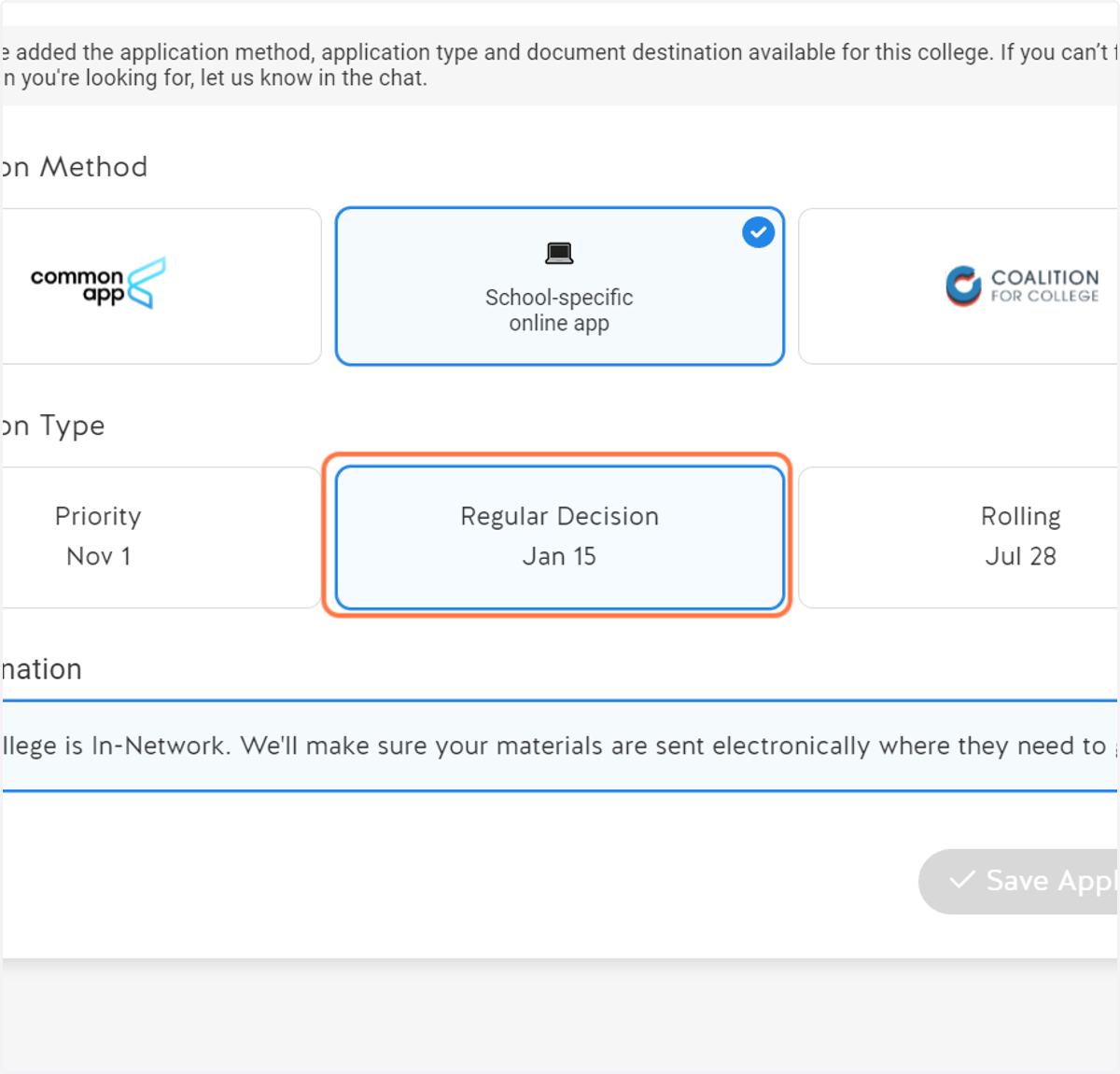
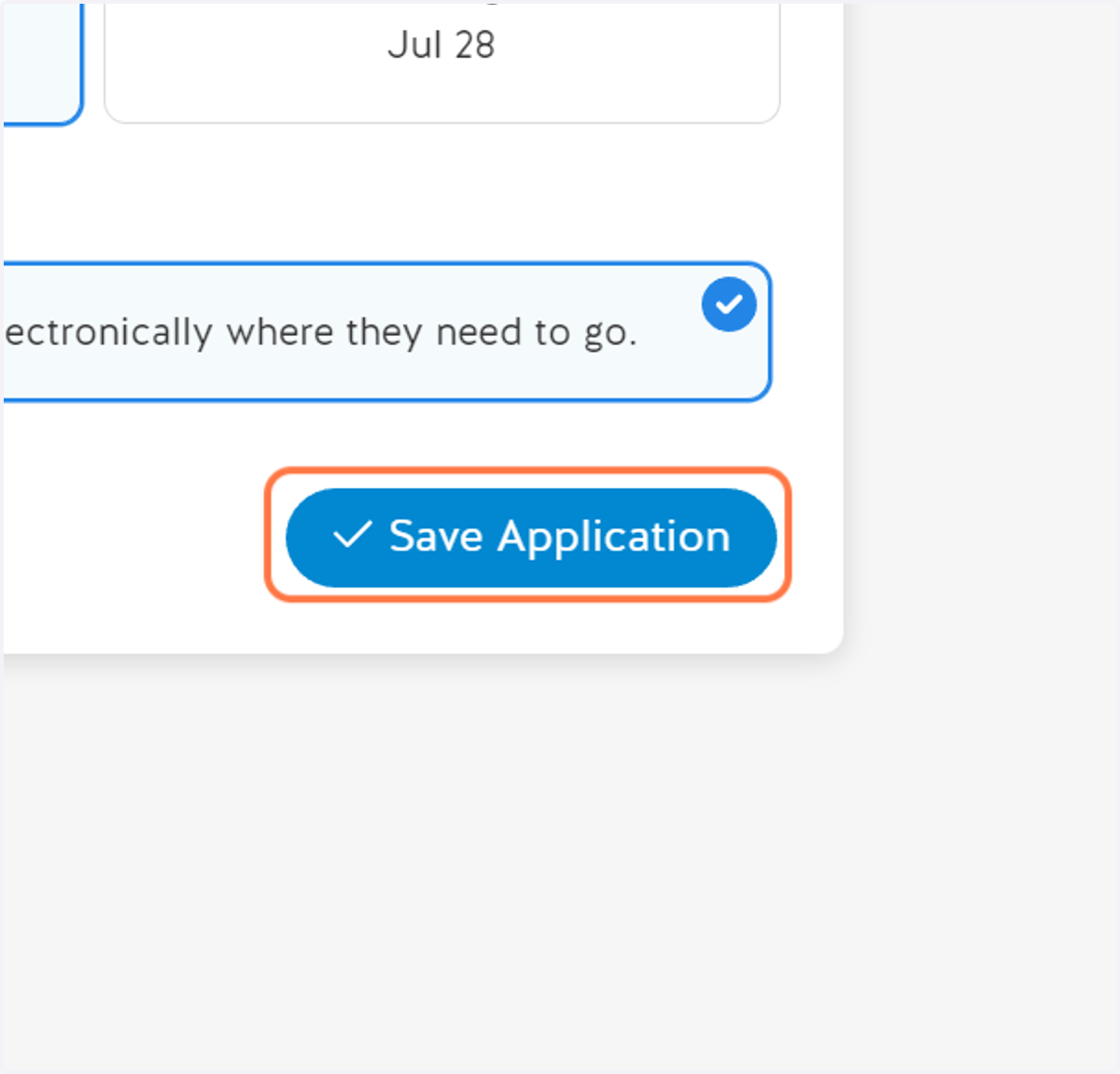
11. Click on Save Application