Invite Installer
Whoo
1. Go to console.whoo.ai
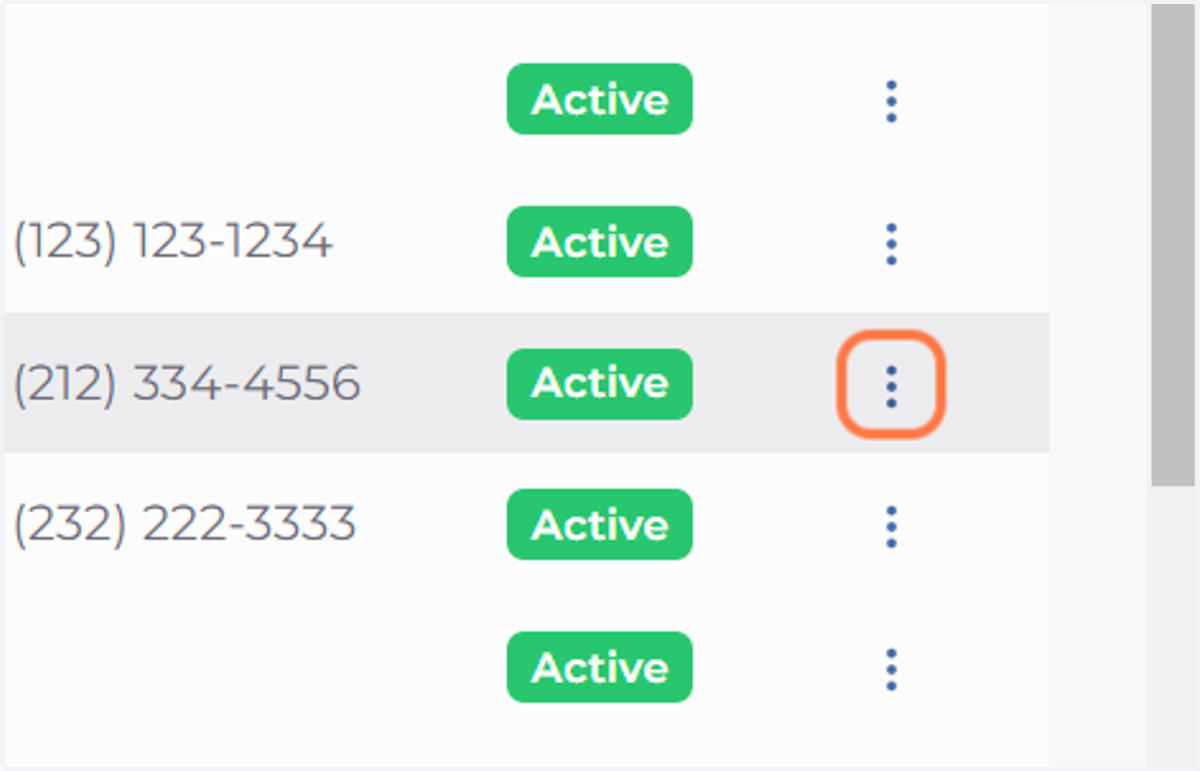
2. Click on Actions dropdown menu
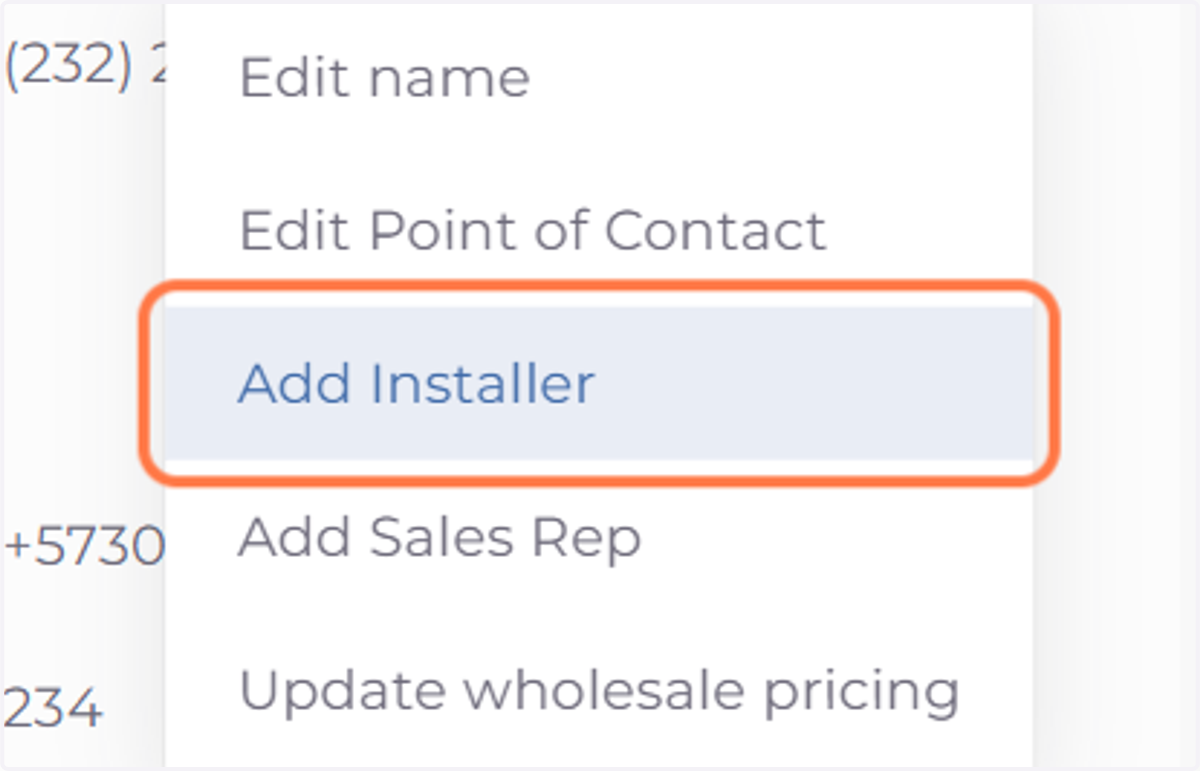
3. Click on Add Installer
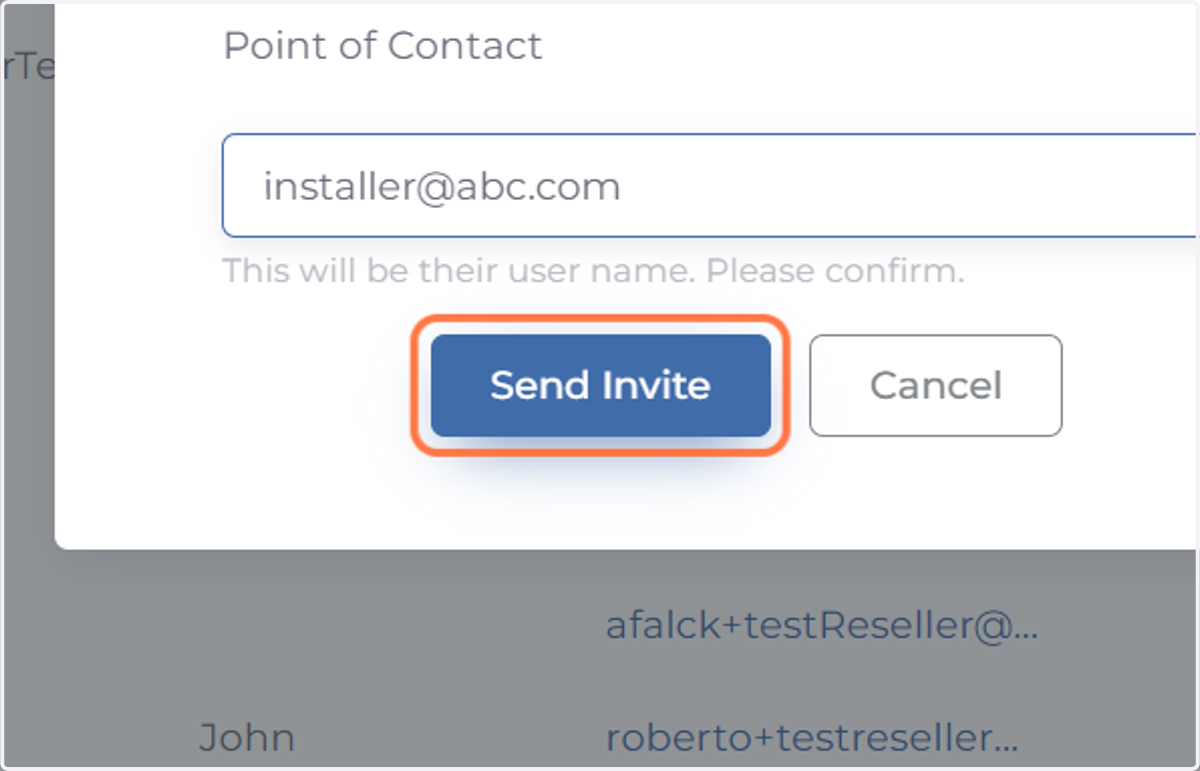
4. Enter Installer's email address
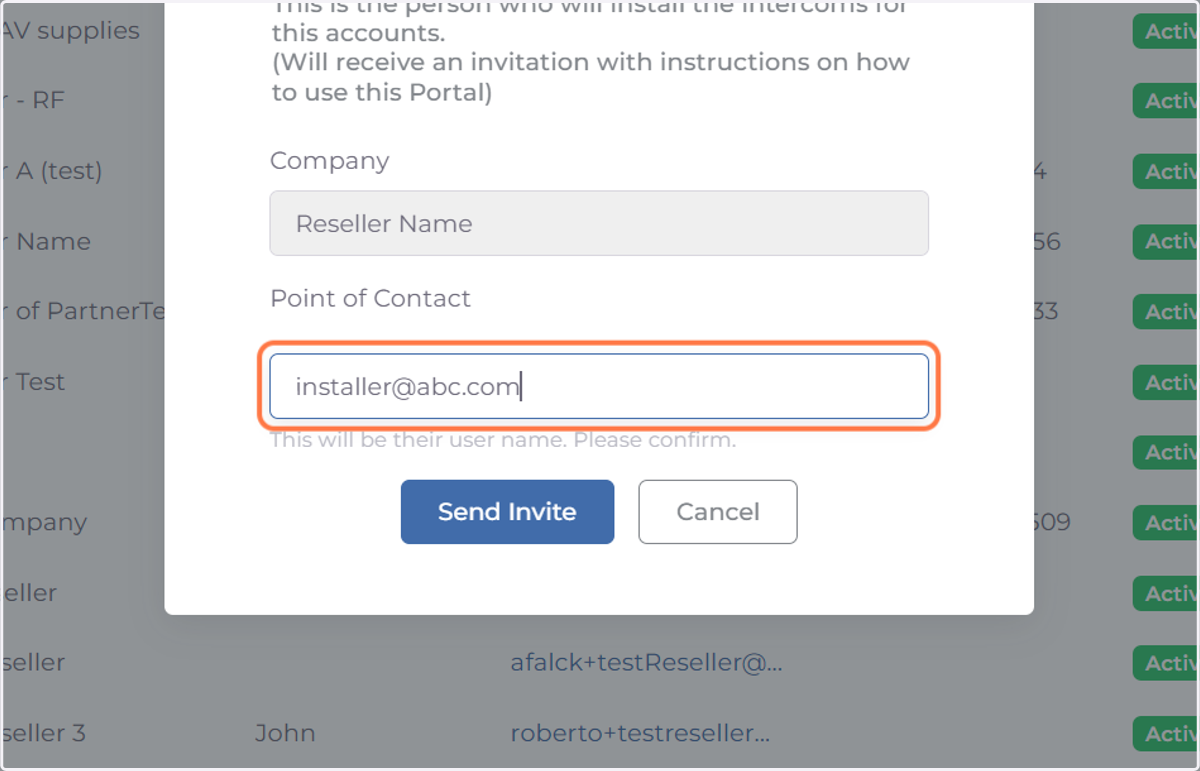
5. Click on Send Invite
6. Invitation Sent
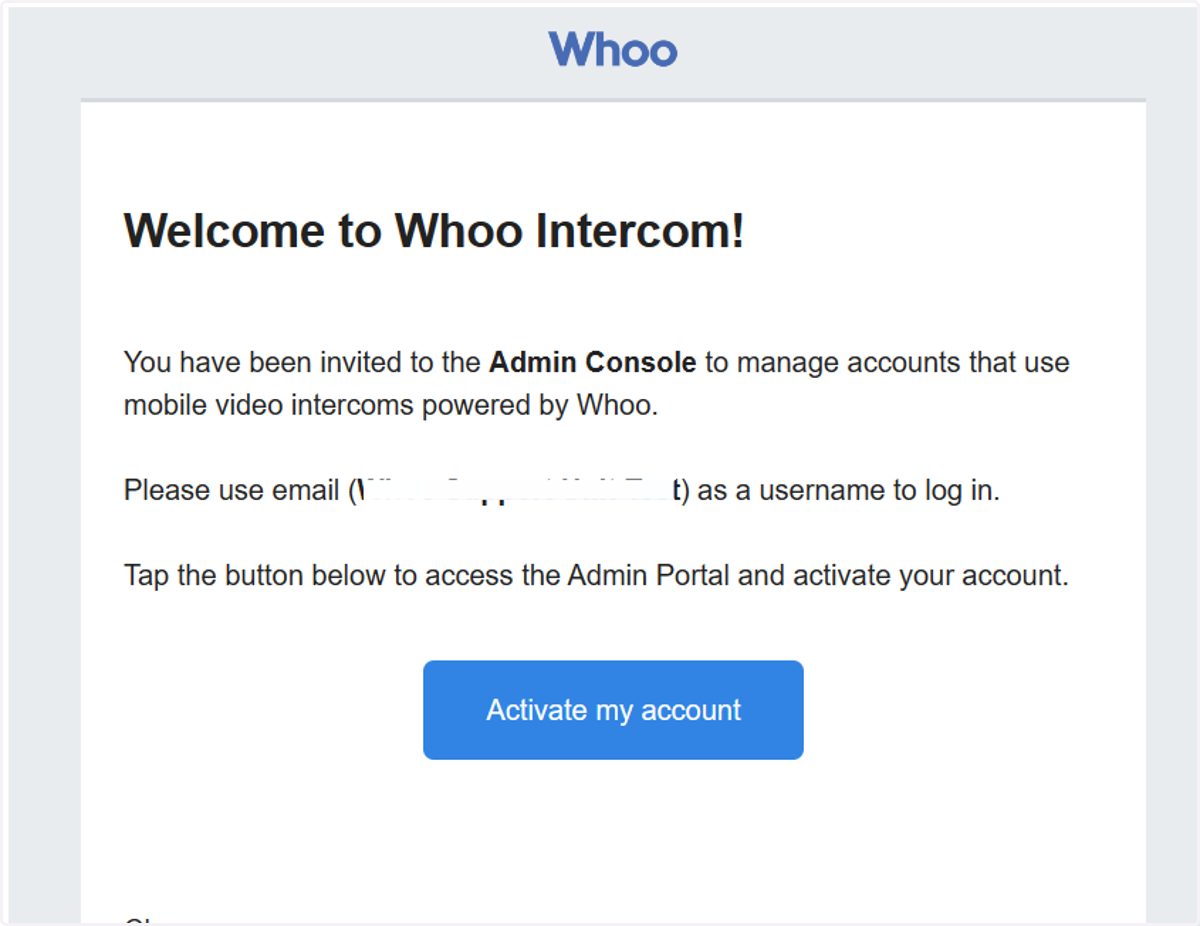
The installer will receive an email inviting them to use the console. The email will have an activation link.