Schedule a report
Machine Max
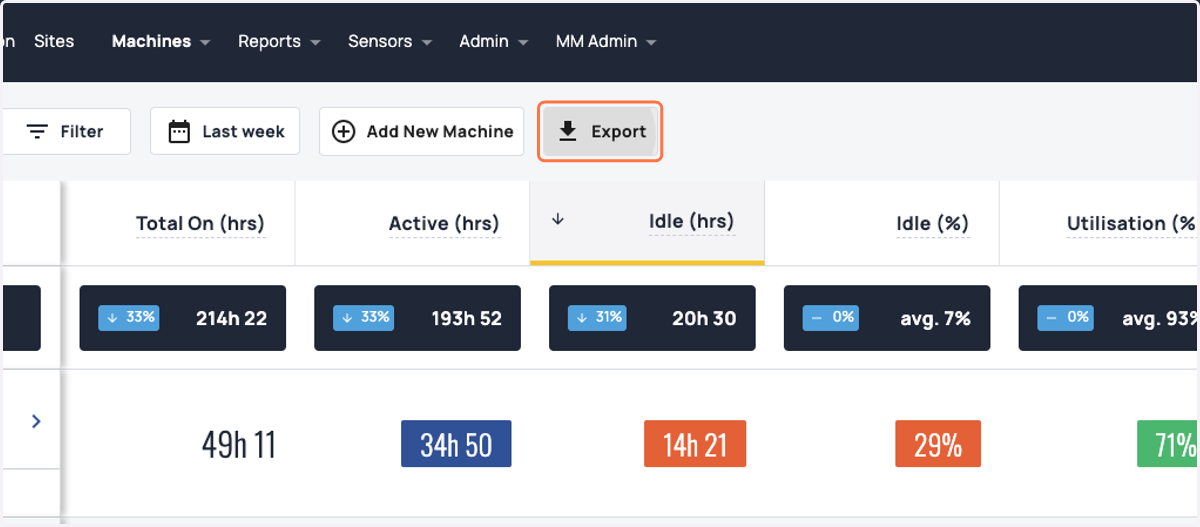
1. Click on Export
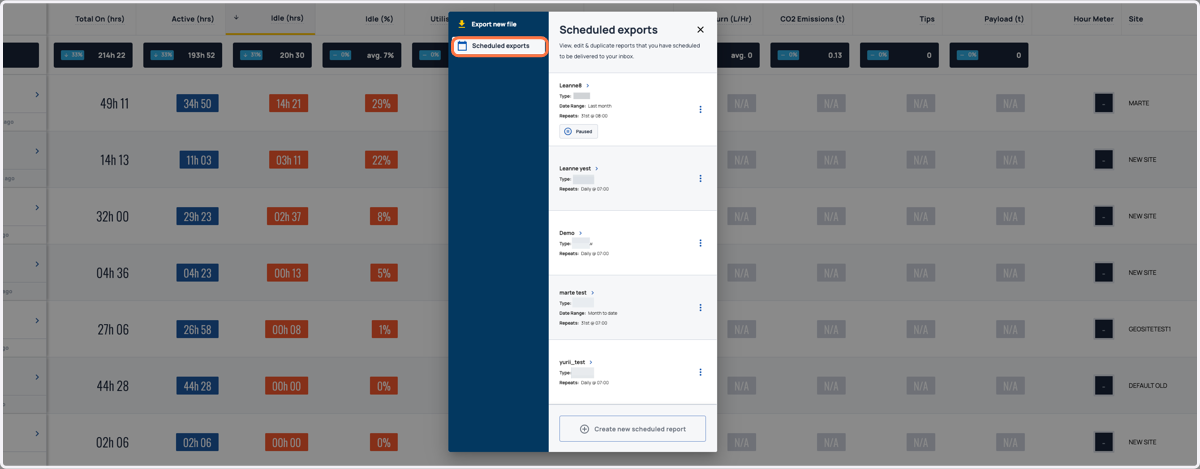
2. Select 'Scheduled Reports' from the left hand menu.
3. Tailor your reports to suit your business needs with customisable reporting options. Our platform currently supports a range of reporting types, including: Overview, OverviewByShift, Daily, DailyByShift, Focus, Hour Meter, Tips, Geofence Daily, and Geofence Focus.
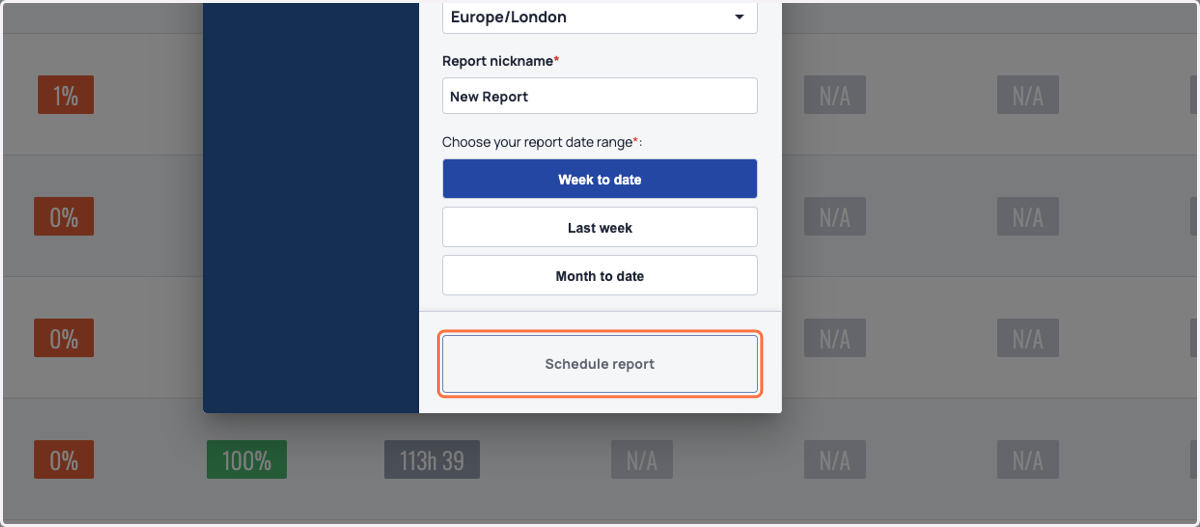
Customise the frequency and date range of your Machinemax report exports. Simply choose Daily, Weekly, or Monthly and select the time, day, or date that suits your preferences. To make it even easier, give your report a name, such as 'Monthly Focus Report.' You can also select a range for export, whether it's Today, Yesterday, Week to Date, Last Week, Month to Date, or Last Month.
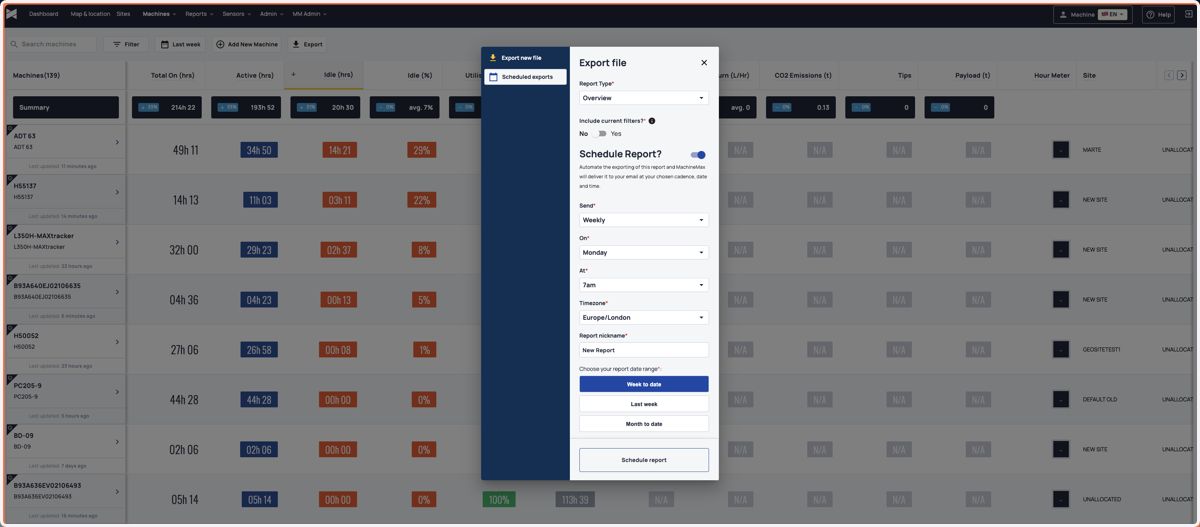
4. Click on Schedule report
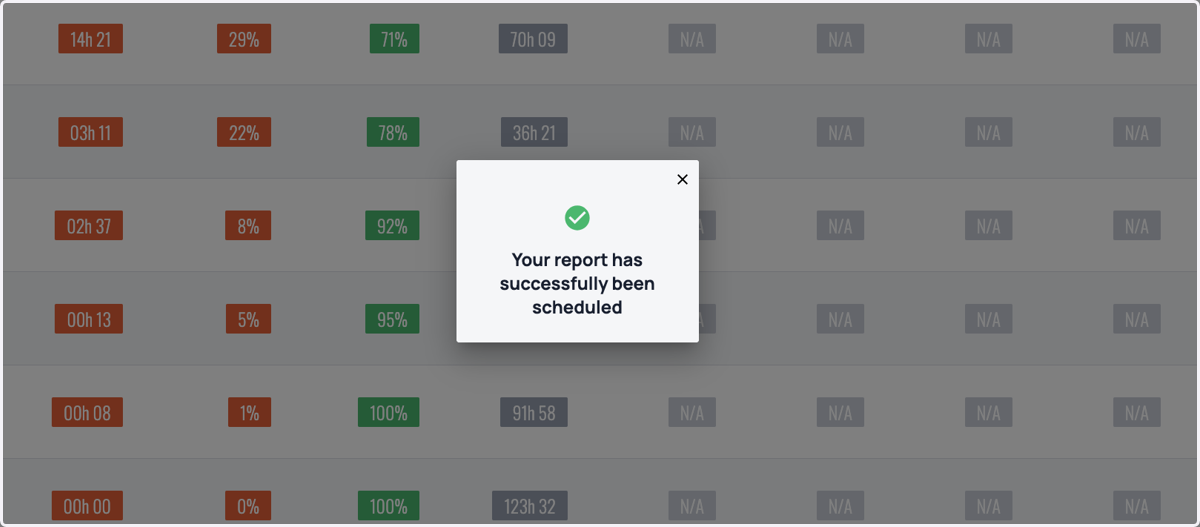
5. Your report has successfully been scheduled