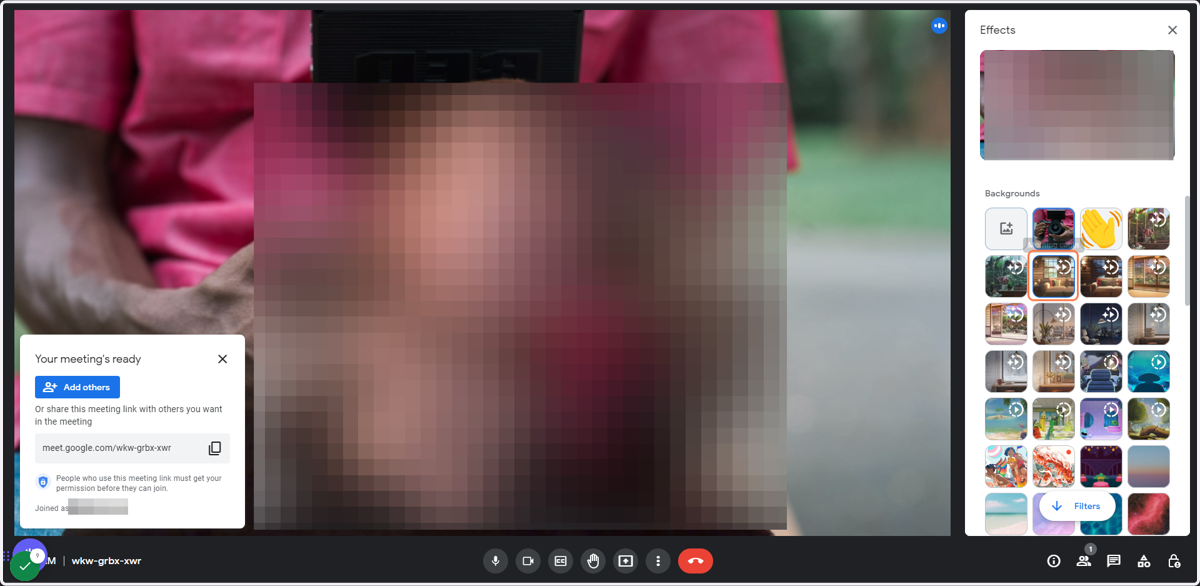
How to Change Your Background in Google Meet: During a meeting
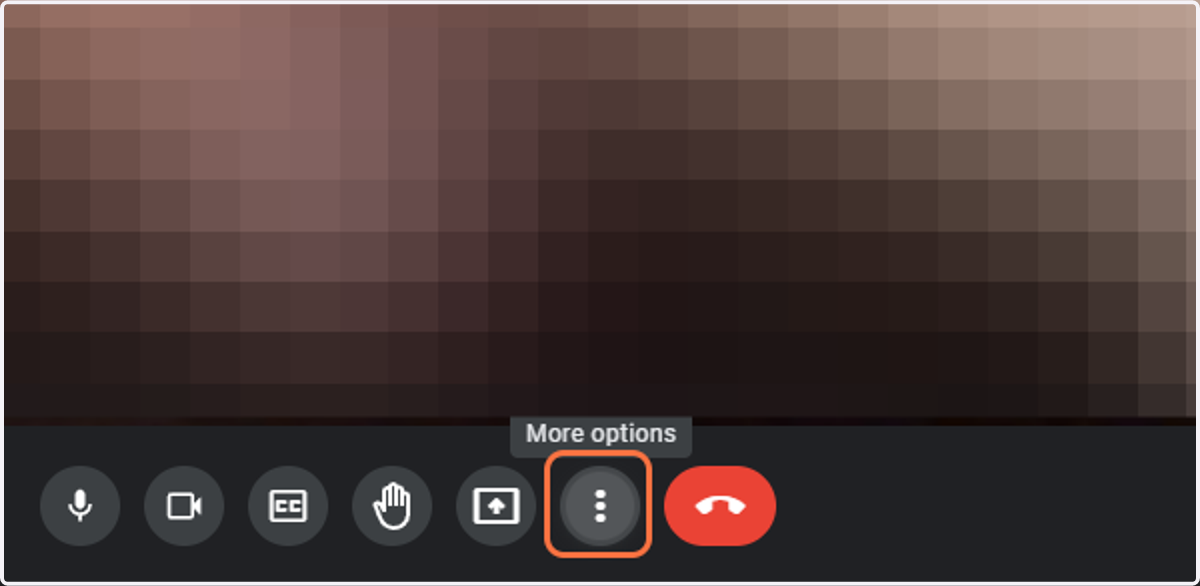
1. Click on the three dots (More Options) on the bottom menu
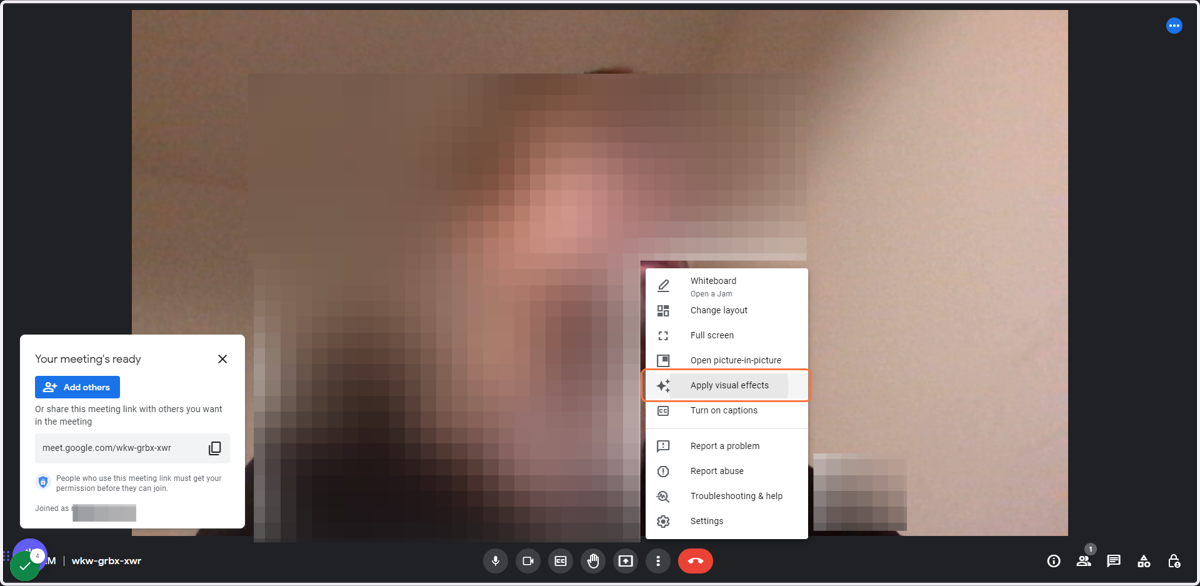
2. Click on Apply visual effects
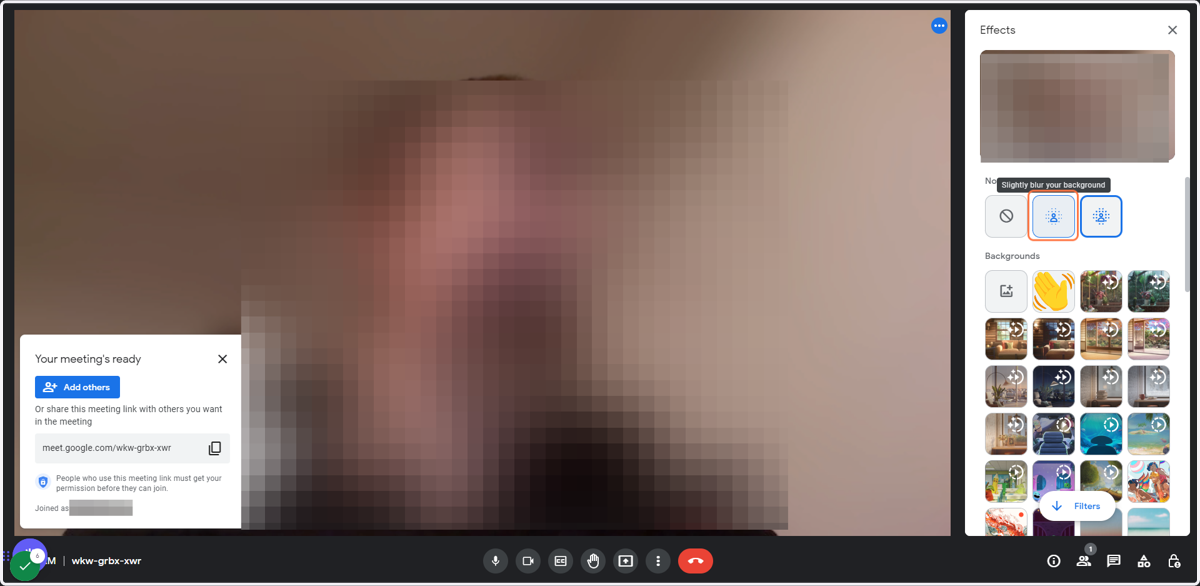
3. You can now either: a) Click on Blur your background
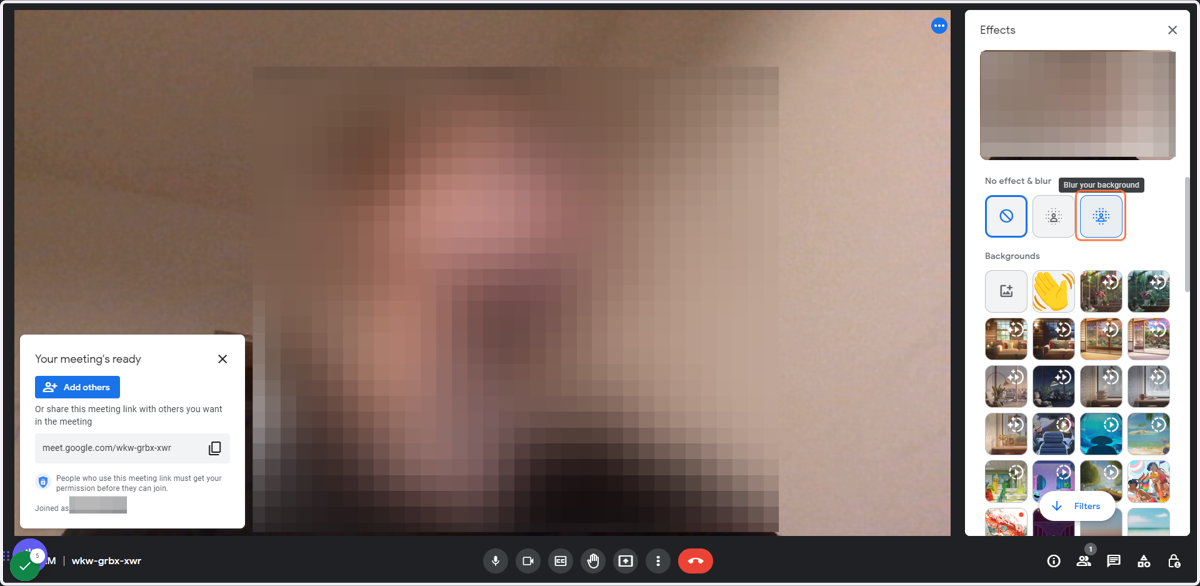
4. b) Click on Slightly blur your background to get a slightly blurred background
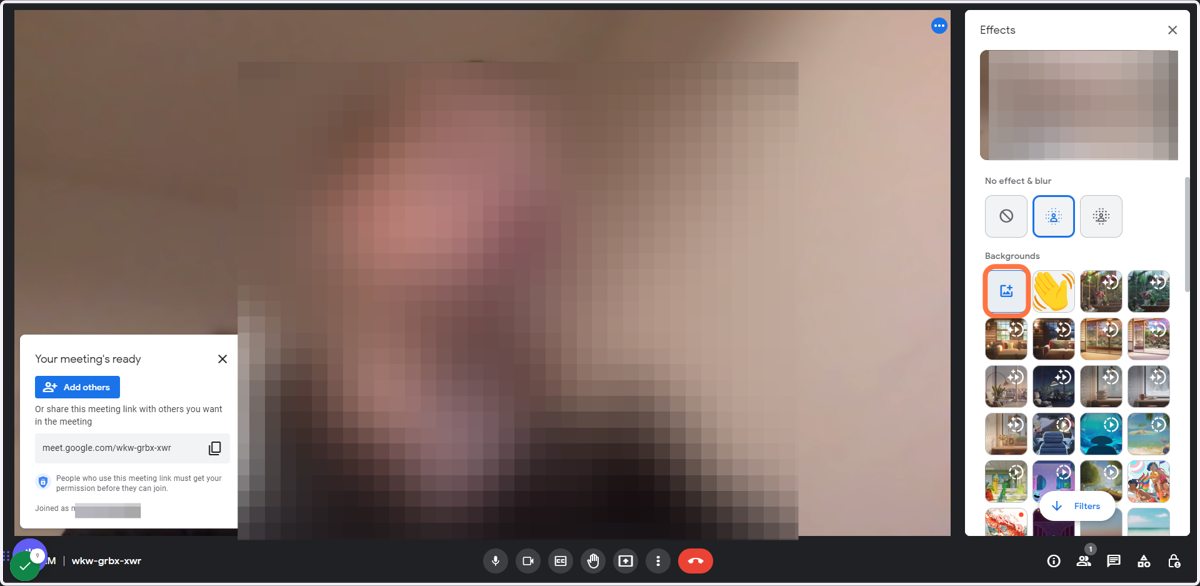
5. c) Click on Upload a background image and change your background to your uploaded image
6. d) Click on a background image you've uploaded in the past to set it as your active background
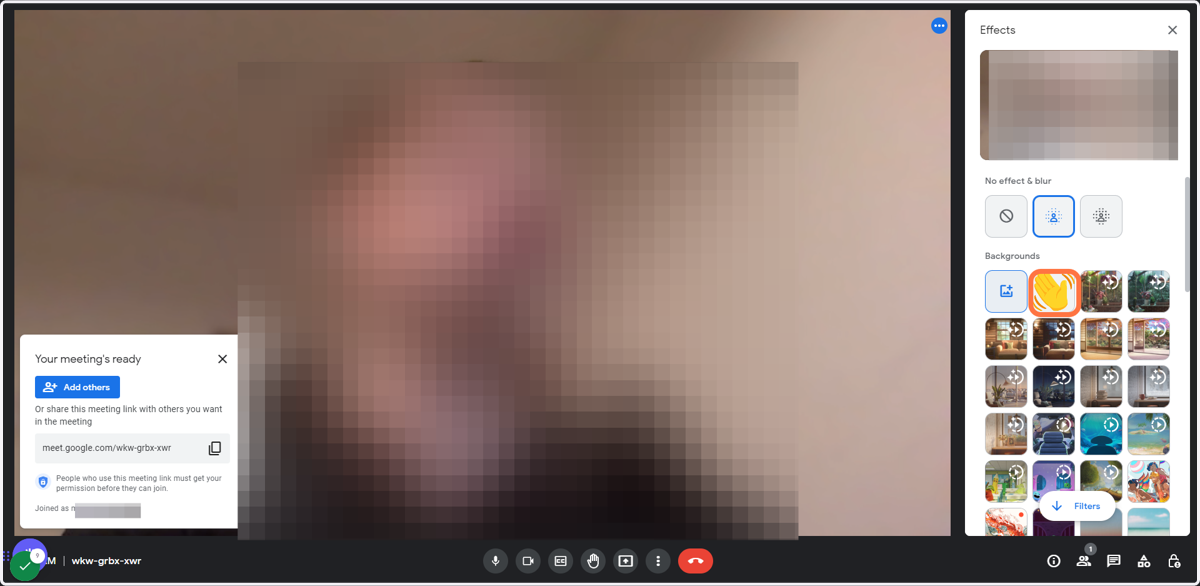
7. e) Click on of the other background videos to set one of them as your active background